How to Make a Sprunki OC: AI + Picrew + Scratch + Draw
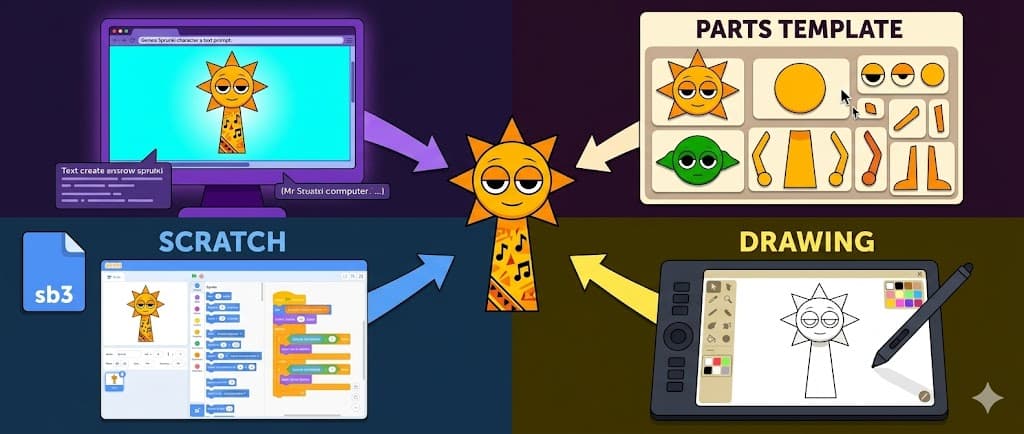
TL;DR: Four ways to make a Sprunki OC depending on skill and time: (1) AI generators (30s, no drawing needed), (2) Picrew templates (drag-and-drop, no signup), (3) Scratch sb3 mods (downloadable, requires browser editing), (4) drawing on a blank polo base (digital art skill needed). This guide covers all 4 step-by-step.
If you searched how to make a sprunki oc you saw Google's AI Overview point to 3 main steps (design basics → pick method → bring to life). True, but vague. The real question is: which method fits your skill level and time?
This guide breaks down 4 concrete ways to make a Sprunki OC, each with step-by-step instructions. Pick the one that matches what you actually want.
Quick Pick: 4 Methods Compared
| Method | Time | Skill needed | Output | Best for |
|---|---|---|---|---|
| AI Generator | 30-60s | None | Unique full-body Sprunki | Fast, unique, full body |
| Picrew Template | 1-2 min | None | Layered head/chest avatar | Quick Discord avatar |
| Scratch sb3 | 30-60 min | Basic Scratch knowledge | Modified mod sprite | Modders + animators |
| Blank Polo Draw | 1-3 hours | Digital art skill | Custom illustration | Artists with own style |
4 Ways to Make a Sprunki OC
Sprunki characters share a recognizable visual — circular head, squarish/tubish body, colored polo, music note decorations (the Reddit one-line answer captures it perfectly). The differences between methods are how you assemble those elements.
The first 3 methods don't require drawing. Only the 4th does.
Method 1: How to Make a Sprunki OC with AI
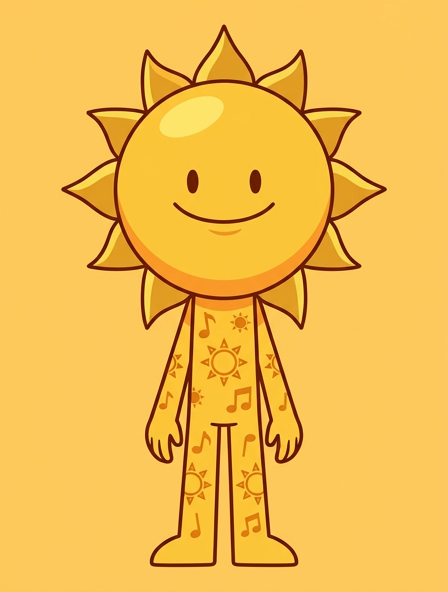
The fastest method. No drawing, no template hunting, no installs.
- Open
/sprunki-oc-makerand sign in with Google (free starter credits). - Pick Mode — Text Mode (design from scratch) or Photo Mode (upload selfie + transform).
- Set Archetype — Sun-like / Tree-like / Robot-like / Ghost-like / Creature-like / Custom.
- Set Phase Style — Phase 1 cheerful / Phase 2 Horror / Pyramixed geometric / Retake vintage / Horror dark.
- Add Primary Color + short Prompt — 7-15 words like
yellow body, beat icon, music notes, cheerful pose. - Click Generate (4 credits, 30-60s wait).
- Download / Share / Make Video — your Sprunki OC is ready.
This is the only method that supports Photo Mode (turning your selfie into a Sprunki character) and outputs full body by default. For deeper AI explanation, see the Sprunki OC Maker AI Guide.
Method 2: How to Make a Sprunki OC with Picrew
The classic fan method. how to make a sprunki oc picrew is one of the most common searches because Picrew templates are free and instant.
- Search "Sprunki" on Picrew — picrew.me hosts multiple fan-made Sprunki templates: Drac's Sprunkinator, Sprunki maker (2526407), Sprunki OC Creator (2513920), Sprunki oc maker!! :D.
- Open the template — no signup needed.
- Drag and drop — pick hair, eyes, polo color, accessories from artist-provided options.
- Click "Save" — Picrew exports a PNG you can download.
Limitations: Picrew is template-only. No full body (mostly head/chest), no Photo Mode, fixed Phase style per template. For the top 4 Picrew Sprunki templates compared in detail, see the Sprunki OC Maker Picrew Guide.
Method 3: How to Make a Sprunki OC in Scratch
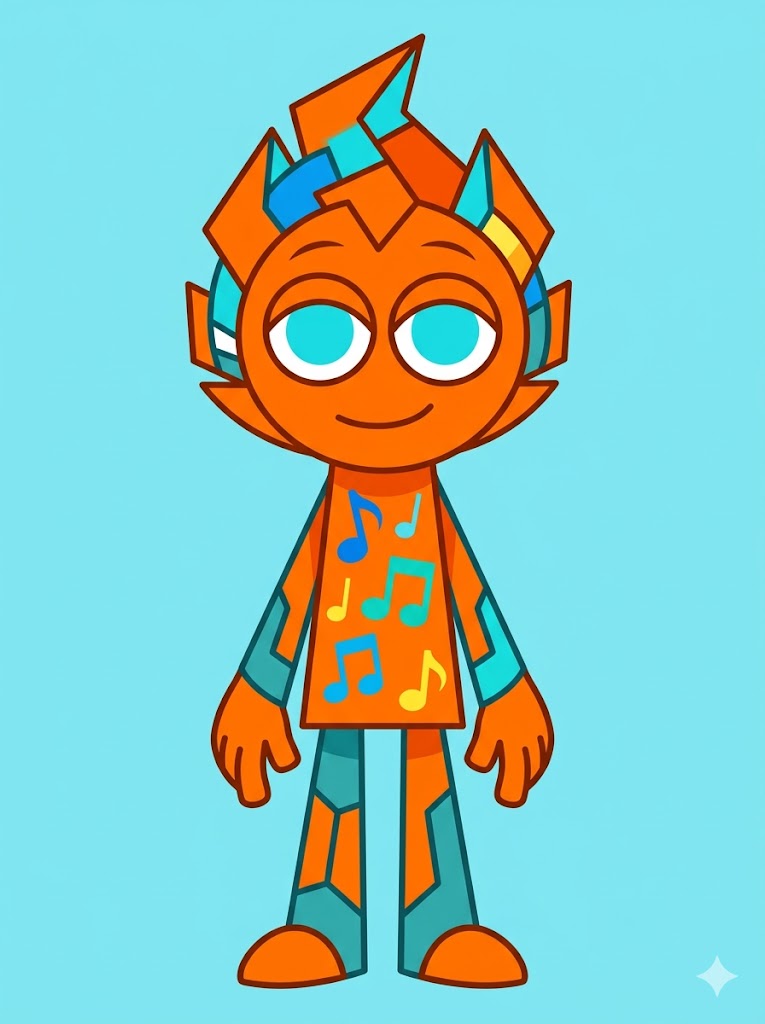
For modders. how to make a sprunki oc from scratch searches return this path — using Scratch (MIT's block-coding platform) to modify Sprunki sb3 files.
- Download a Sprunki sb3 — Jakekemp11's "Sprunki OC Maker" on Itch.io is the most popular base (the description explicitly notes "No generative AI was used" — it's hand-built sprite work).
- Upload to scratch.mit.edu — File → Load from your computer → select sb3.
- Edit sprites — click on a character costume, use Scratch's built-in editor to redraw or recolor.
- Edit animations — click on "Code" tab, modify motion blocks for character animation.
- Save / Share — publish your remix to the Scratch community.
This is the how to make sprunki in scratch method — programmatic + editable + sharable as remix. Best if you plan to make a playable Sprunki mod variant, not just a static OC image.
Method 4: How to Make a Sprunki OC by Drawing (Blank Polo)
The artist method. Reddit users on r/incrediboxspunki summarize it as "Get a blank polo and an idea, then draw away. All it really needs is a circular head and a squarish-tubish body."
- Find a blank Sprunki base — search "Sprunki blank polo template" or grab one from community Discord servers (often as PSD/PNG transparent files).
- Open digital art software — Procreate (iPad), IbisPaint X (mobile), MS Paint / Photopea (browser), Procreate Dreams or Adobe Fresco.
- Sketch your character on top — circular head + squarish tubular body + polo design + music role indicator.
- Color and polish — flat 2D, bold outlines (match Sprunki aesthetic).
- Export PNG — share to your community.
The sprunki oc base search term refers to this blank polo template foundation that other artists draw over.
How to Create an OC Character (General)
A common follow-up question (this appears in PAA). General OC creation framework, applicable across fandoms:
- Look: silhouette, colors, signature accessory (Sprunki's is the polo + music note)
- Musical role (Sprunki-specific): beat, melody, voice, effect, or bass
- Personality: energetic, mysterious, goofy, intense
- Lore: backstory hook (one sentence is enough — "She left the choir to discover her own sound")
These four pieces are enough to design a Sprunki OC for any method above.
Is the Sprunki OC Maker Free?
Yes — most methods are free or freemium:
- Picrew templates — completely free, no signup
- AI Sprunki OC Maker (eg aividmaker) — free credits on Google signup, then 4 credits per generation
- Scratch sb3 — free download from Itch.io
- Drawing apps — Procreate ~$10 one-time, IbisPaint free, MS Paint / Photopea free
The PAA question "Is the Sprunki OC Maker free to use?" reflects the same concern — the answer is "yes, multiple free paths exist" with varying tradeoffs.
AI method — no drawing, no template hunting, no install. Just describe your character and generate.
Free credits on Google signup · 5 Phase Styles · Photo Mode · Full Body
How to Make Your Own Sprunki Character (Decision Framework)
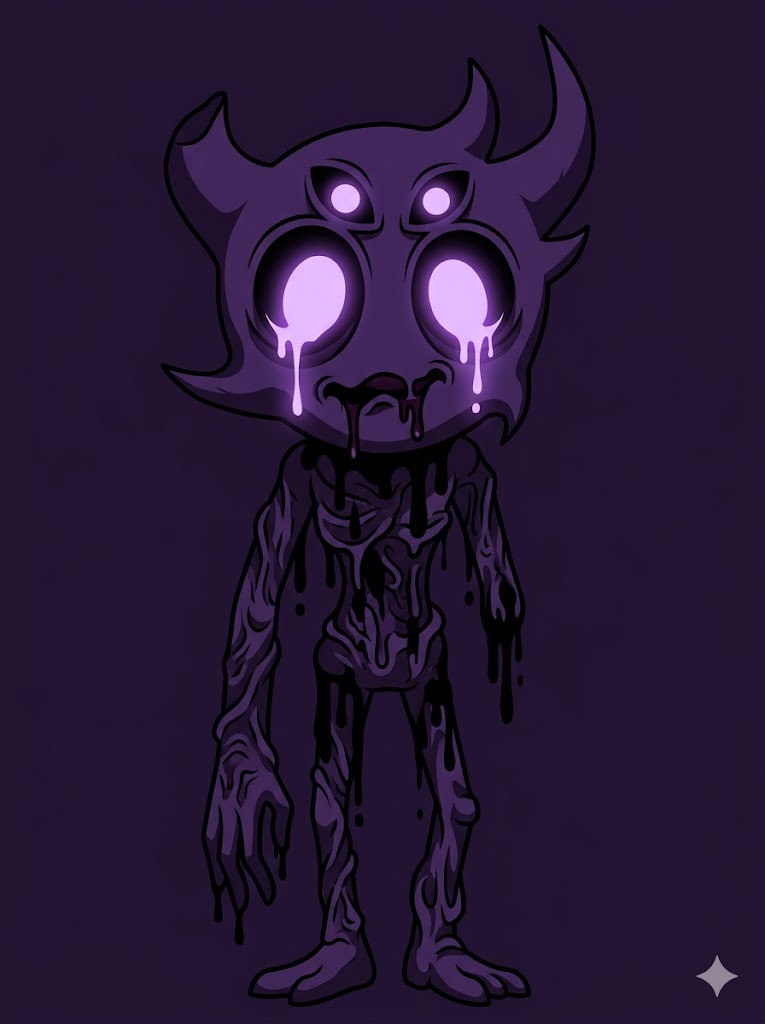
Both how to make your own sprunki character and how to make a sprunki oc maker searches express user intent without method preference. Pick by what you want:
- Want fast + unique + Photo Mode + full body → AI Generator (Method 1)
- Want zero signup + classic fixed templates → Picrew (Method 2)
- Want a playable mod variant → Scratch sb3 (Method 3)
- Want to draw your own style → Blank Polo (Method 4)
Most fans use AI first (for ideation + final image) then Scratch (if they want it animated as a playable Sprunki mod). The AI step is where you commit to your character's look. The Scratch step is where you bring it into the actual Incredibox mod environment.
The Bottom Line
How to make a sprunki oc has 4 legit answers depending on what you need: AI for speed, Picrew for instant casual, Scratch for modding, drawing for artistic control. None is "better" — pick the one matching your goal.
For the fastest path, the Sprunki OC Maker covers AI text-to-image and Photo Mode in one tool with 6 Archetypes and 5 Phase styles. Save to My Creations for iteration.
For deeper context on each method:
- Sprunki OC Maker AI Guide — how AI Sprunki generators work
- Sprunki OC Maker Picrew Guide — top 4 Picrew Sprunki templates reviewed
- Mobian OC Maker Guide — Mobian / Sonic OC vocabulary (sister fandom)
- Sonic OC From Photo — Photo Mode deep dive (transferable technique)
This is an unofficial fan tool. Sprunki is a fan-made modification of Incredibox by Sosso, created by Nyanko and other community modders. Not affiliated with Sosso, Incredibox, or the Sprunki community. Picrew is a separate platform by TetraChroma. Generated content is for personal, non-commercial use only.