AI PS2 Filter — Free Online
Upload a photo and transform yourself into a PlayStation 2 video game character — low-poly, retro textures, classic 2000s game aesthetic
Upload Your Photo
Result
Your PS2 character will appear here
Upload a photo and click Transform to PS2
PS2 Filter Examples
Click any example to try it yourself — see the retro PlayStation 2 transformation
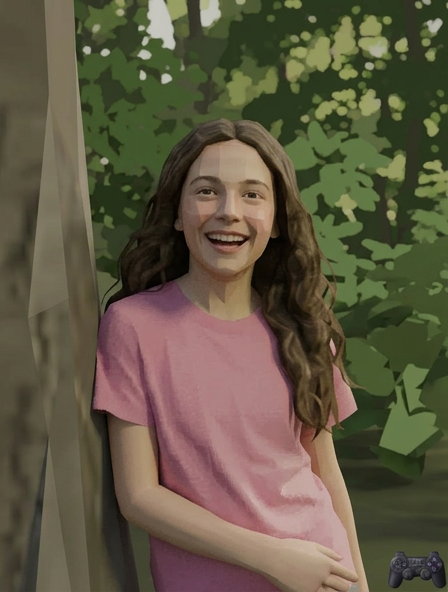
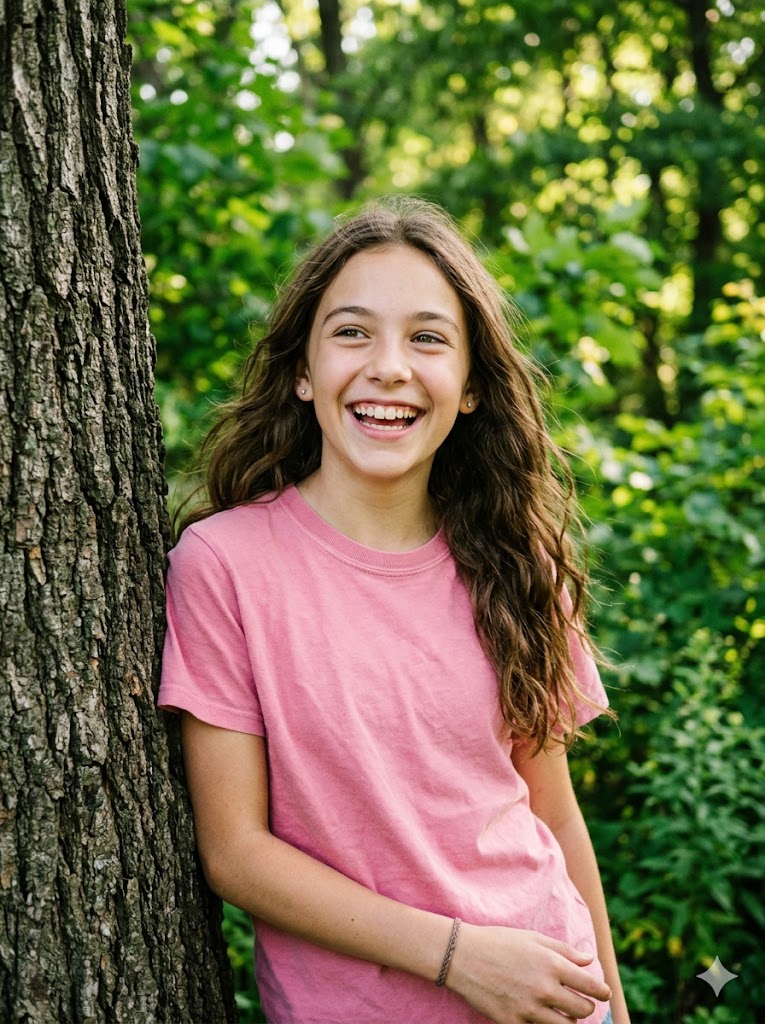
Male Portrait
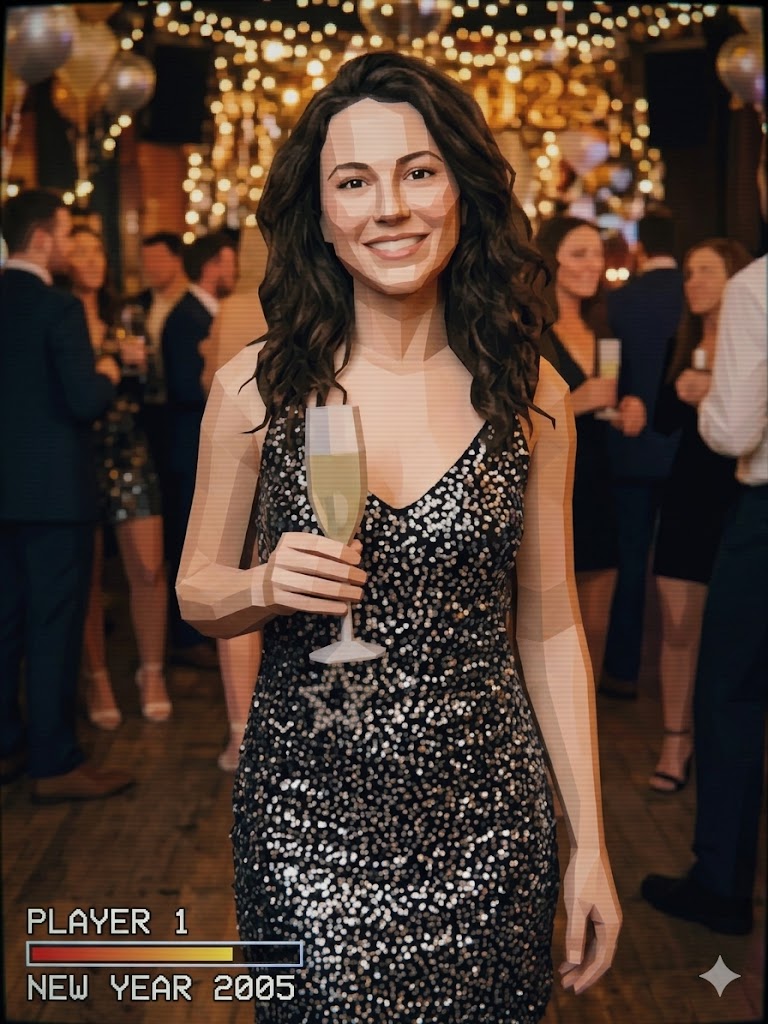

Female Smile
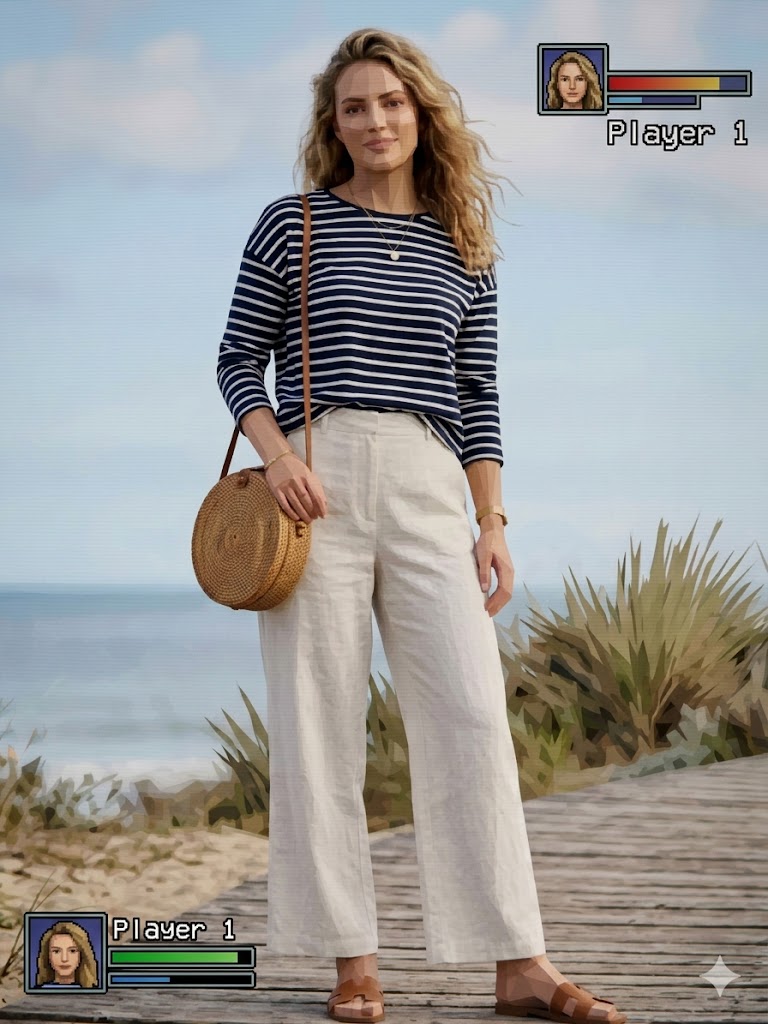
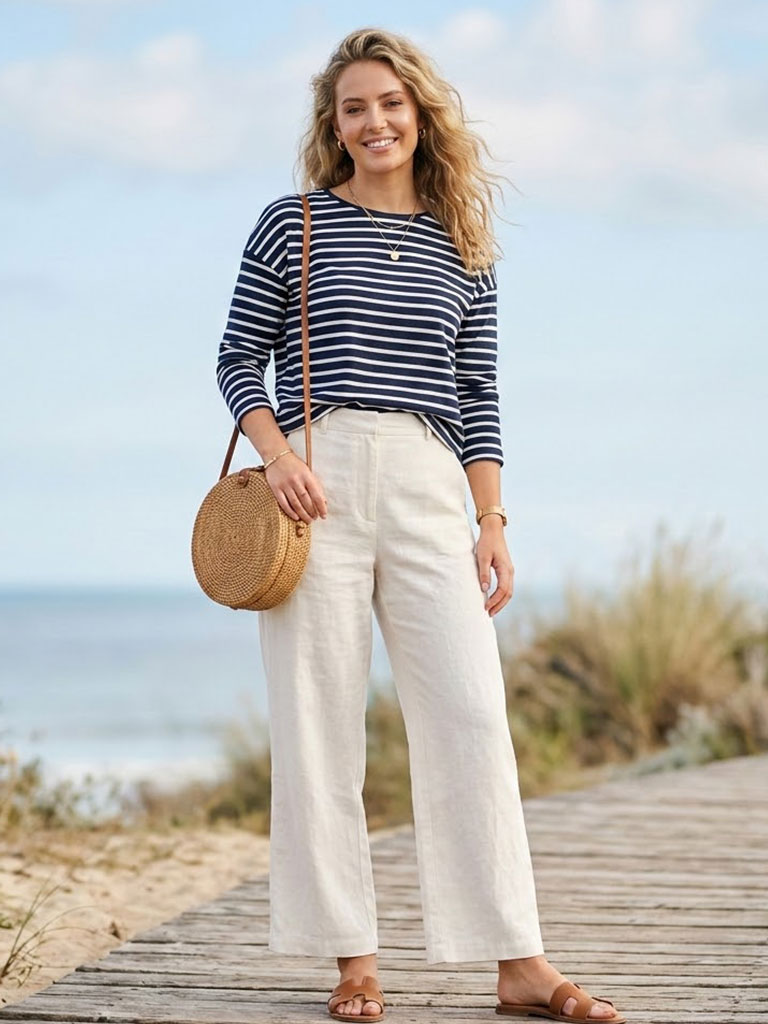
Asian Male
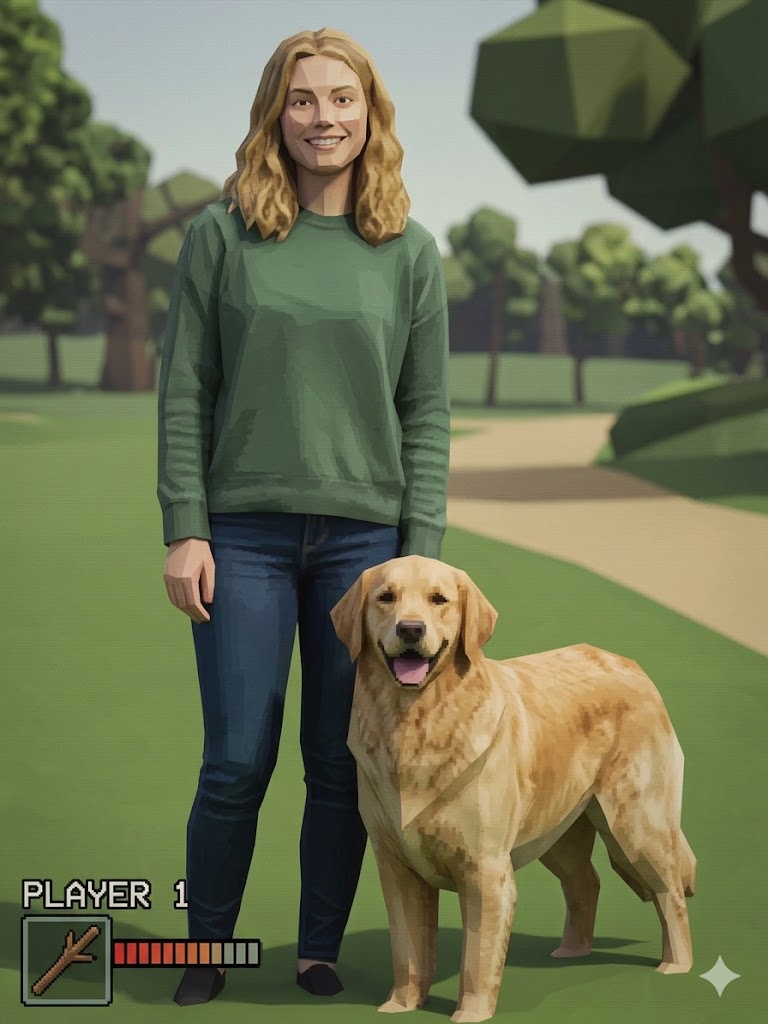
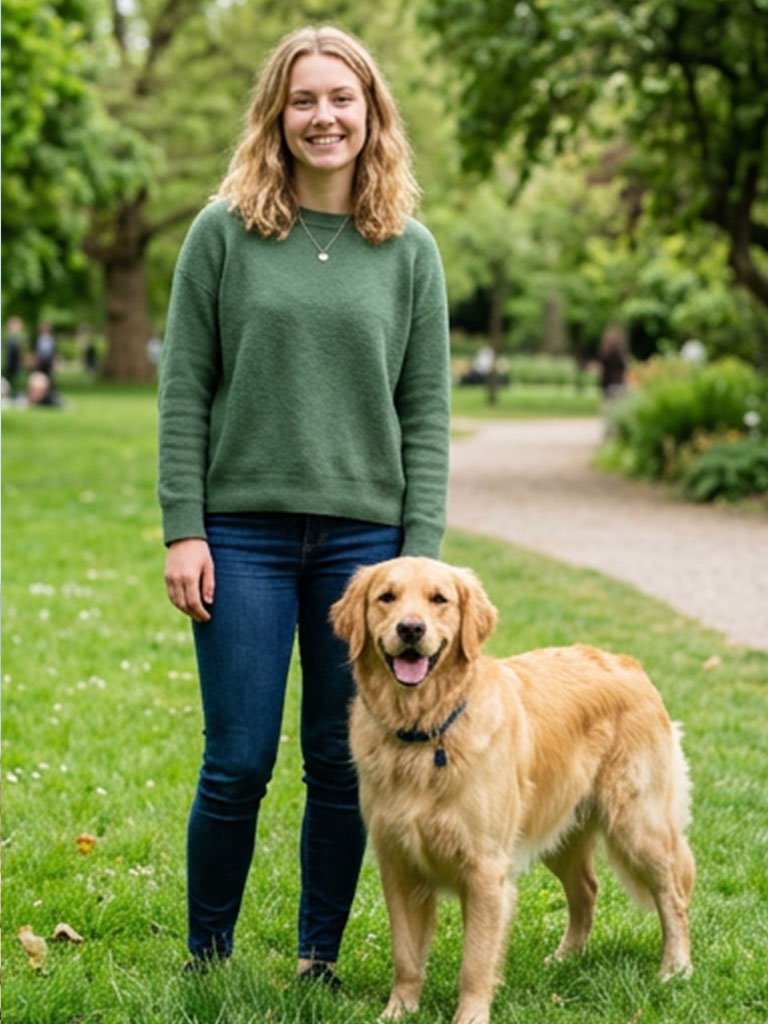
Black Female
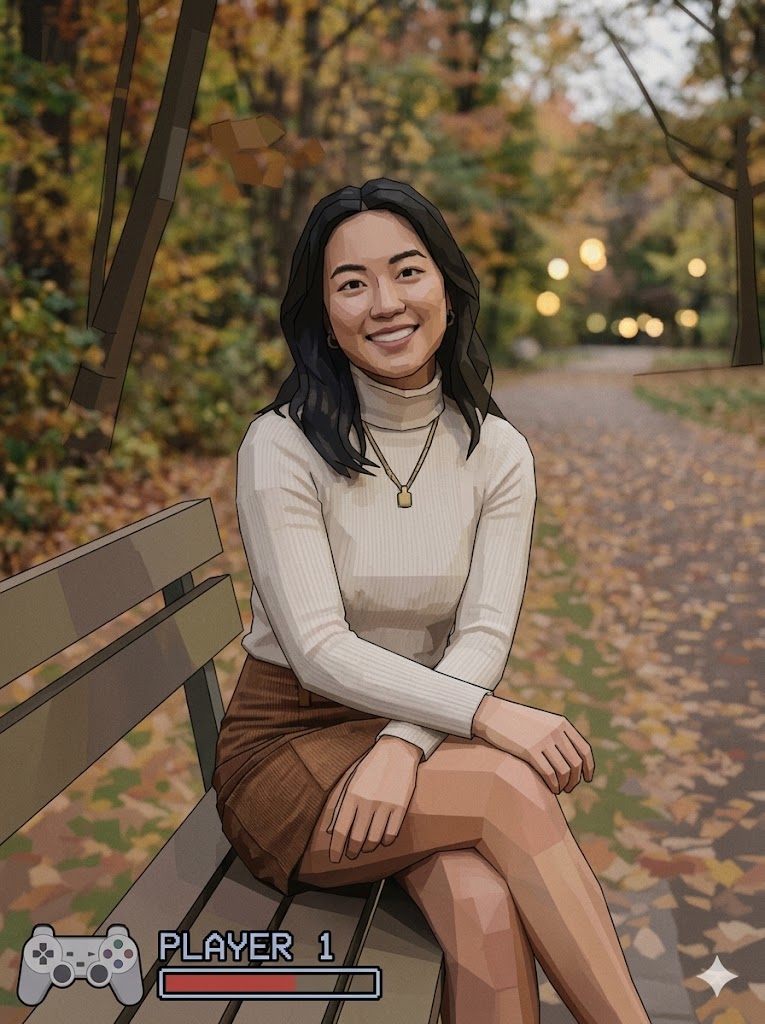

Teen Boy
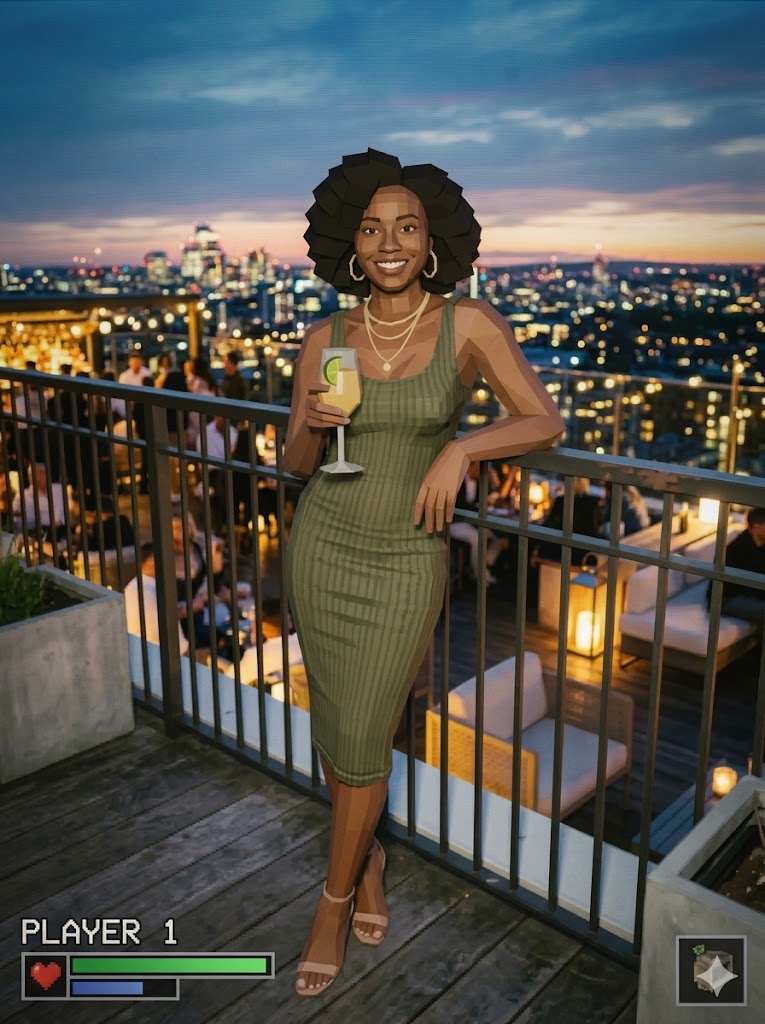
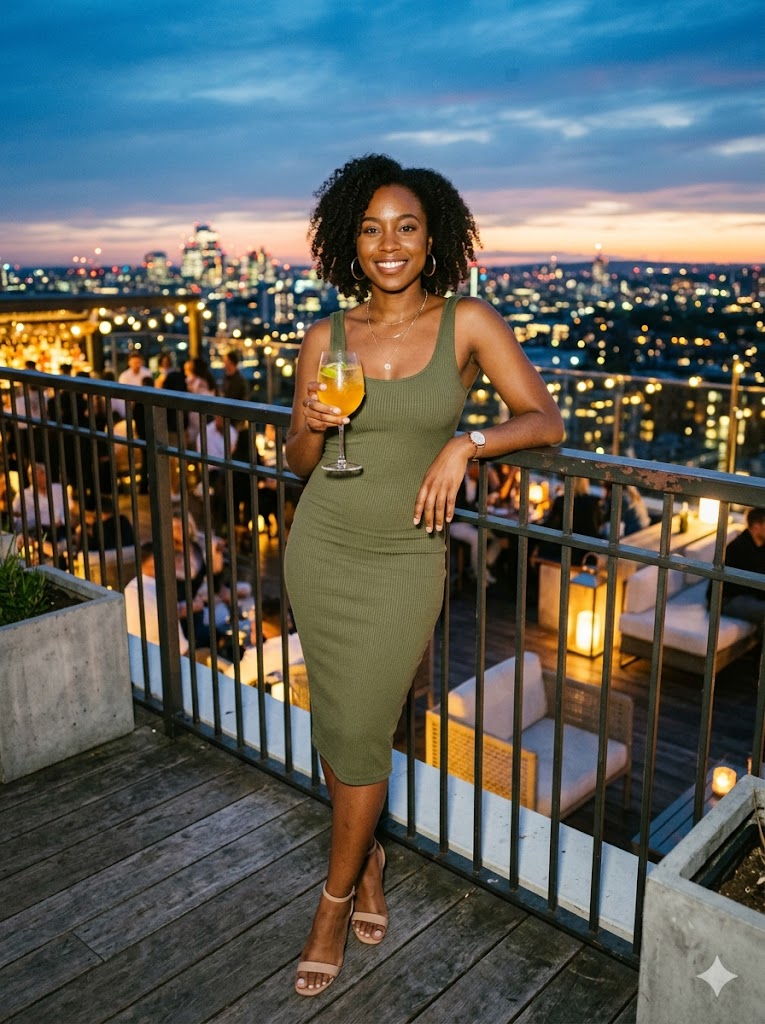
Teen Girl
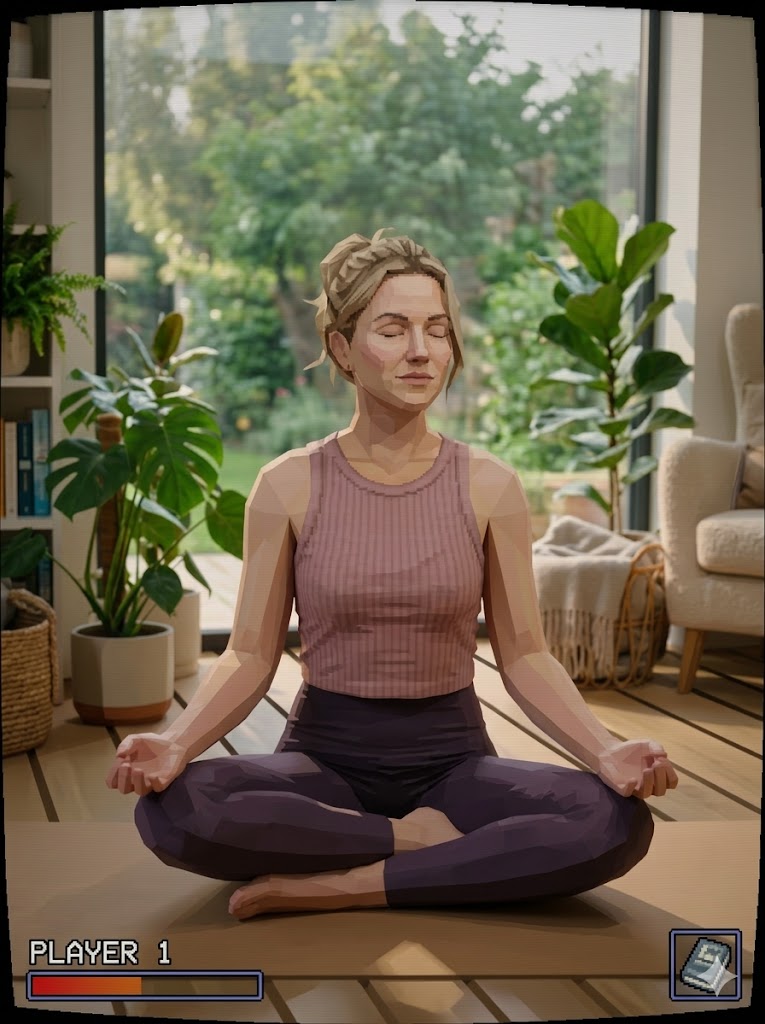

Suited Man
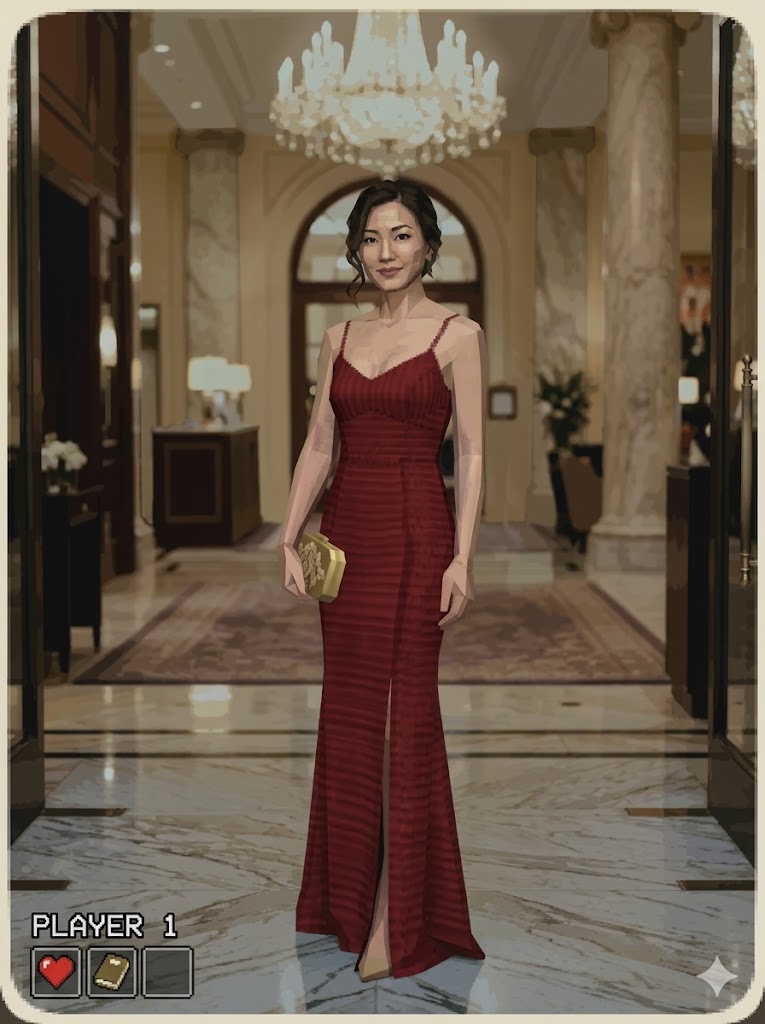
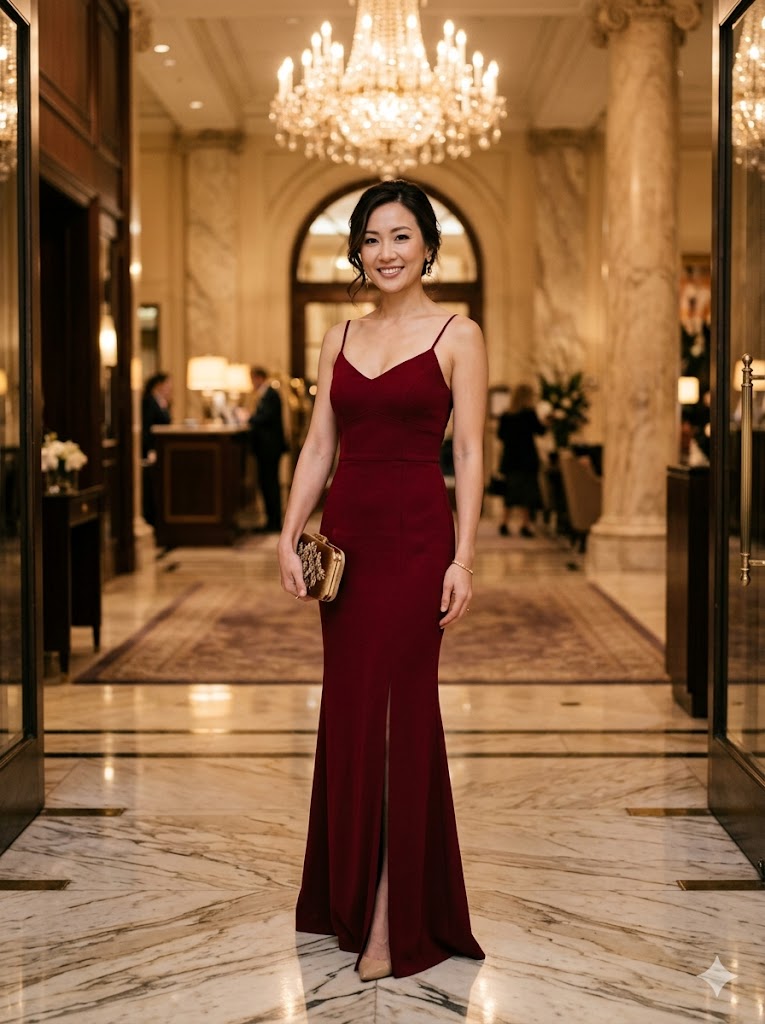
Casual Woman
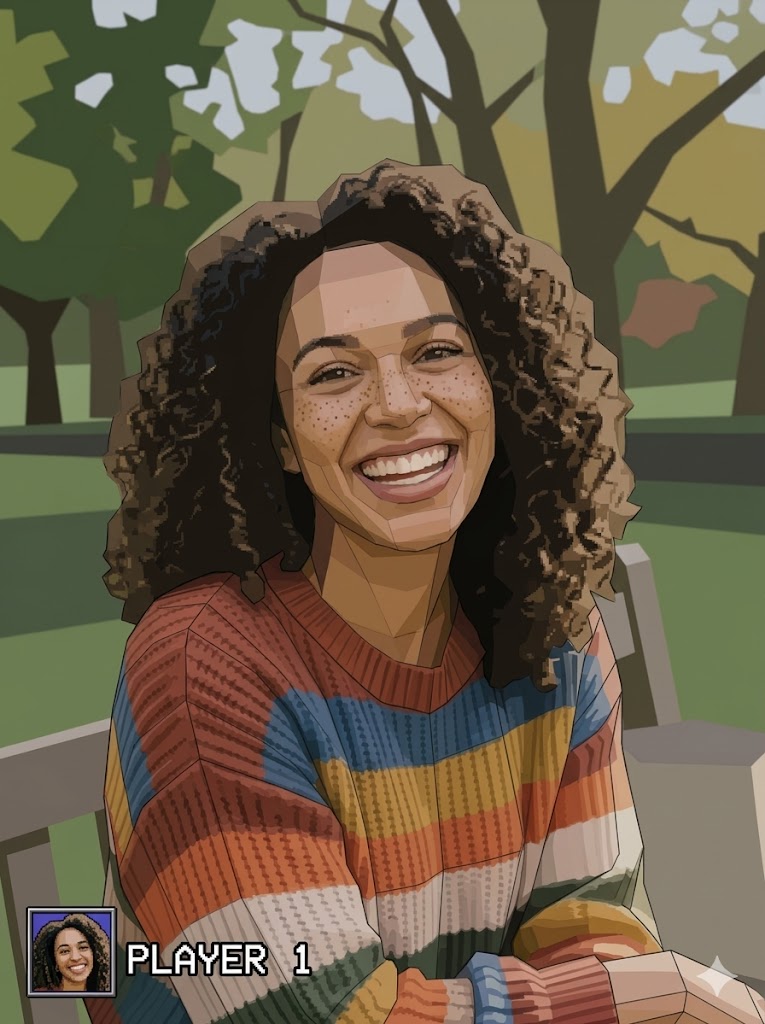
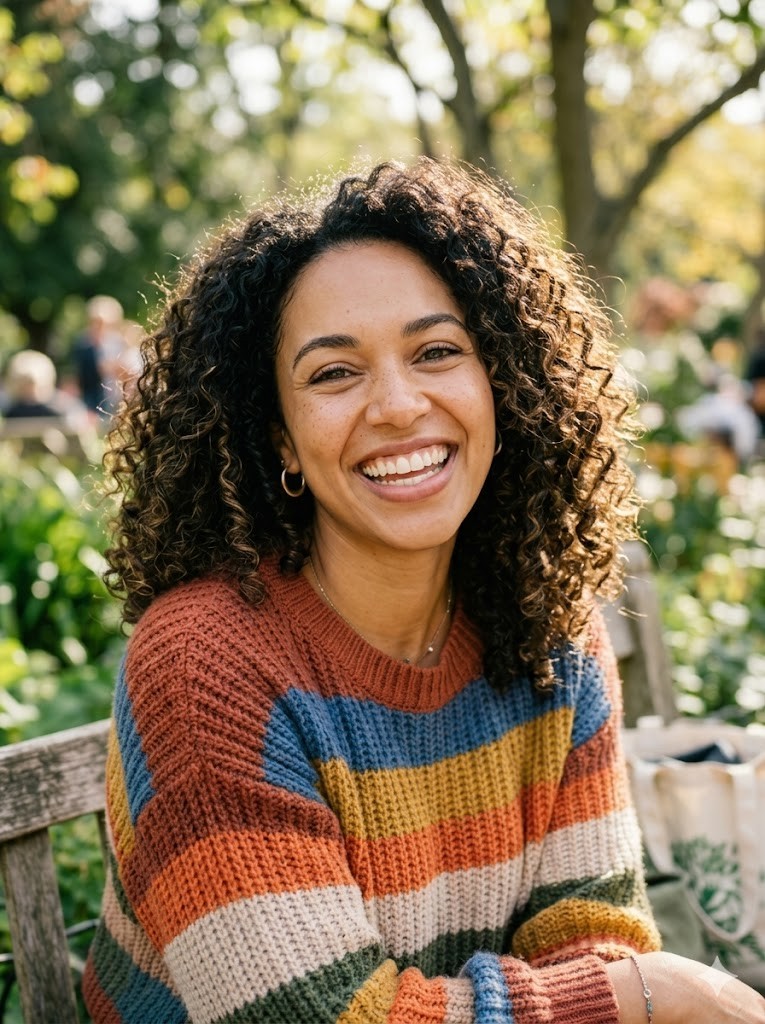
Couple
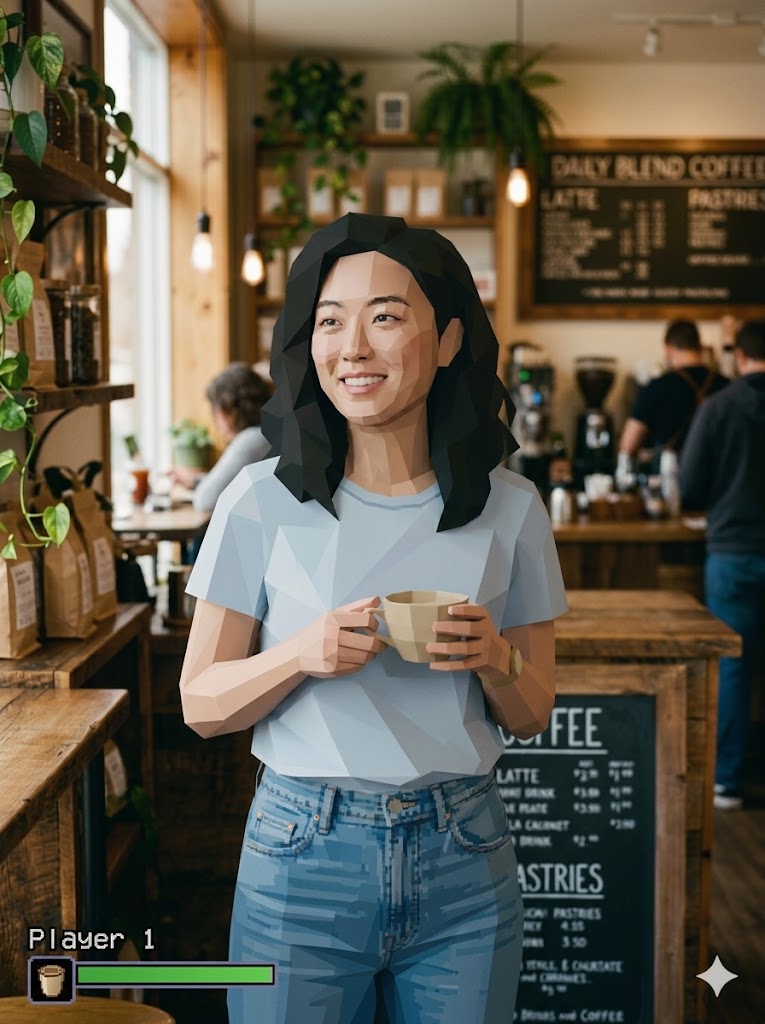

Glasses
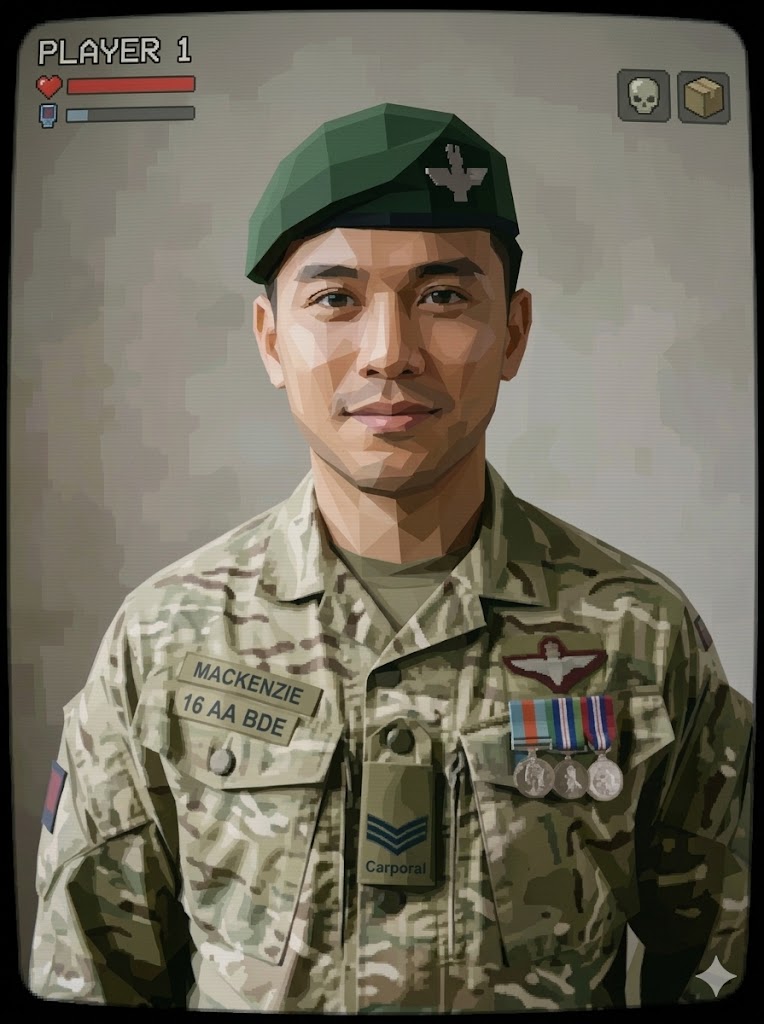

Side Profile
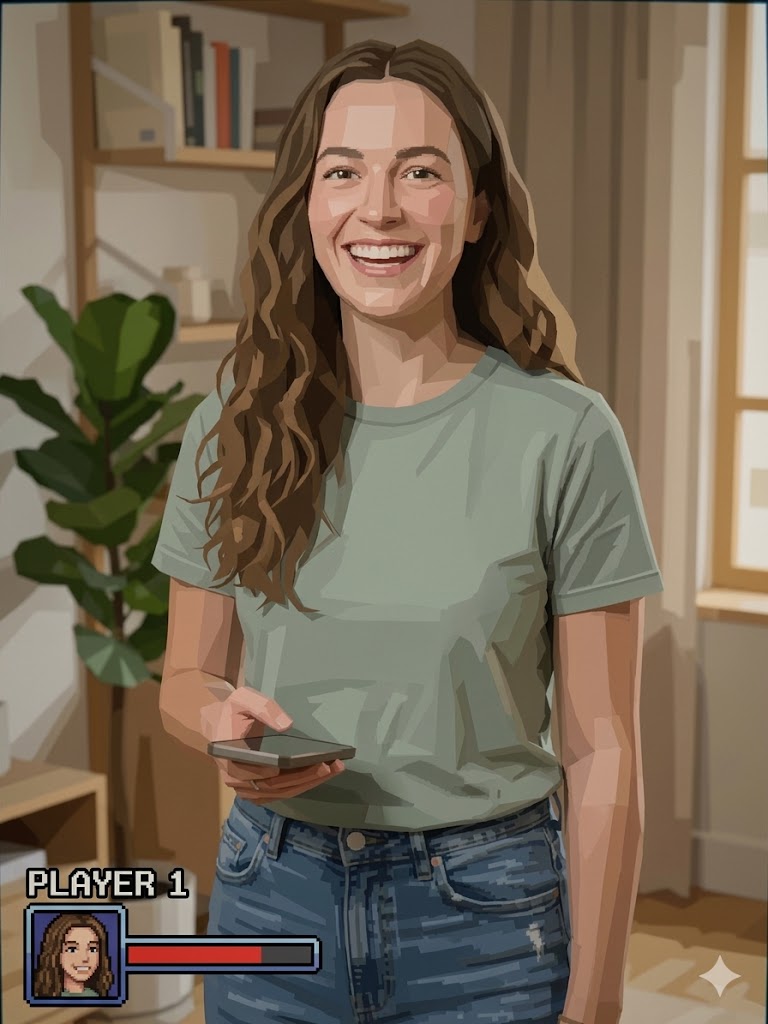

Fitness
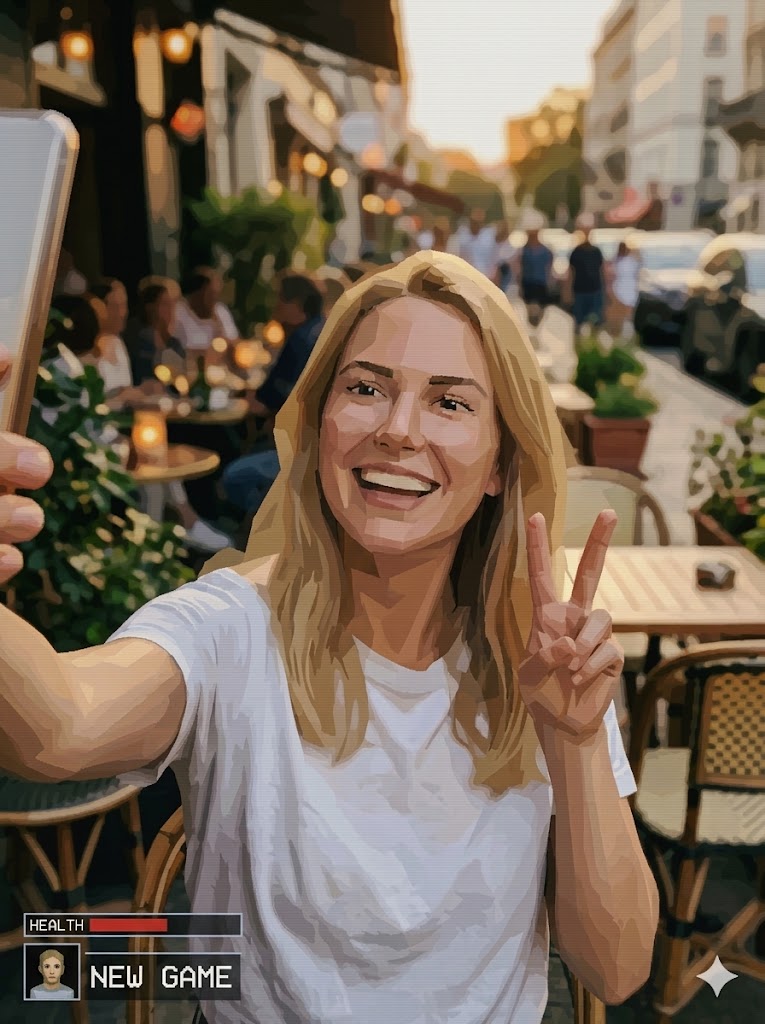
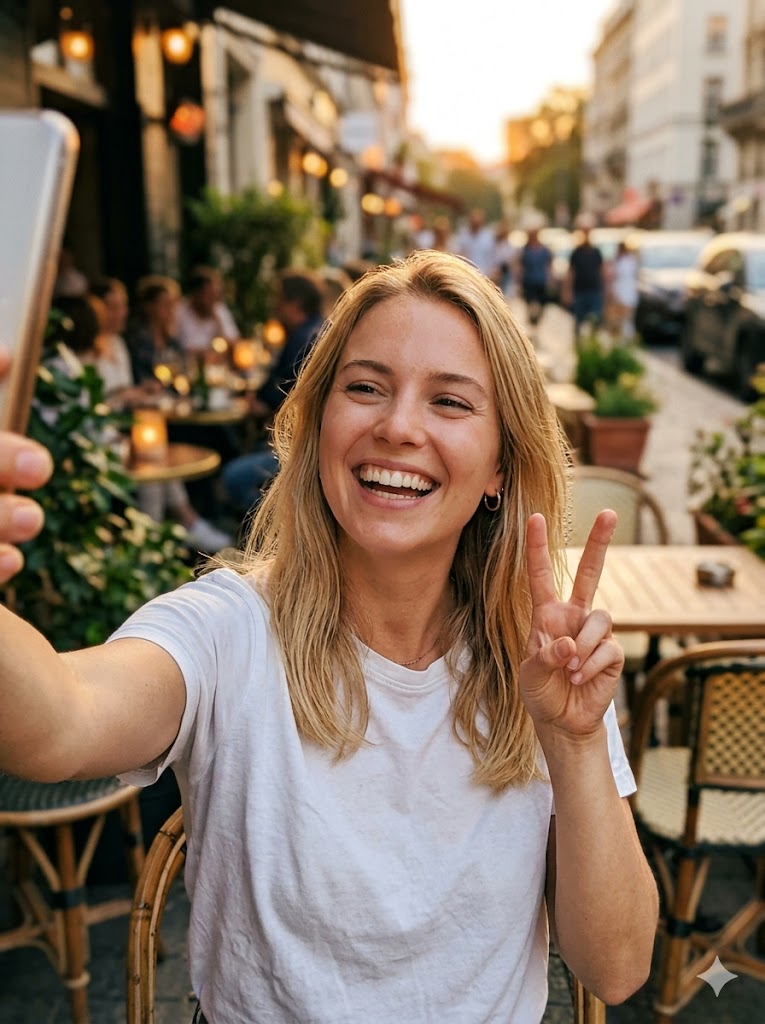
Kid


Selfie
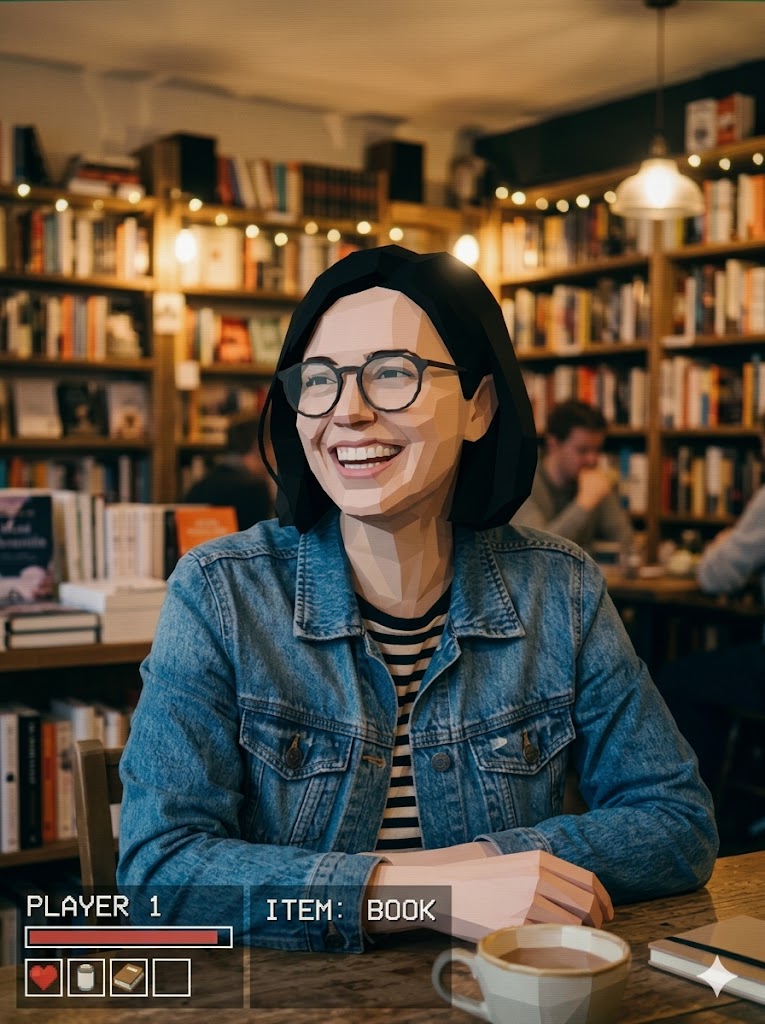

Latina
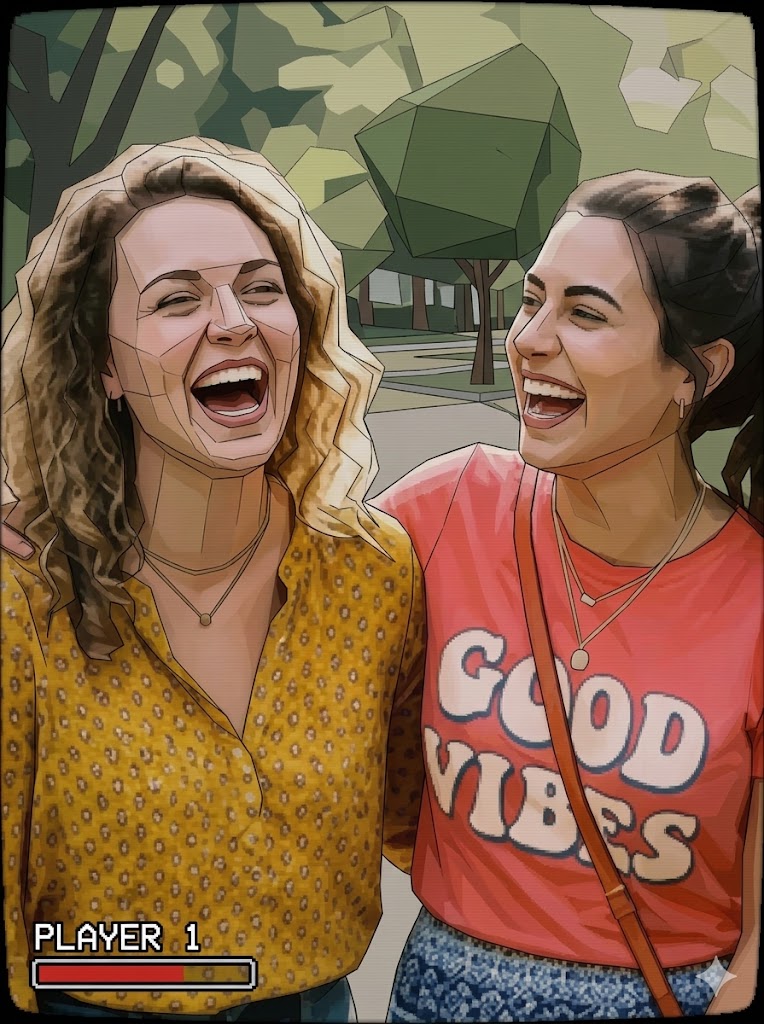
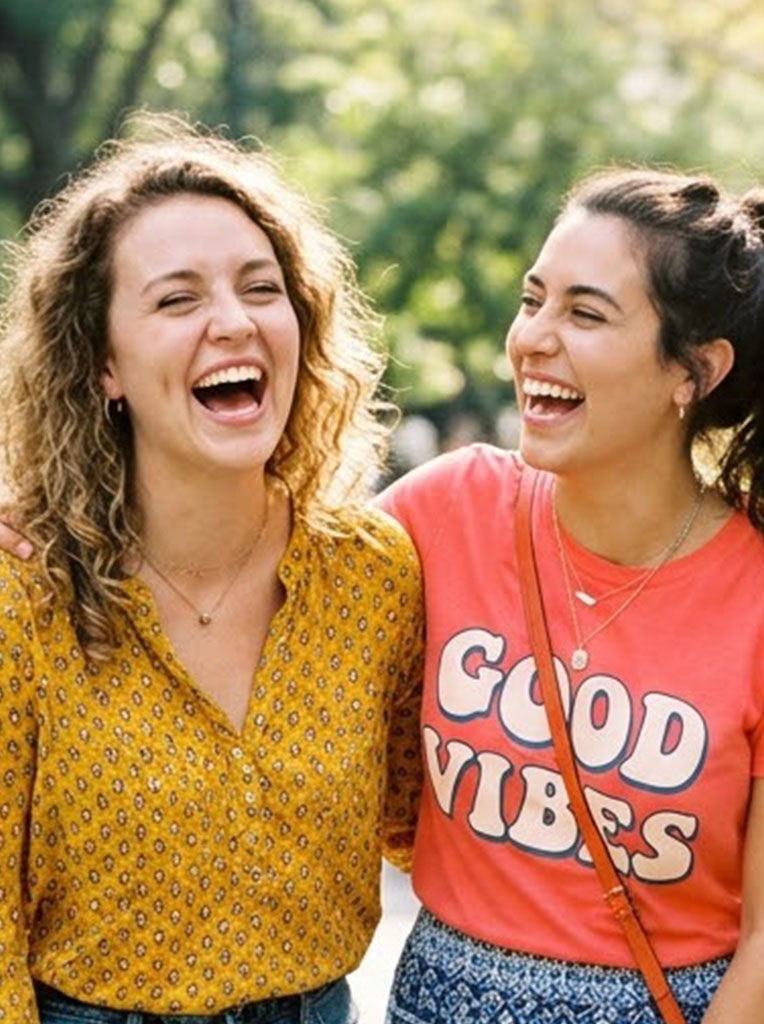
Senior
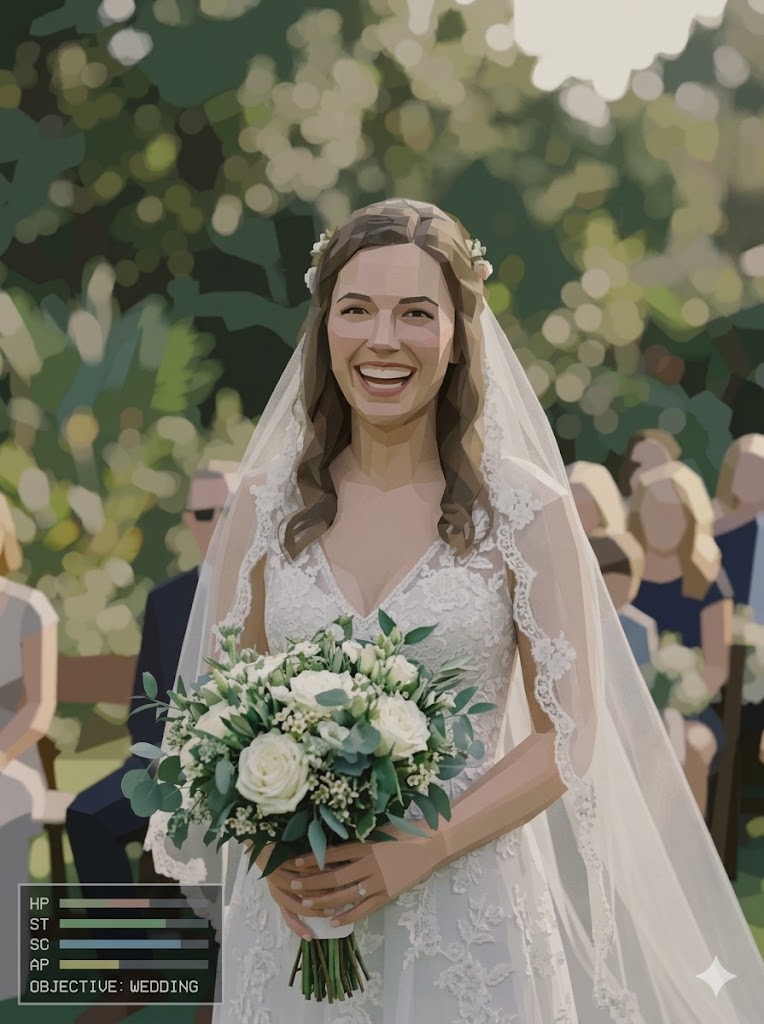

Friends
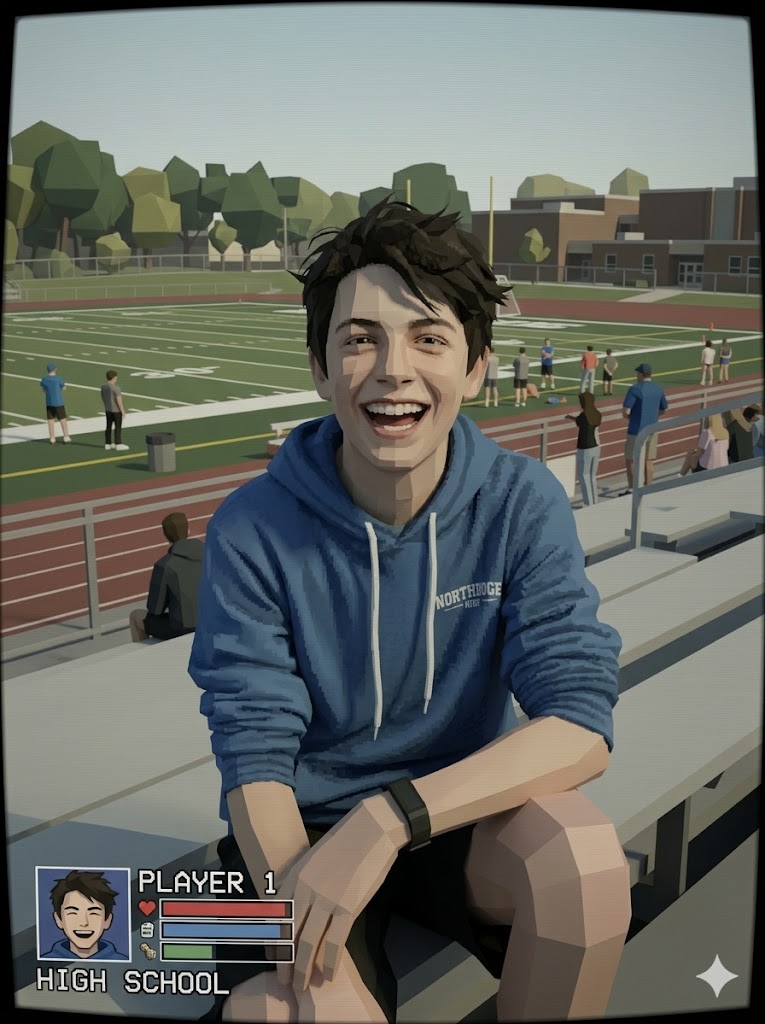
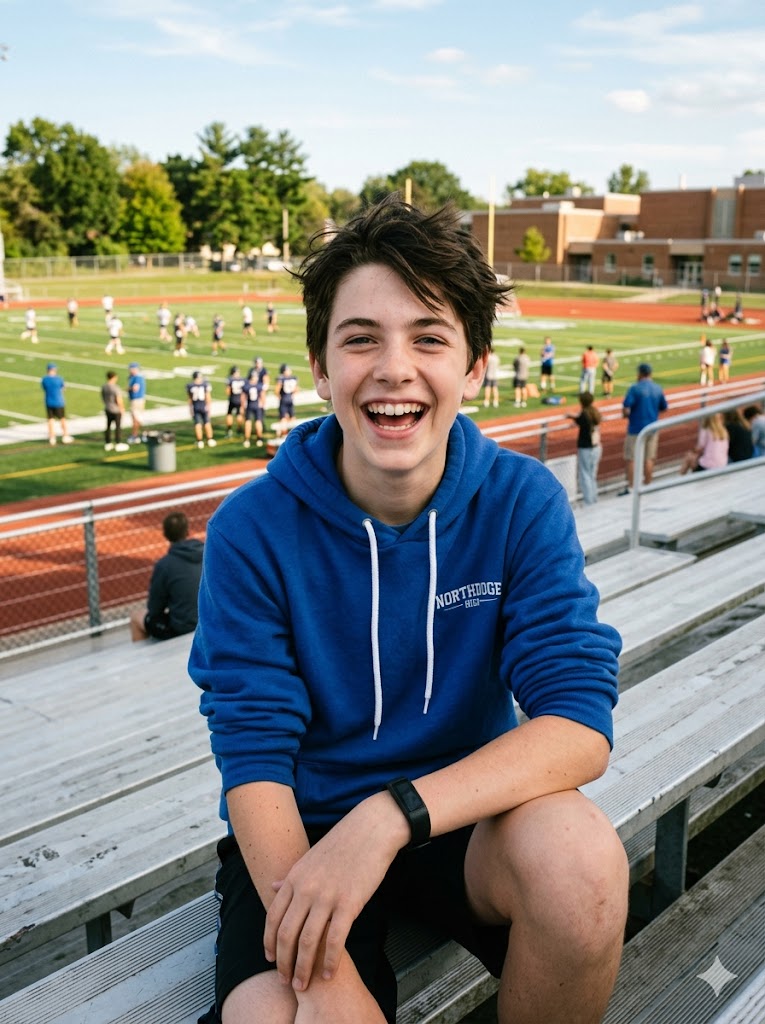
Full Body
See the AI PS2 Filter in Action
Drag the slider to compare before and after the PS2 transformation
Portrait
Drag the slider to compare
Female
Drag the slider to compare
What Is a PS2 Filter?
A PS2 filter is an AI-powered tool that transforms your photos into the visual style of PlayStation 2 video game characters. Think low-poly geometry, pixelated textures, muted color palettes, and that distinctive early 2000s rendering — the classic look of games like Final Fantasy X, Metal Gear Solid 2, and Kingdom Hearts.
Our AI PS2 filter uses generative AI to recreate the authentic PS2 aesthetic, not just a simple overlay. The AI analyzes your facial features and rebuilds them as a retro 3D game character while keeping you recognizable.
- ✓Authentic PS2-era low-poly game character style
- ✓AI-powered transformation in seconds
- ✓Online — no app download needed
- ✓Works with any portrait photo
- ✓Download, share, or animate your PS2 character
How to Use the PS2 Filter Online
1. Upload Your Photo
Upload a clear portrait photo. Front-facing, well-lit selfies produce the most authentic PS2 game character results.
2. AI Transforms Your Photo
Our AI converts your photo into a PS2-era game character with low-poly geometry, pixelated textures, and retro lighting. Takes just seconds.
3. Download & Share
Download your PS2 character in high quality, share it on TikTok or Instagram, or click Make Video to animate your retro game look.
Creative Ways to Use the PS2 Filter
From TikTok trends to nostalgic fun — see how people use the PS2 character filter
PS2 Filter for TikTok & Instagram
Join the viral #PS2Filter trend that took over TikTok. Create before-and-after transformation content showing your real face morphing into a PS2 game character.
Download in high quality, perfect for Reels, TikToks, and Stories. The retro aesthetic gets massive engagement from gaming and nostalgia communities.
BeforeAfterRetro Gaming Profile Pictures
Stand out on Discord, Steam, Reddit, or any gaming platform with a PS2-style profile picture. Your avatar will look like it was pulled straight from a classic PS2 game.
The low-poly aesthetic is instantly recognizable to anyone who grew up with PlayStation 2, making it a great conversation starter.
BeforeAfter2000s Nostalgia & Retro Vibes
Remember the magic of playing PS2 games after school? The PS2 filter captures that exact aesthetic — polygon edges, simplified textures, and warm retro lighting.
Share your PS2 character with friends and family for a nostalgic trip back to the early 2000s gaming era.
BeforeAfterGaming Cosplay & Character Design
Use the PS2 filter as a reference for retro gaming cosplay or character design projects. See how your features translate into a low-poly game character.
Digital artists and game designers use PS2-style references to capture that specific retro aesthetic in their work.
BeforeAfterPS2 Filter with Friends & Couples
Transform photos of your friends, partner, or squad into PS2 game characters. See your entire group as NPCs from a retro game — a hilarious group activity.
Create a PS2-style group photo and share it in your group chat. Everyone will want to see their own retro game character version.
BeforeAfterYouTube & Streaming Content
YouTubers and streamers use PS2-style avatars for thumbnails, intros, and channel branding. The retro game aesthetic stands out in crowded feeds.
Create unique PS2-style visuals for your gaming content without needing any design skills or 3D modeling software.
BeforeAfterAnimate Your PS2 Character
After generating your PS2 character photo, click Make Video to animate it with AI. Create a short clip of your retro game character coming to life.
Perfect for TikTok transformation videos — show yourself morphing from real life into a PS2 game character.
BeforeAfterTips for the Best PS2 Filter Results
Use a Clear Portrait
Front-facing portraits with your face clearly visible produce the most authentic PS2 character results. Avoid heavily cropped or distant photos.
Good Lighting Helps
Even, natural lighting helps the AI accurately detect your facial features and create a PS2 character that looks like you.
Try Different Expressions
A neutral or slightly smiling expression works great, but try different looks — serious, surprised, or grinning — for varied PS2 character results.
High-Quality Photos
Clear, non-blurry photos produce more detailed PS2 characters. Higher resolution means better polygon edges and texture detail in the result.
Privacy & Ethical Use
Your uploaded photos are processed securely and used only for generating your PS2 character transformation. We do not store, share, or use your photos for any other purpose.
Please use this tool responsibly. Only upload photos of yourself or people who have given you permission.
Frequently Asked Questions
What is a PS2 filter?▾
A PS2 filter is an AI tool that transforms your photos into the visual style of PlayStation 2 video game characters — featuring low-poly geometry, pixelated textures, muted colors, and retro 2000s game aesthetics.
Is this PS2 filter free?▾
Yes. Purchase credits to start creating. Each generation costs 4 credits. You can purchase more credits for unlimited use. No downloads required.
How does the AI PS2 filter work?▾
Upload any portrait photo and our AI transforms it into a PS2-era game character. The AI adds low-poly geometry, simplified textures, and retro lighting while keeping you recognizable.
What is the most realistic PS2 filter app in 2026?▾
AIVidMaker's PS2 filter uses advanced generative AI to produce authentic PS2 game character transformations — not simple overlays or basic face morphing. Upload a photo and get results in seconds.
Can I use this for TikTok and social media?▾
Absolutely! Download your PS2 character photo in high quality, perfect for TikTok, Instagram Reels, and YouTube content. You can also animate it into a video.
Does the PS2 filter work on any photo?▾
It works best on clear, well-lit portrait photos. Front-facing photos produce the most authentic PS2 game character results.
Explore More AI Tools
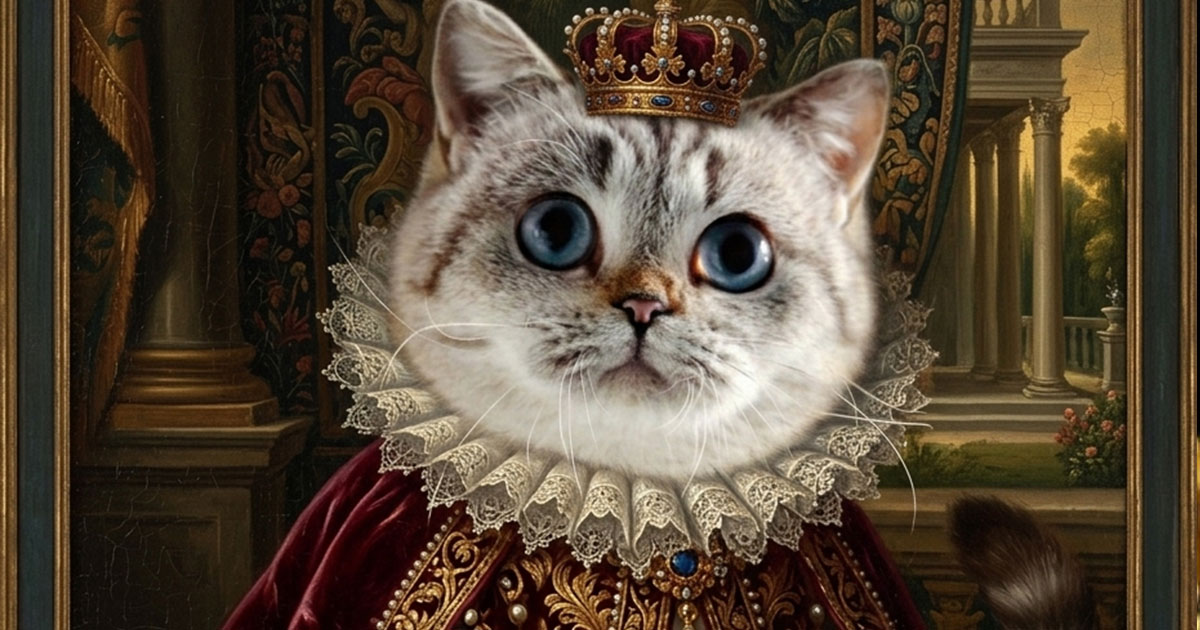
AI Pet Portrait Generator
Transform pet photos into art
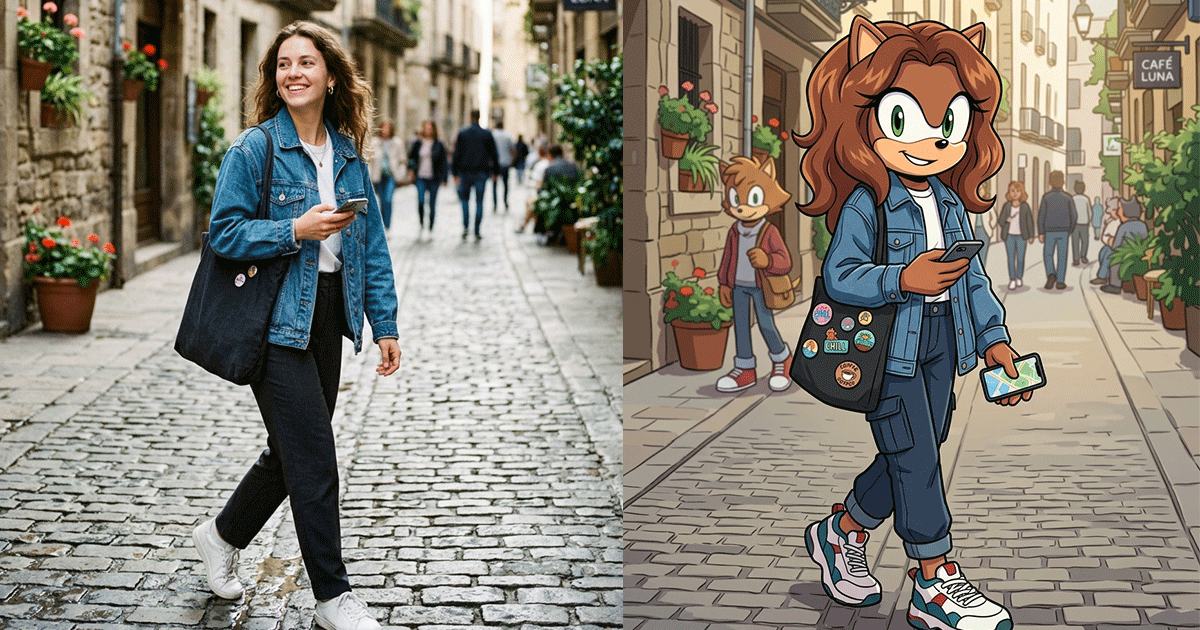
Sonic OC Maker
Create Sonic the Hedgehog OC characters with AI
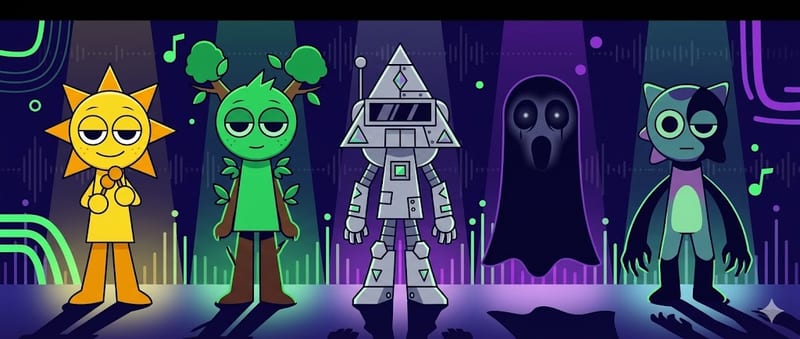
Sprunki OC Maker
Create Sprunki Incredibox OC characters with AI

Dandy's World OC Maker
Create Dandy's World Toon & Twisted OC characters with AI
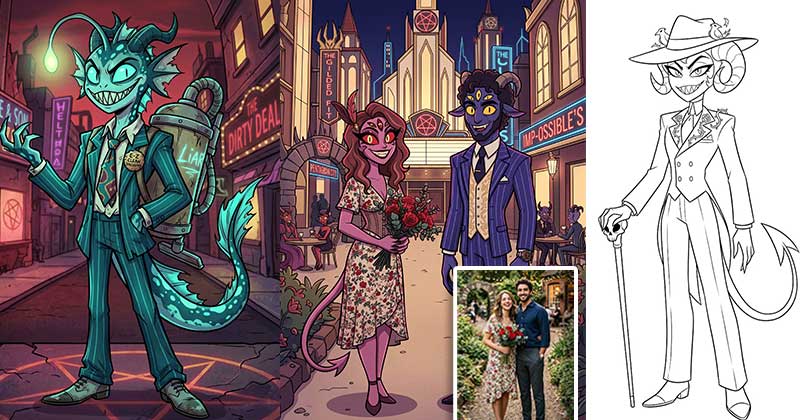
Hazbin Hotel OC Maker
Create Hazbin Hotel Sinner, Angel, Overlord & Hellhound demon OCs with AI
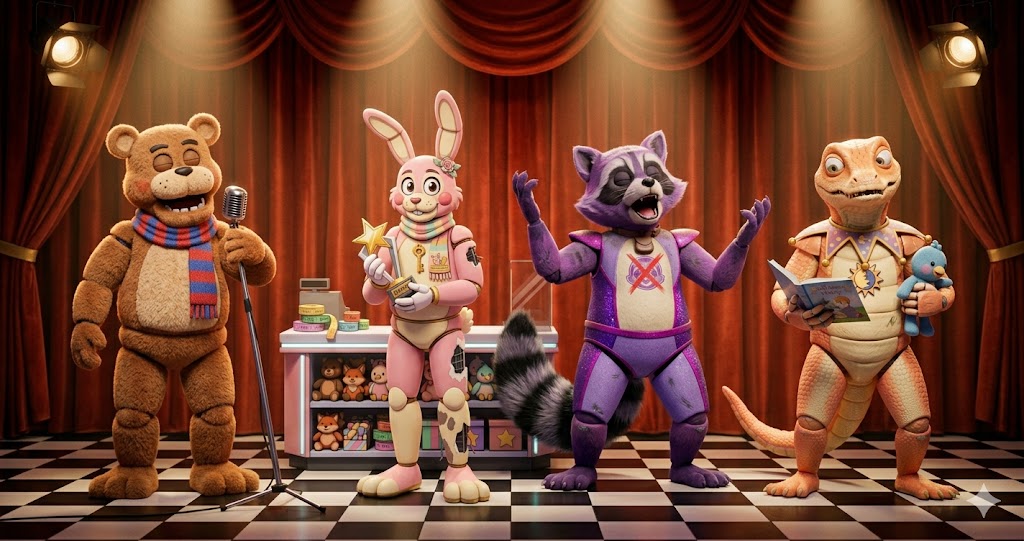
FNAF OC Maker
Create FNAF animatronic & human OCs with AI — 12 species, 8 eras, damage levels, full body
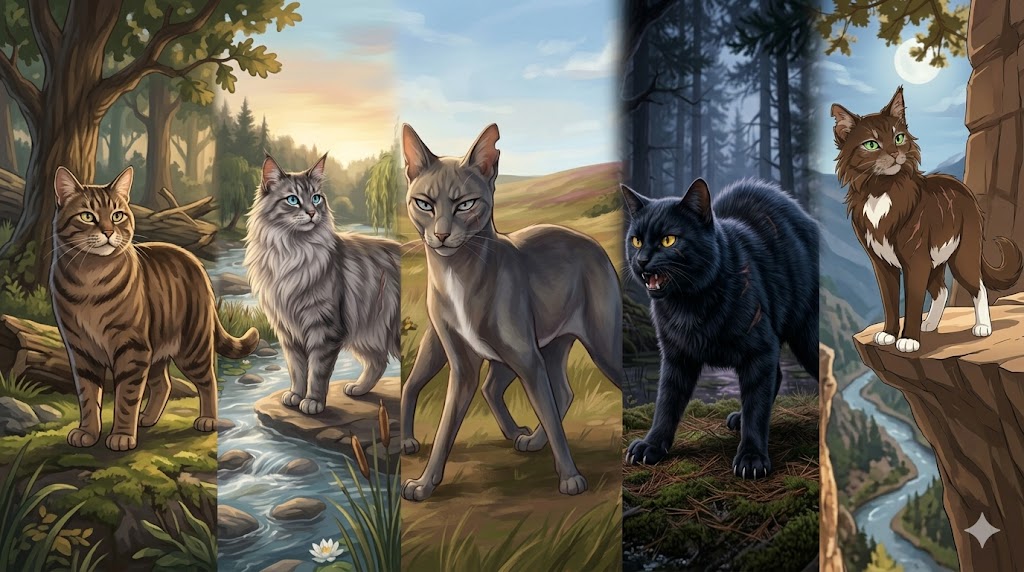
Warrior Cats OC Maker
Create original Warrior Cats Clan cat OCs with AI — 5 Clans, 7 Ranks, Name Generator, full body
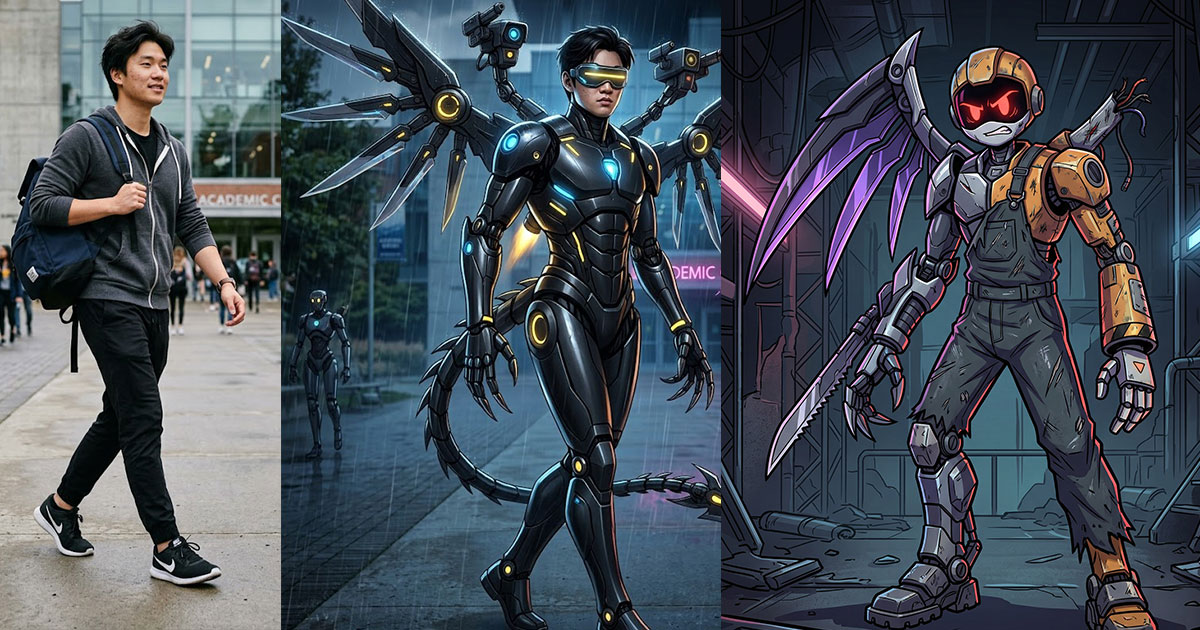
Murder Drones OC Maker
Create Murder Drones OC characters with AI
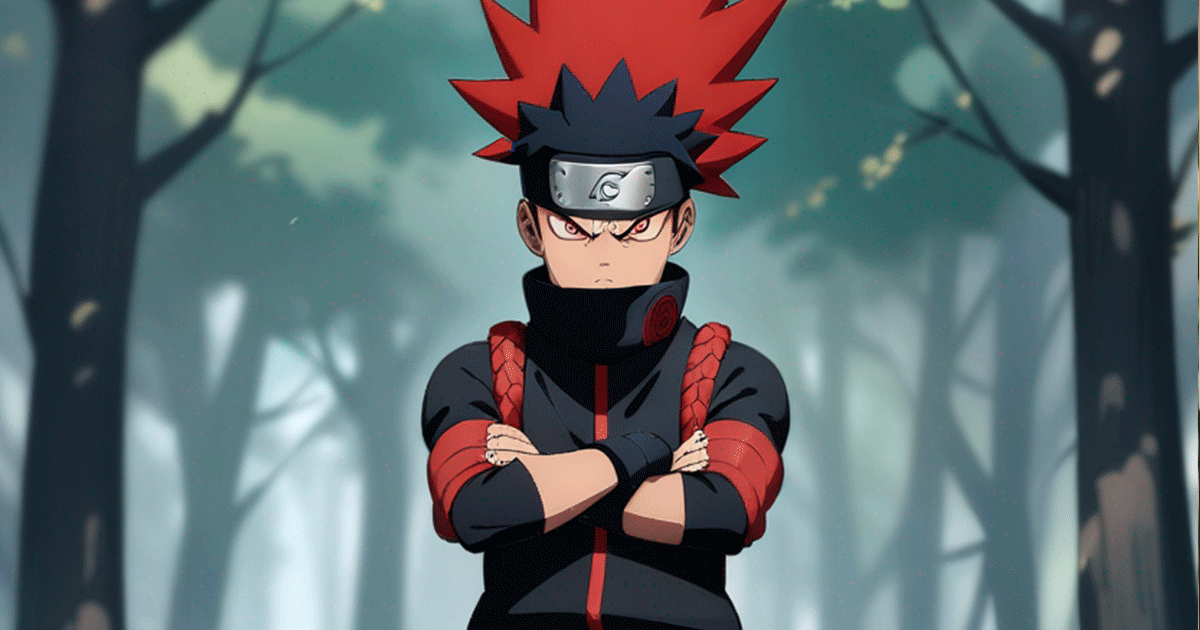
Anime OC Maker
Design original anime characters with AI in 8 styles
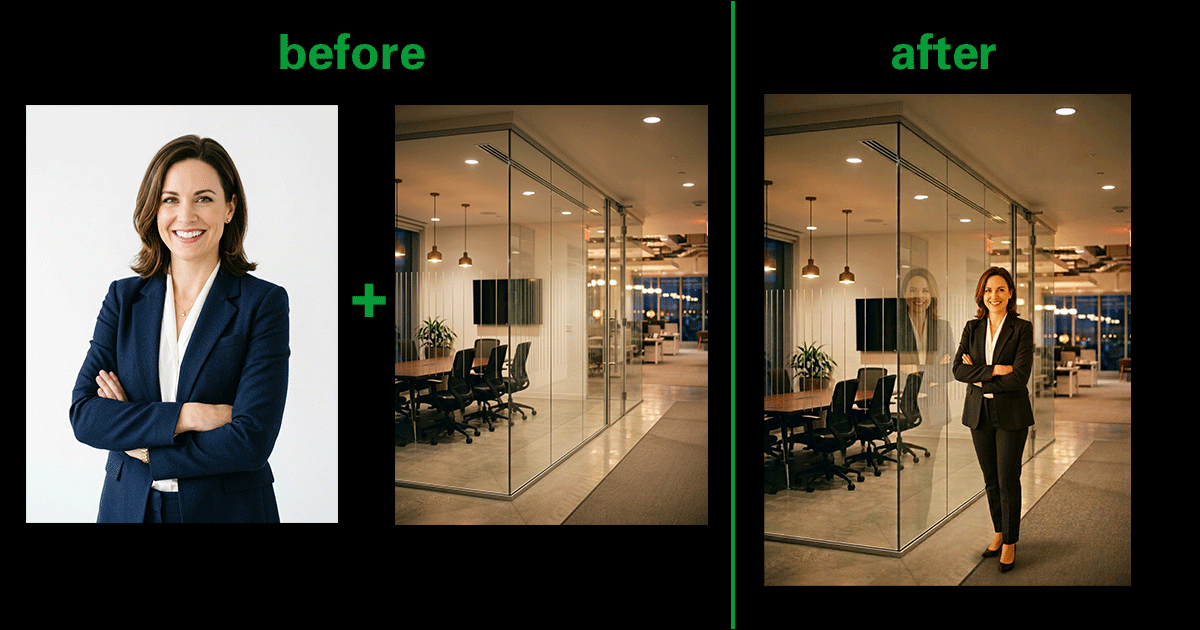
AI Image Combiner
Merge two photos into one with AI
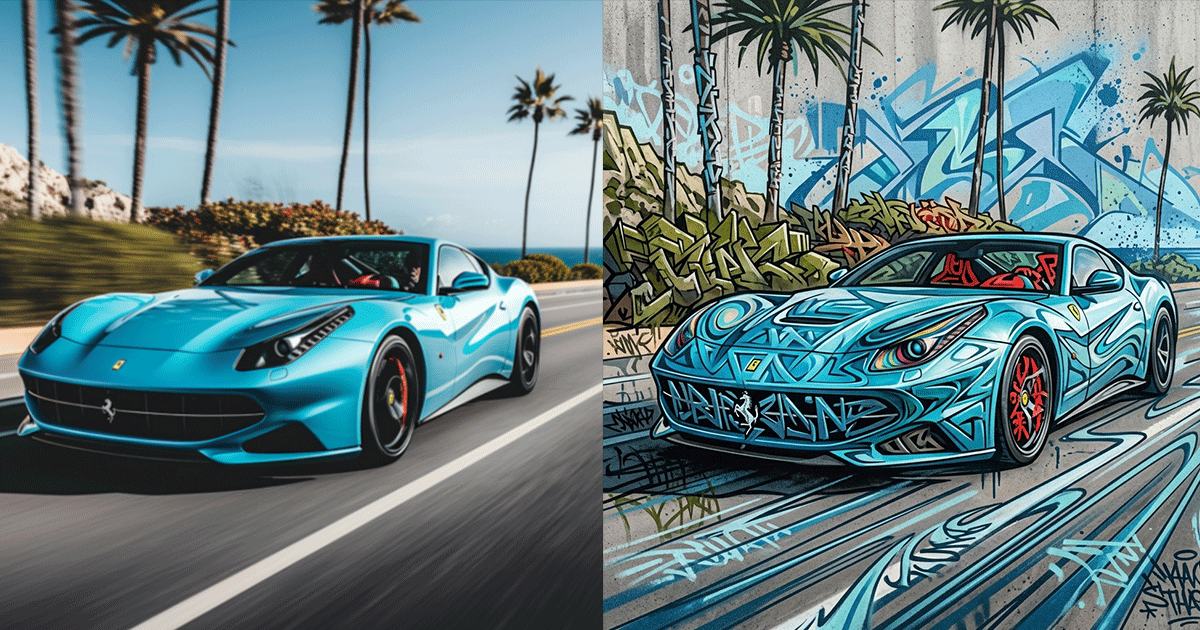
AI Graffiti Generator
Turn photos & text into graffiti street art
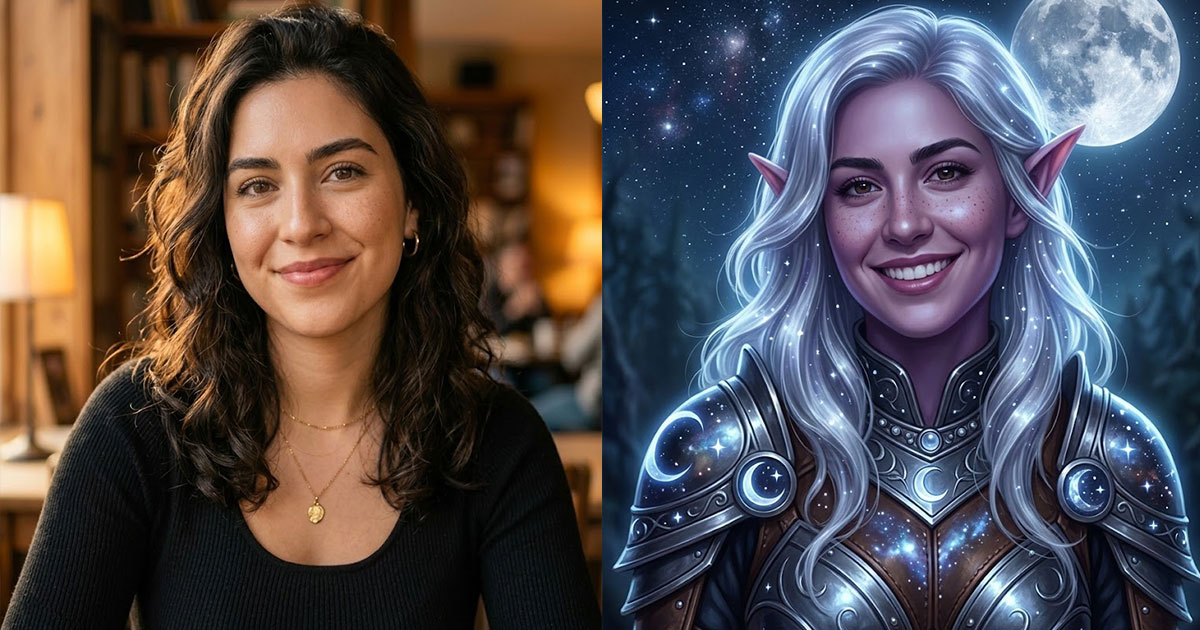
AI Elf Generator
Turn your photo into an elf or generate elf characters
AI Video Generator
Create AI videos from text or images
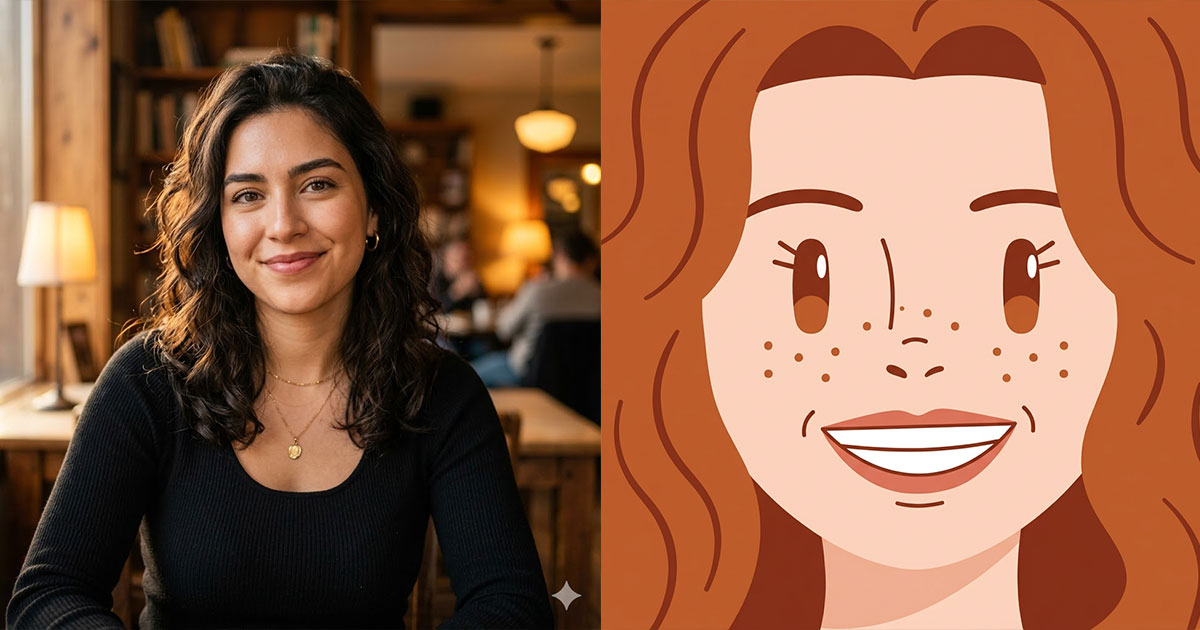
Square Face Icon Generator
Turn photos into cute square face icons with AI
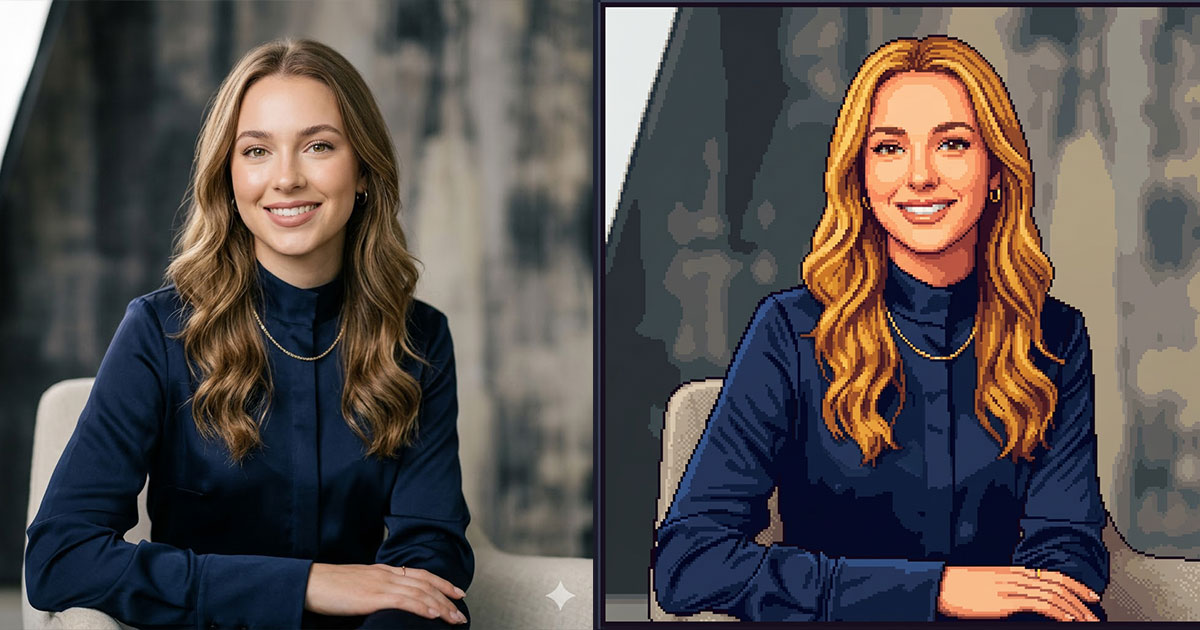
Stardew Valley Portrait Maker
Turn photos into Stardew Valley pixel art portraits

Brat Generator
Create Charli XCX brat-style text, covers & memes
Sora 2 Video Generator
Next-gen AI video by OpenAI