Stardew Valley Portrait Maker — Free Online
Turn your photo into a Stardew Valley pixel art portrait, or create a custom character from scratch with AI.
Upload a portrait
Result
Your result will appear here
Upload a photo to get started
Examples — Click to Recreate
See the Stardew Valley Portrait Maker in Action
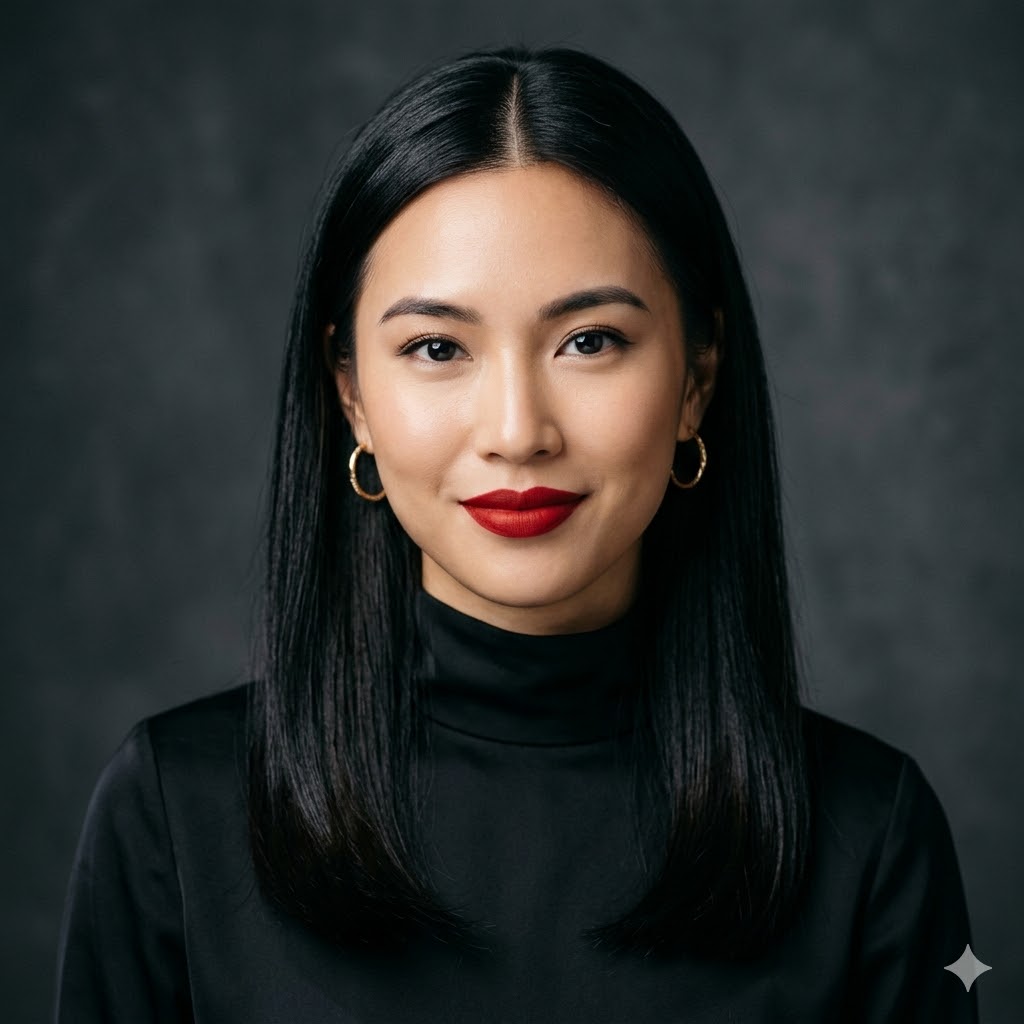
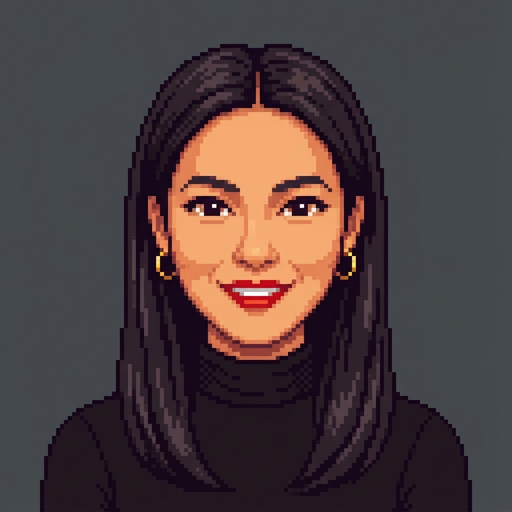
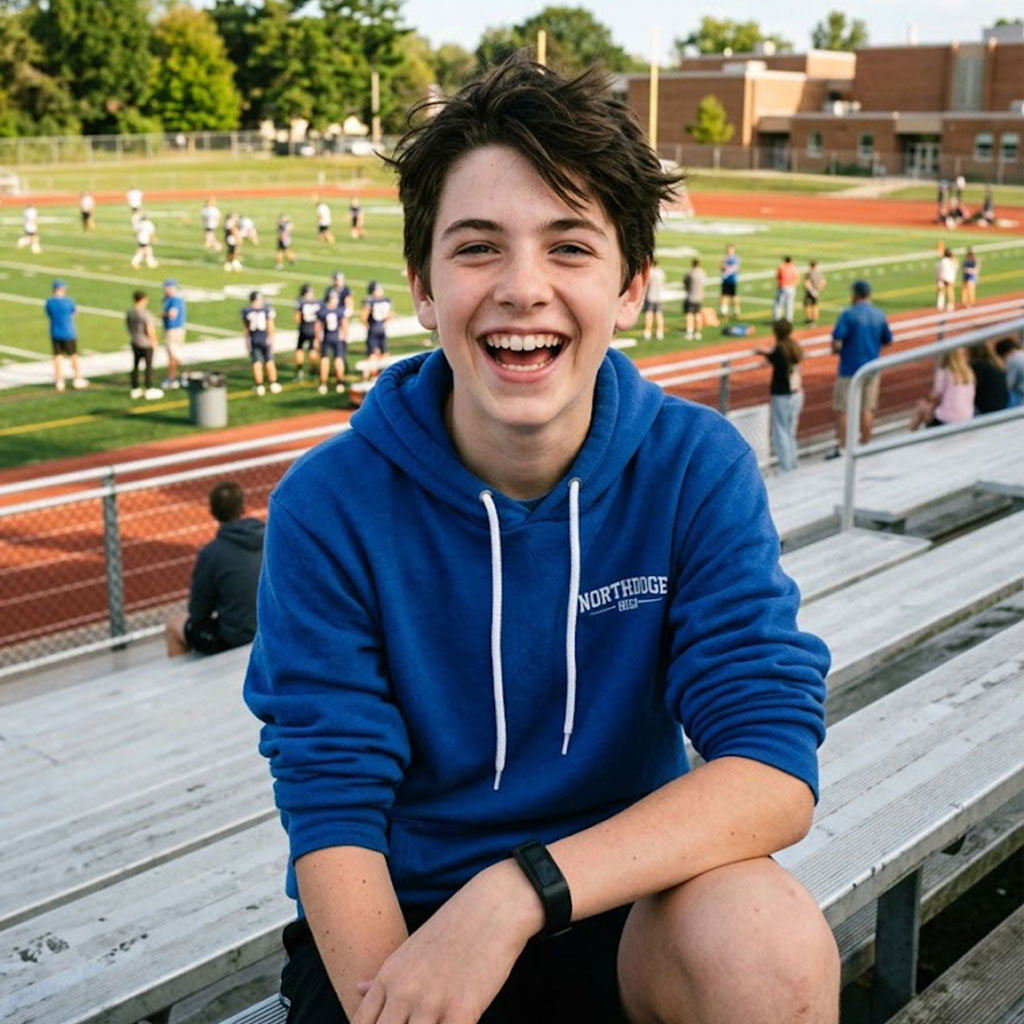
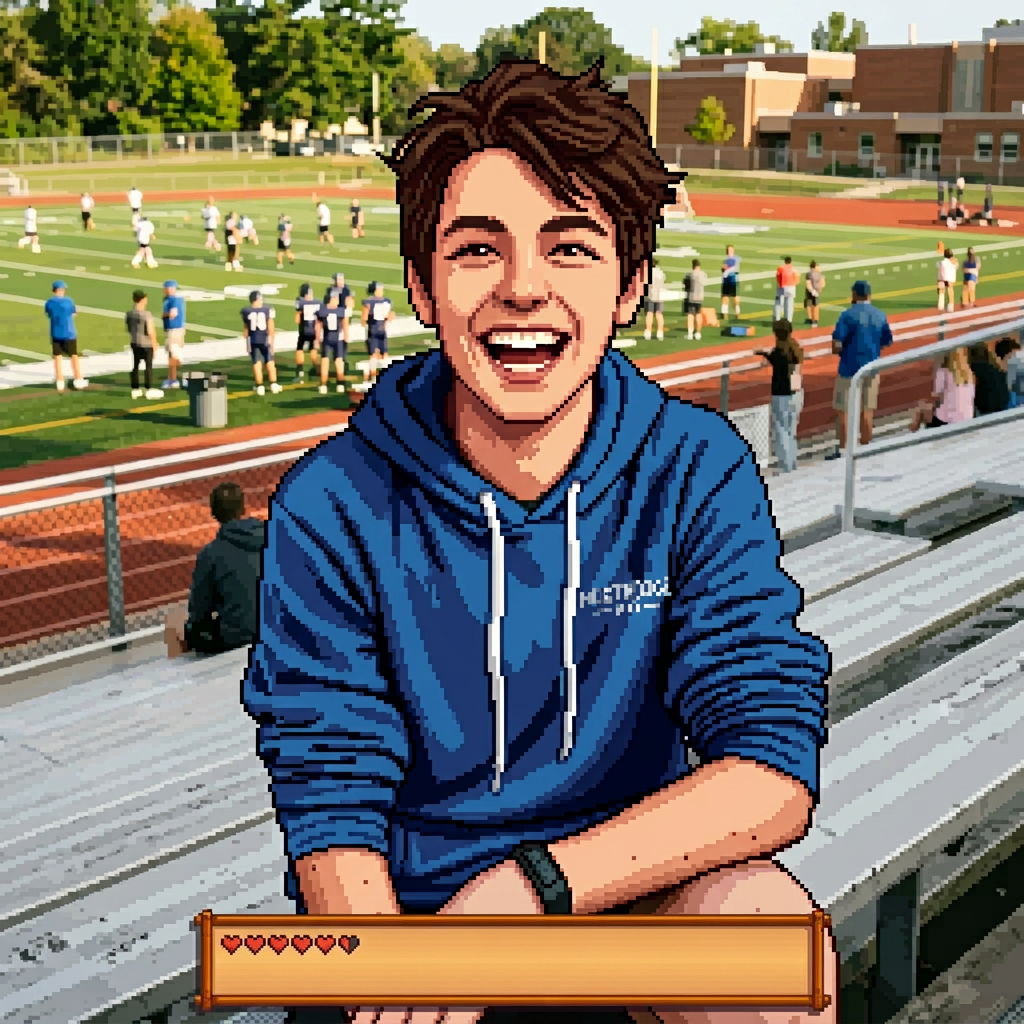
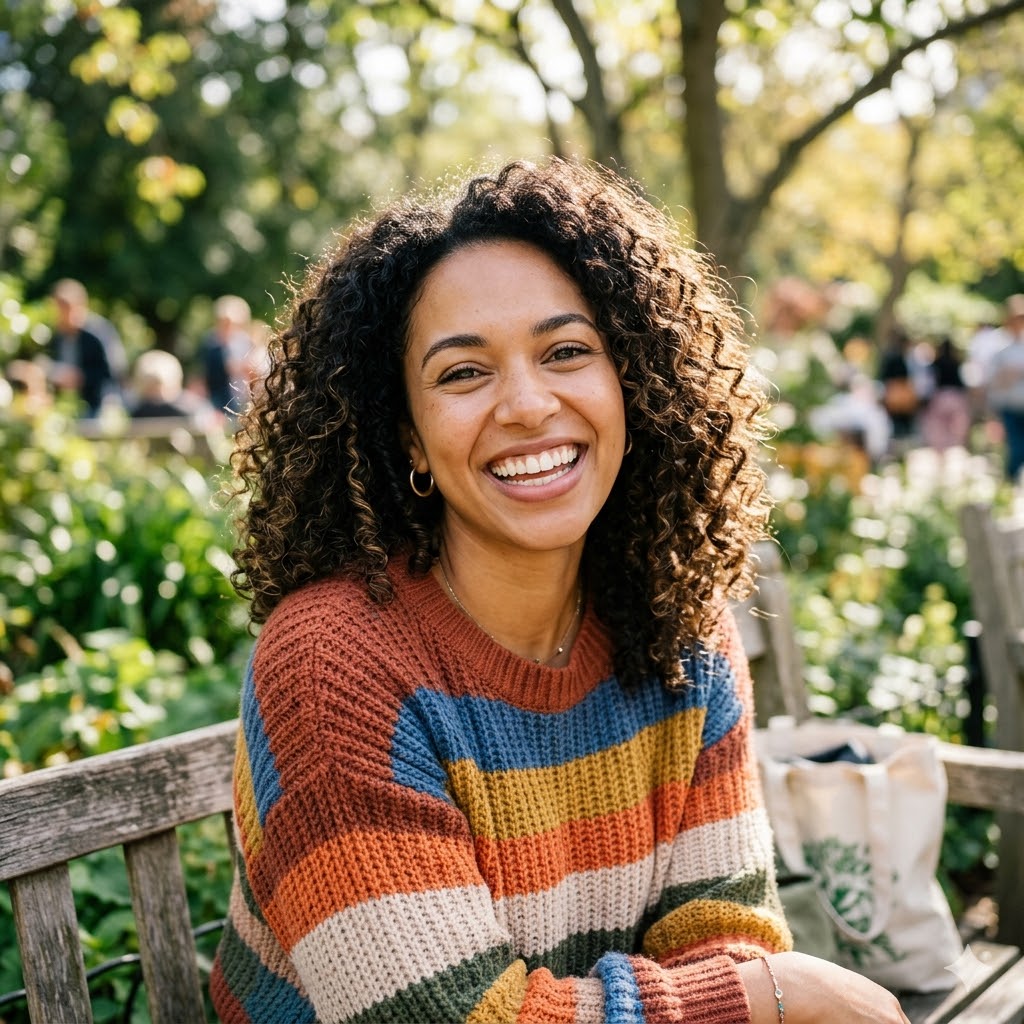
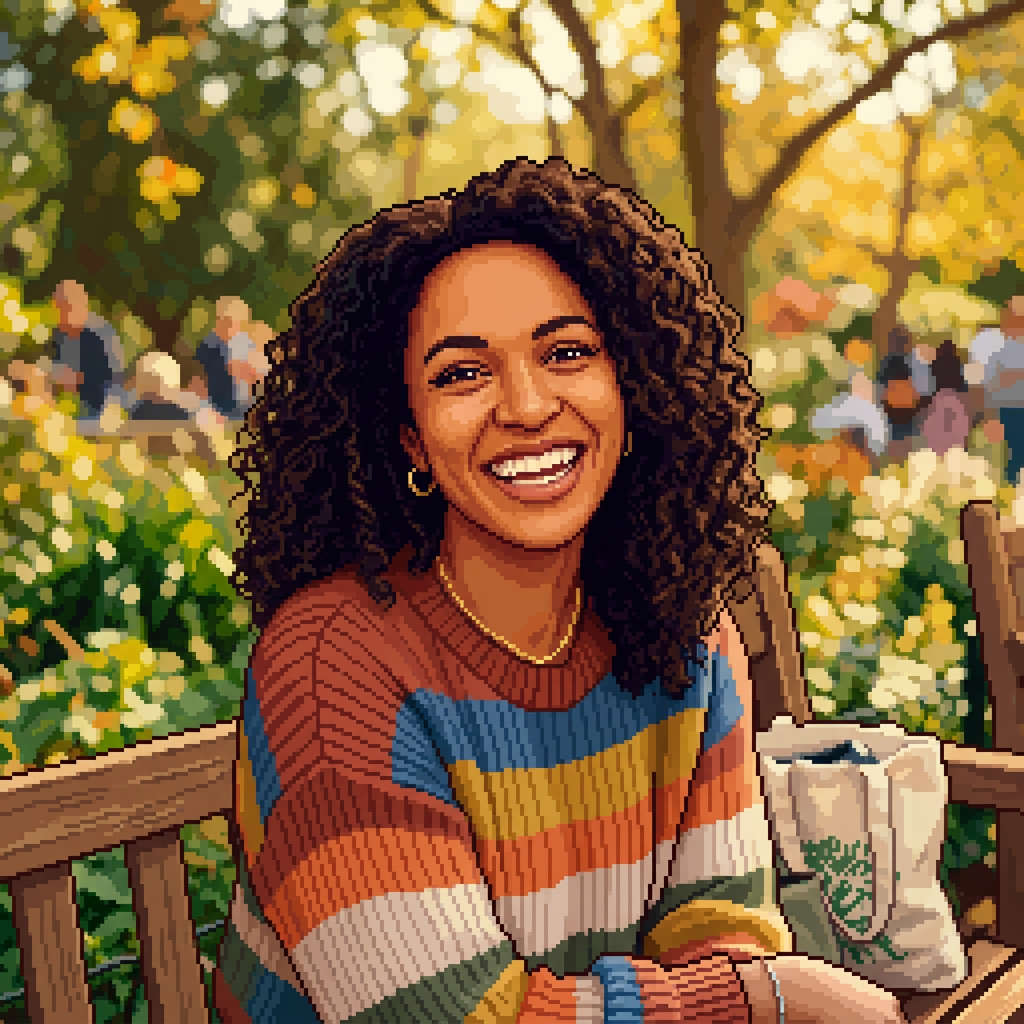
Drag the slider to compare the original photo and the pixel art portrait
📷 Photo → Portrait
✏️ Text → Portrait
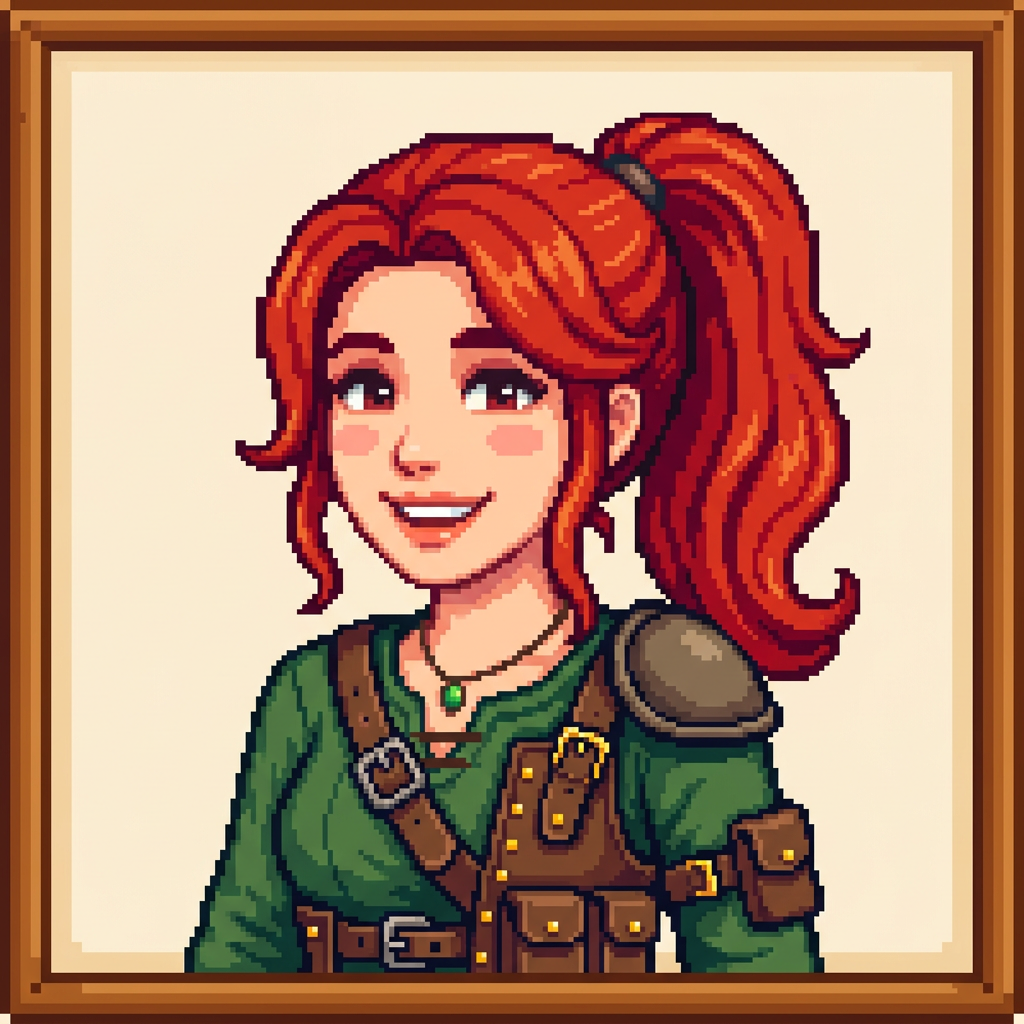
Female · Ponytail Red Hair · Adventurer · Happy
What Is the Stardew Valley Portrait Maker?
Our AI Portrait Maker turns your photos into pixel art character portraits matching ConcernedApe's iconic Stardew Valley art style. Upload a selfie and get a 16-bit pixel version of yourself — perfect for Discord avatars, social PFPs, or fan art.
You can also create original characters from scratch with Text mode. Pick gender, hair, outfit, and expression — the AI generates unique pixel art portraits every time. Better than Picrew because you're not limited to preset parts.
- ✓Photo mode preserves your facial features
- ✓Text mode generates original characters
- ✓1:1 square format — ready for Discord/social
- ✓Download free, no watermark
How It Works
📷 From Photo
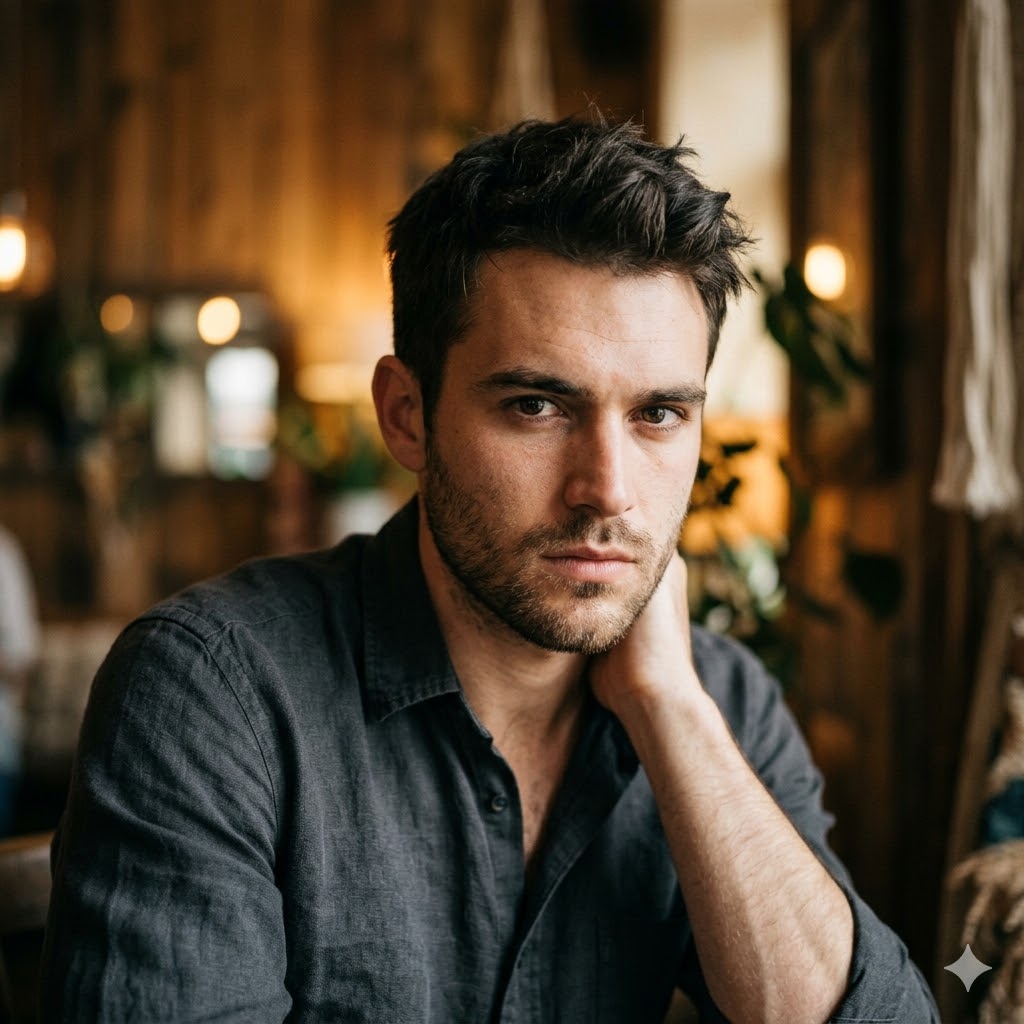
Upload Your Photo
Upload a clear portrait — selfie or headshot with face visible.
AI Creates Portrait
AI converts your photo to pixel art in ConcernedApe's style.
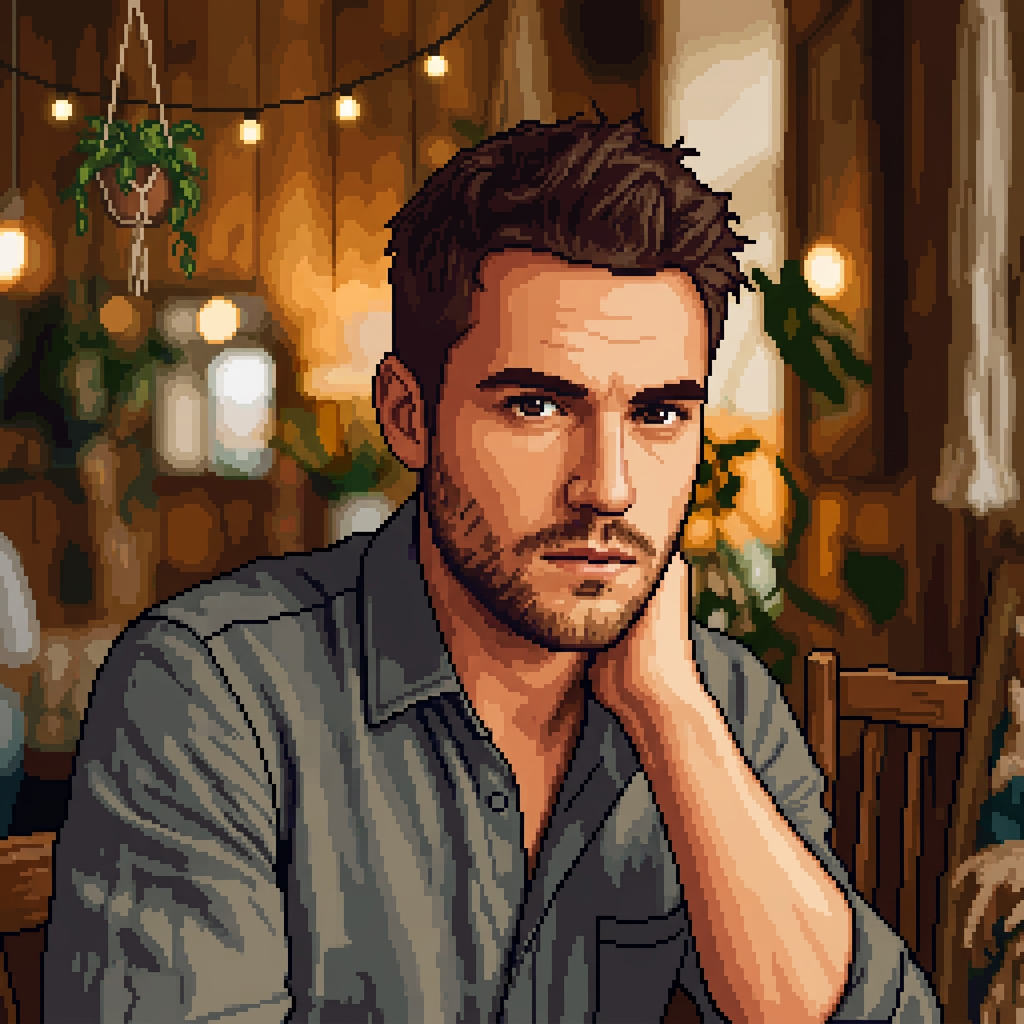
Download & Use
Download for free — Discord avatar, social PFP, or game mod.
✏️ From Text
Gender
Hair
Outfit
Set Your Parameters
Pick gender, hair, outfit, accessories, and expression.
Creating...
AI Creates Character
AI generates a unique pixel art portrait from your description.
Download & Share
Download your character portrait without watermark.
What Can You Create?
📷 Photo Mode
Discord & Social Media Avatars
Turn your selfie into a pixel art avatar for Discord, Twitter, TikTok, and Instagram. The 1:1 square format is ready to use — no cropping needed.
Show your Stardew Valley love in every profile picture. Stands out from generic avatars.
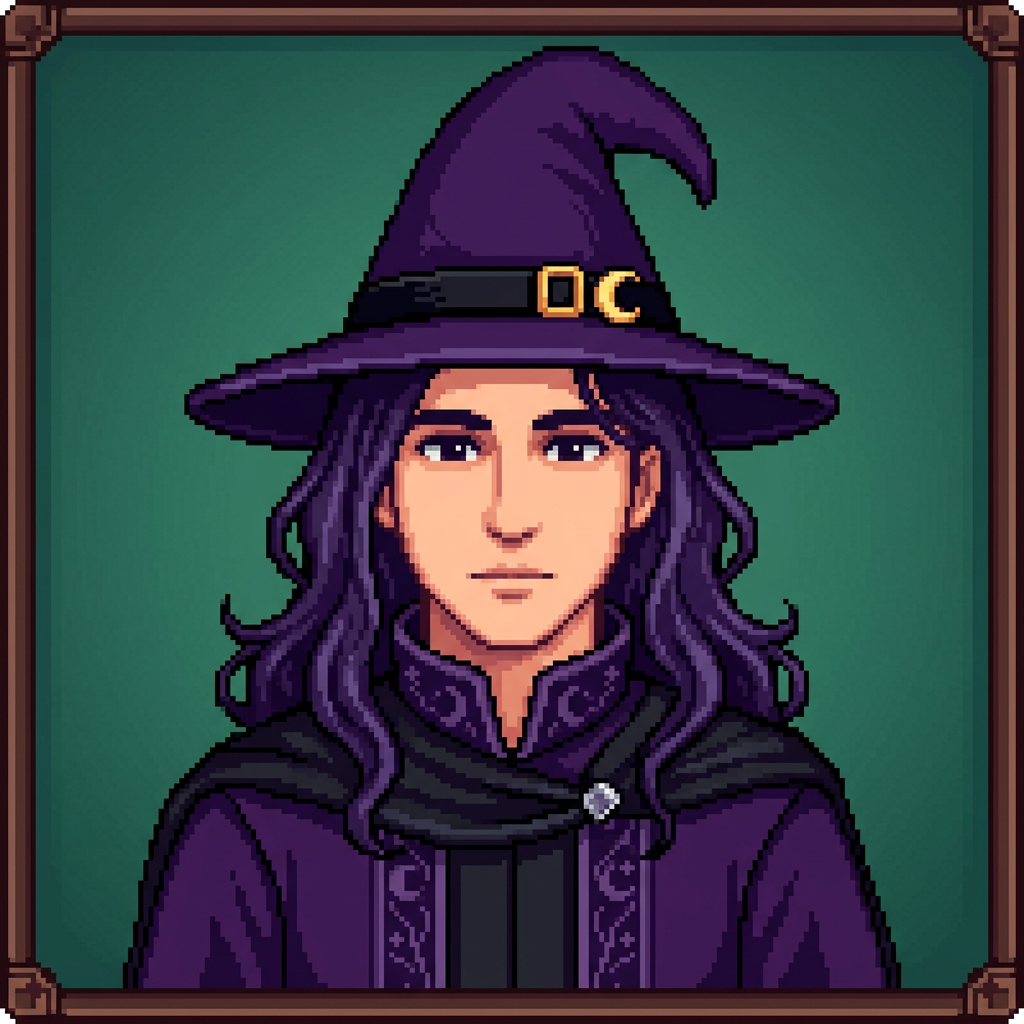
Male · Long Purple Hair · Witch · Hat
✏️ Text Mode
Create Your Own Stardew Valley Character
Design unique original characters without uploading a photo. Choose gender, hair style, hair color, outfit, accessories, and expression — AI generates a pixel art portrait matching your vision.
More flexible than Picrew — no preset parts, just describe what you want. Perfect for fan fiction, RPG campaigns, and Stardew Valley mod projects.
📷 Photo Mode
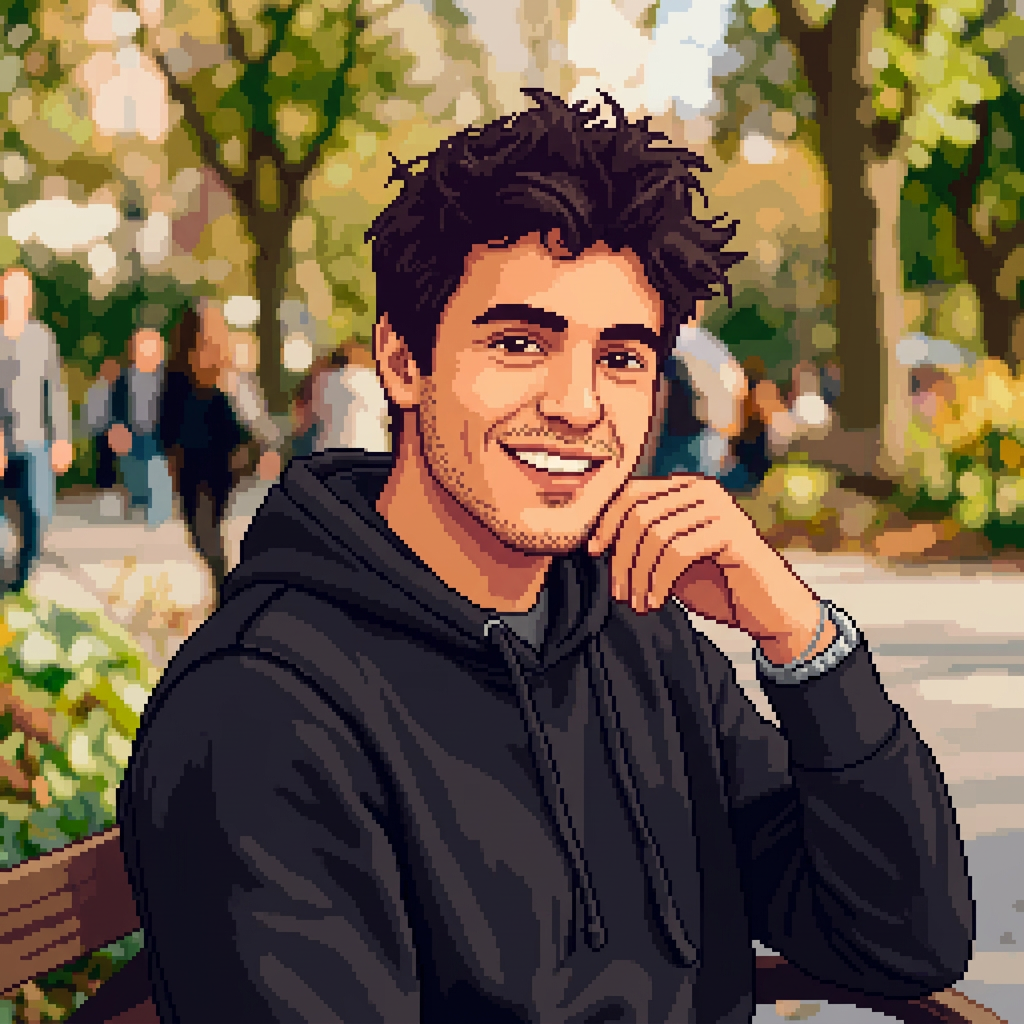
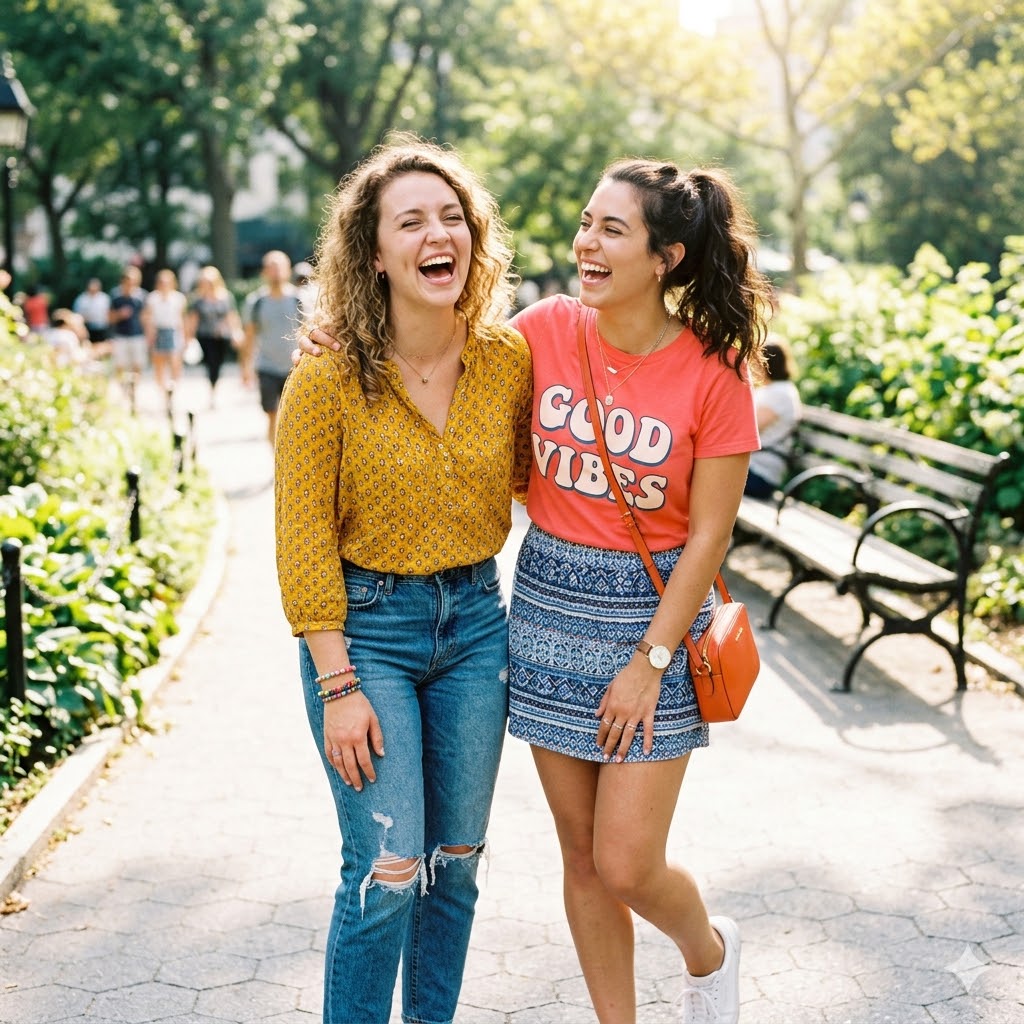
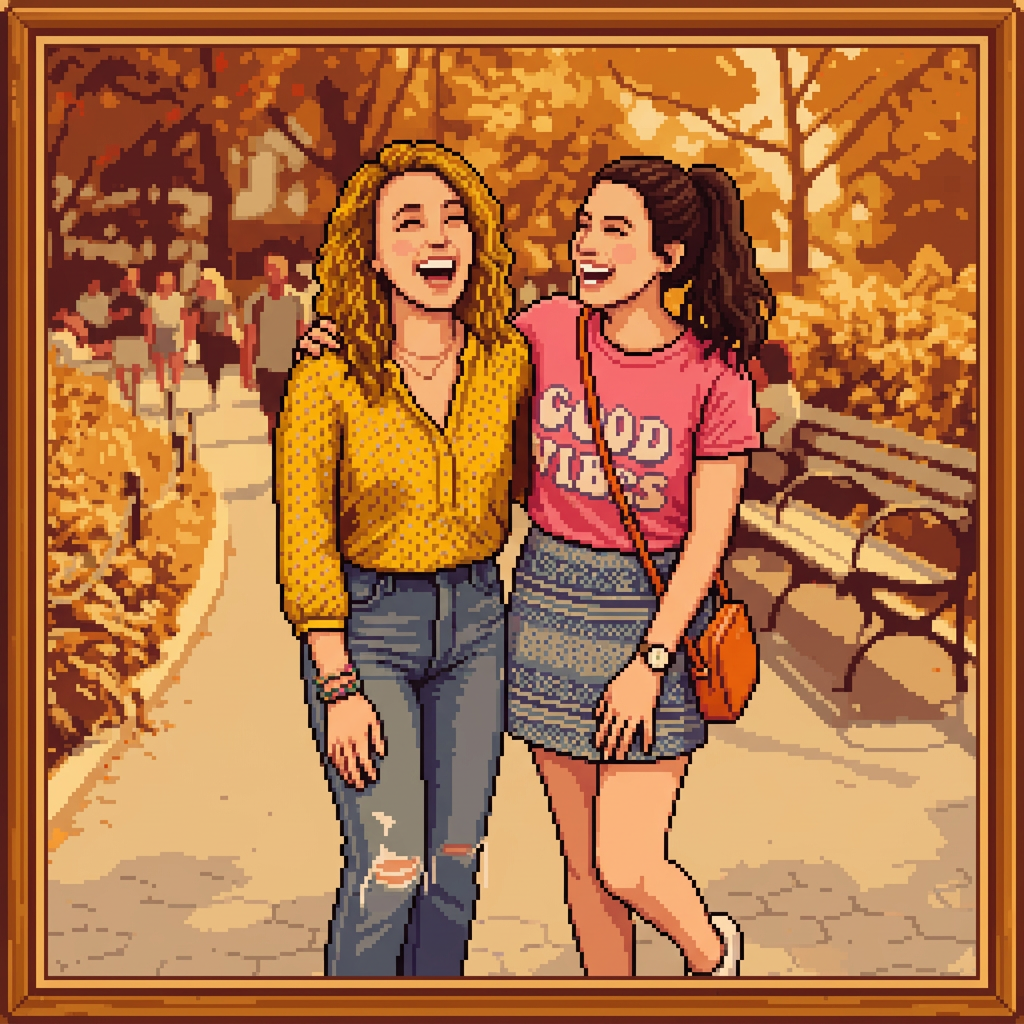
Turn Yourself Into a Stardew Valley Character
Ever wondered what you'd look like as a Stardew Valley villager? Upload your photo and AI converts it into an authentic pixel art portrait — preserving your facial features, hair, and style.
Works with selfies, headshots, and half-body photos. The more visible your face, the better the result.
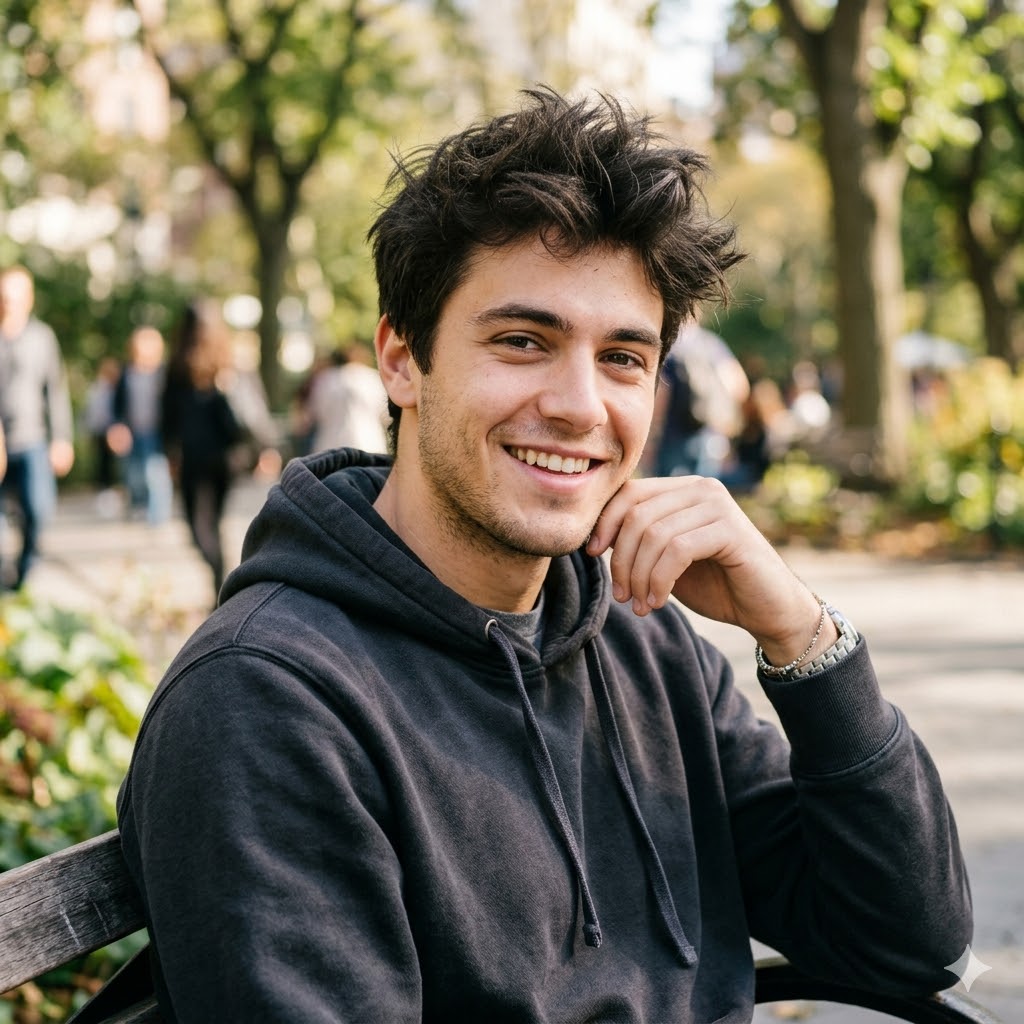
📷 Photo Mode + 🎁 Gift
Personalized Stardew Valley Portrait Gifts
Turn a friend's or partner's photo into a custom Stardew Valley portrait — a unique personalized gift any gamer would love. Great for birthdays, anniversaries, and holidays.
Print on canvas, use as phone wallpaper, or frame it. Much more personal than generic gaming merch.
📷 Photo Mode + 🎬 Video
Animate Your Portrait with Video
Click the Video button after generating to animate your pixel art portrait with our AI video generator. Create a transformation reveal video.
Share on TikTok, Instagram Reels, or YouTube Shorts for maximum engagement.
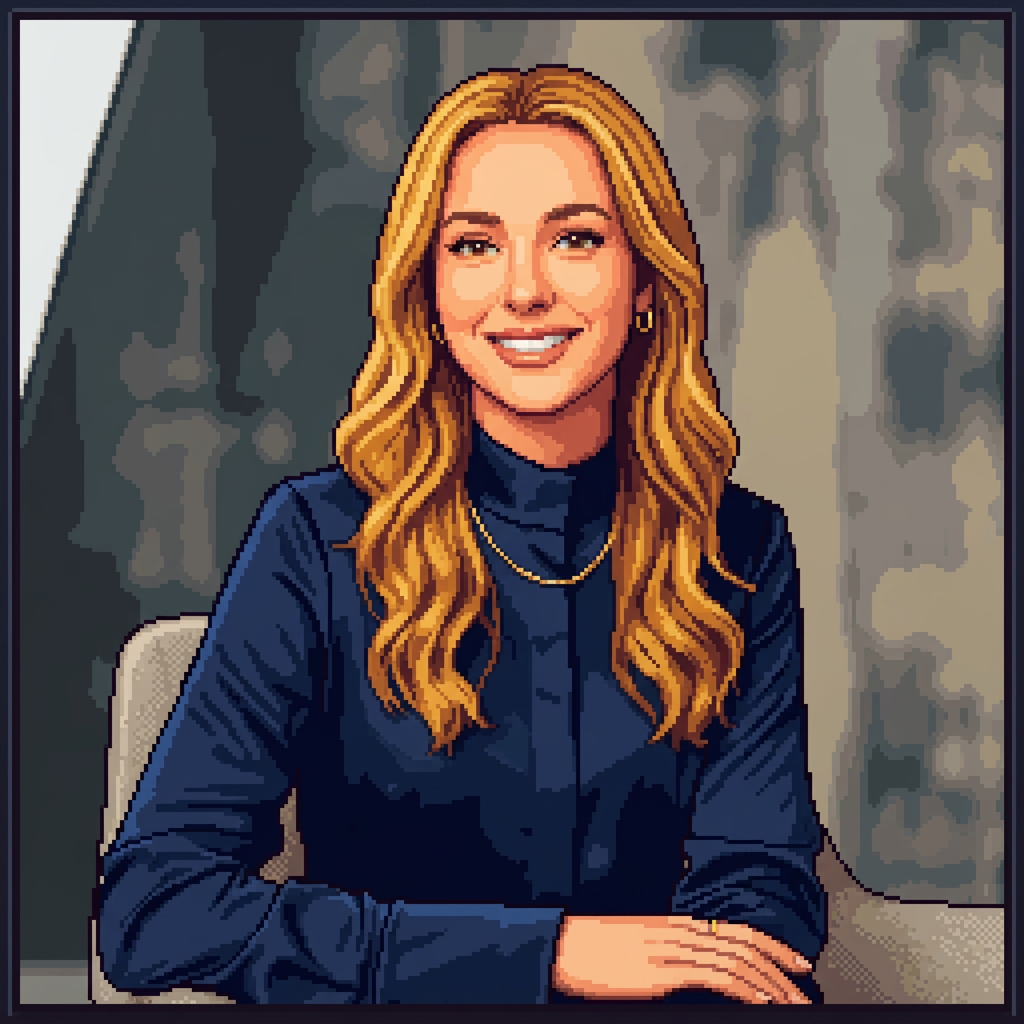
Tips for Best Results
Use Clear Portrait Photos
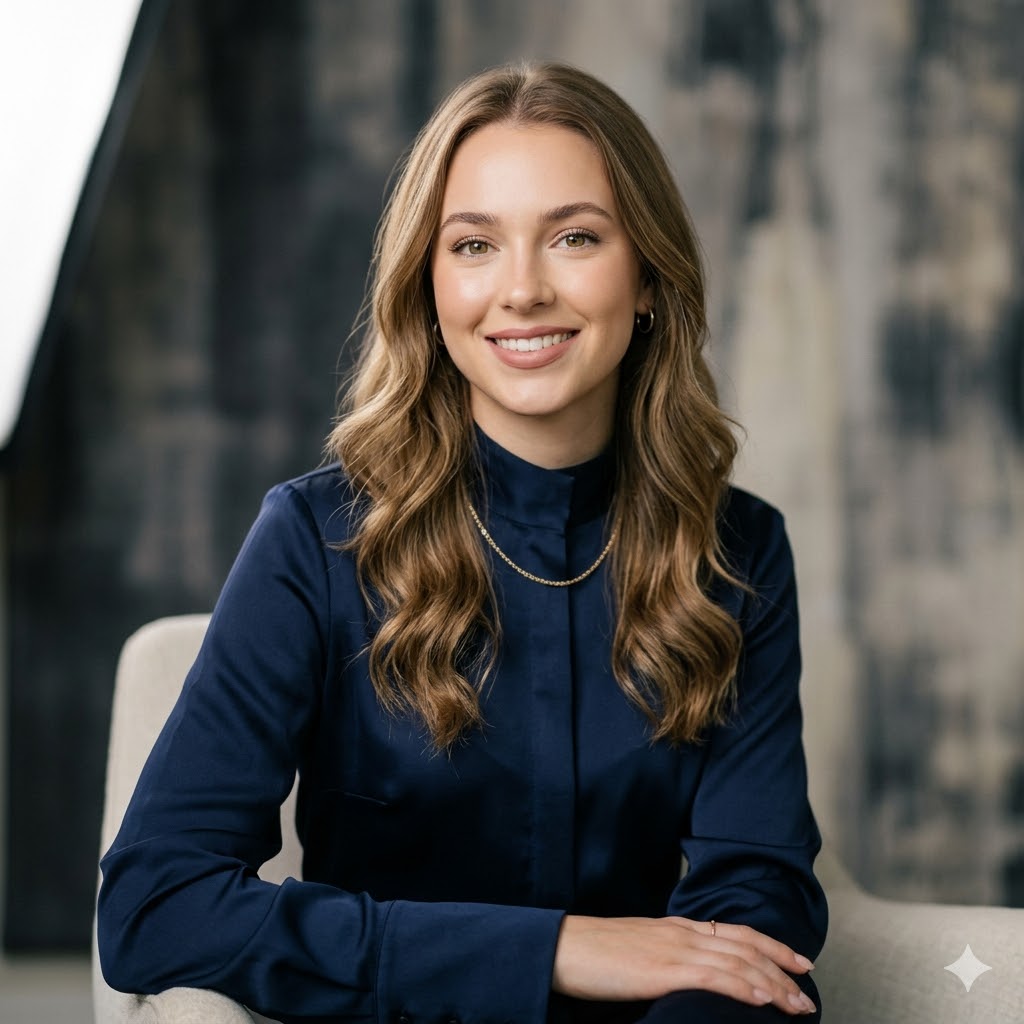
Well-lit, front-facing photos with your face clearly visible. Avoid group photos, sunglasses, or heavy filters.
Square Photos Work Best
The output is 1:1 square. Cropping your photo to square before uploading can improve results.
Add Custom Details in Text Mode
Use the custom description field to add specifics like background, props, or mood for more unique results.
Perfect for Discord Avatars
The 1:1 square output is ready to use as a Discord, Twitter, or TikTok profile picture — no cropping needed.
Privacy & Ethical Use
Your uploaded photos are processed securely and used only for generating your portrait. We do not store, share, or use your photos for any other purpose. All images are automatically deleted after processing.
Please use this tool responsibly. Only upload photos of yourself or people who have given you permission.
This is a fan-made AI tool and is not affiliated with ConcernedApe or Stardew Valley.
Frequently Asked Questions
How do I make my own Stardew Valley portrait?▾
Upload a clear portrait photo and click Generate. The AI transforms your photo into a pixel art character portrait matching ConcernedApe's Stardew Valley art style. You can also use Text mode to describe a character from scratch.
Is the Stardew Valley portrait maker free?▾
Purchase credits — no subscription required. Each portrait costs 5 credits. You can purchase more credits or subscribe for unlimited access.
Can I use my portrait as a Discord avatar?▾
Yes! The portraits are generated in 1:1 square format, perfect for Discord, Twitter, TikTok, and other social media profile pictures. Download and use directly — no watermark.
Can I use this portrait in the actual Stardew Valley game?▾
The AI generates portraits in the Stardew Valley pixel art style. To use them in-game, you'll need the Farmer Portraits mod and SMAPI. Download your portrait, resize to 64x64 or 256x256, and place it in the mod folder.
Is there a Picrew for Stardew Valley characters?▾
Traditional Picrew-style makers let you pick from preset parts. Our AI portrait maker goes further — describe any character or upload a photo and AI generates a unique pixel art portrait. Try our Anime OC Maker for anime-style characters too.
What photos work best?▾
Clear, front-facing portrait photos with good lighting. The AI preserves your key facial features, hair color, and style while converting to pixel art. Avoid group photos, sunglasses, or heavy filters.
Is my photo safe?▾
Your uploaded photos are processed securely and deleted after generation. We never store, share, or use your photos for any other purpose.
Explore More AI Tools
AI Pet Portrait Generator
Transform pet photos into art
Sonic OC Maker
Create Sonic the Hedgehog OC characters with AI
Sprunki OC Maker
Create Sprunki Incredibox OC characters with AI

Dandy's World OC Maker
Create Dandy's World Toon & Twisted OC characters with AI
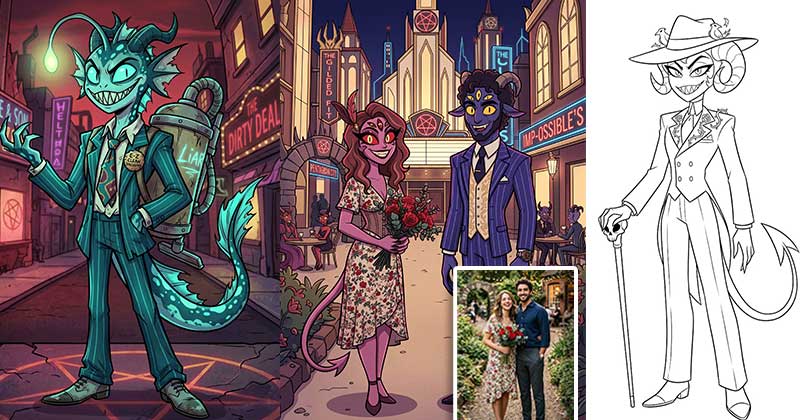
Hazbin Hotel OC Maker
Create Hazbin Hotel Sinner, Angel, Overlord & Hellhound demon OCs with AI
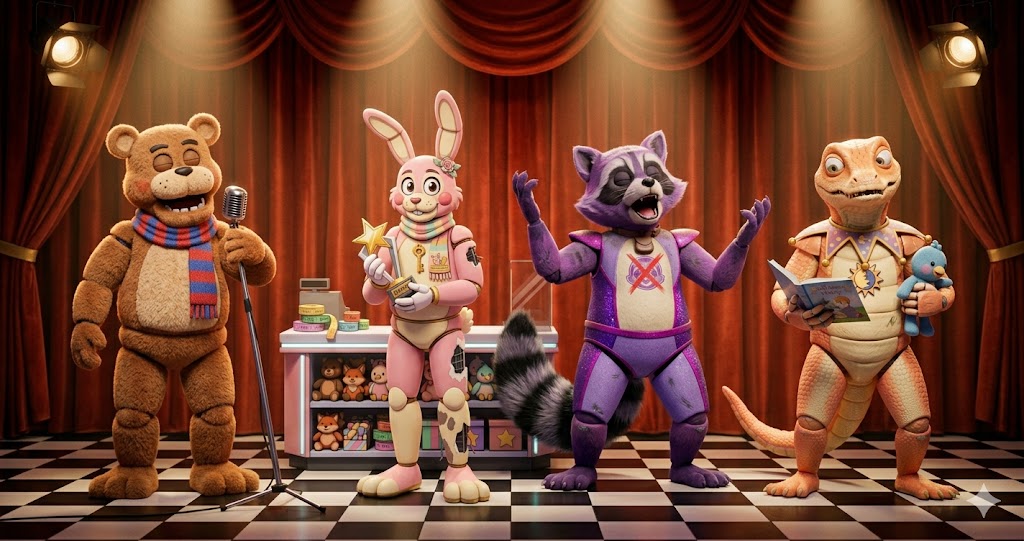
FNAF OC Maker
Create FNAF animatronic & human OCs with AI — 12 species, 8 eras, damage levels, full body
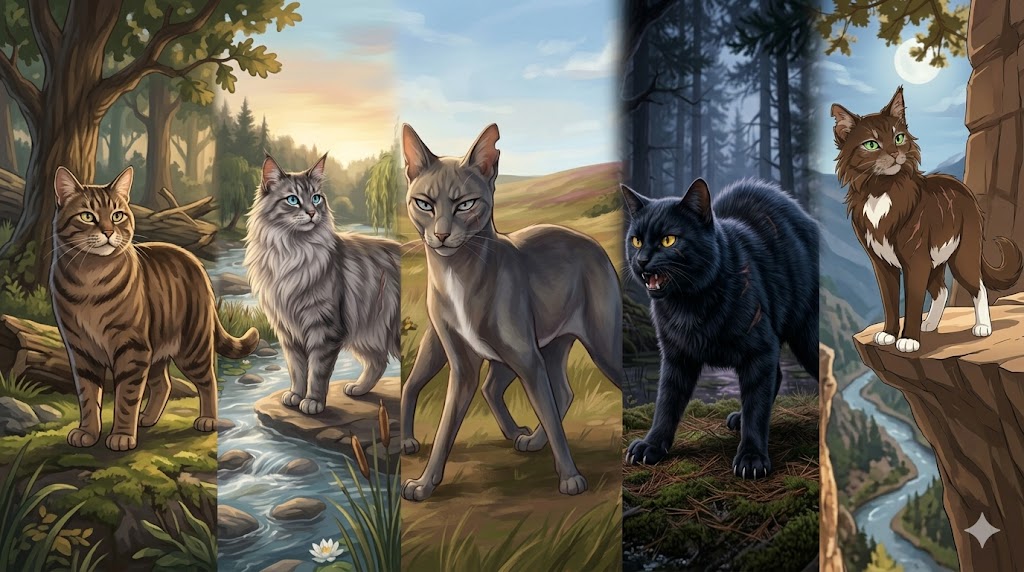
Warrior Cats OC Maker
Create original Warrior Cats Clan cat OCs with AI — 5 Clans, 7 Ranks, Name Generator, full body
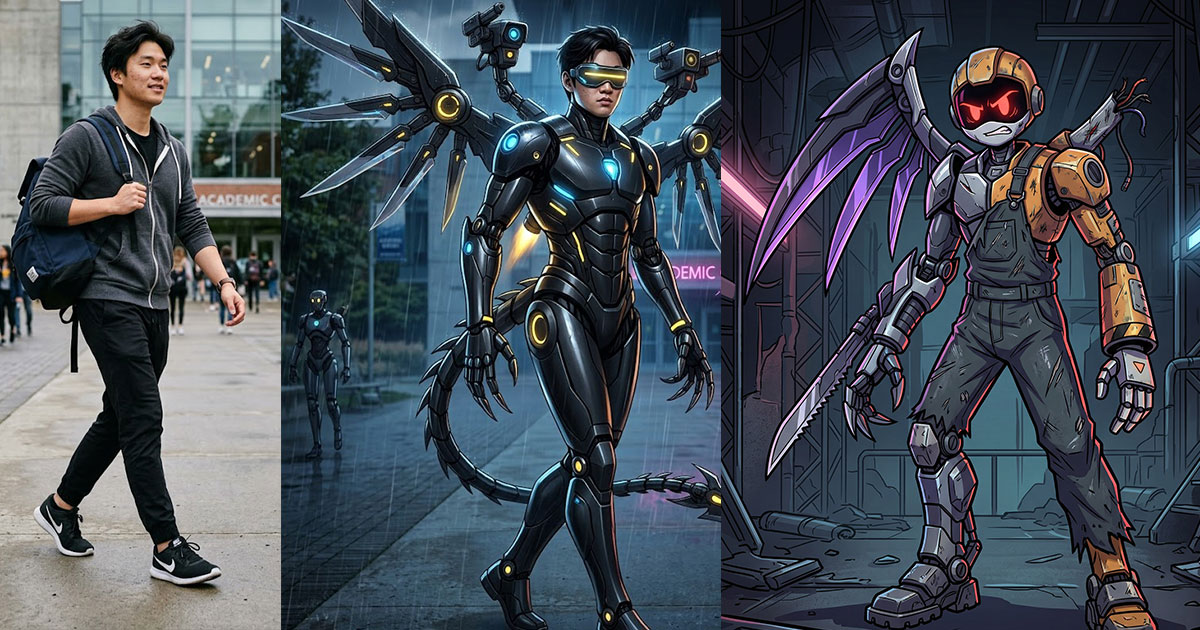
Murder Drones OC Maker
Create Murder Drones OC characters with AI
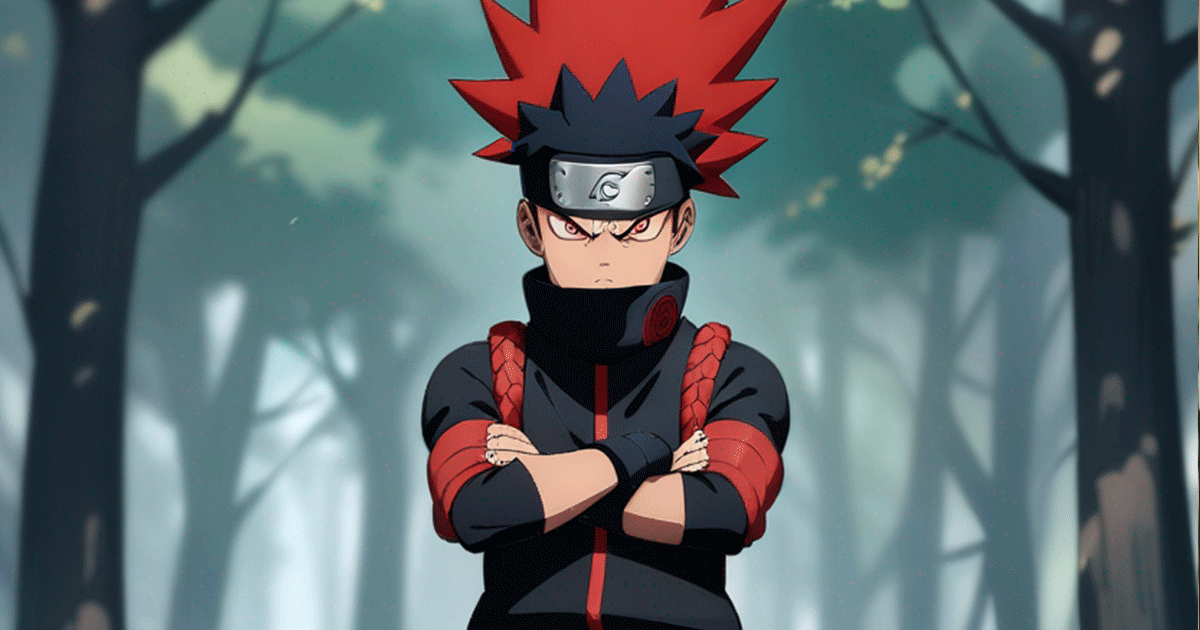
Anime OC Maker
Design original anime characters with AI in 8 styles
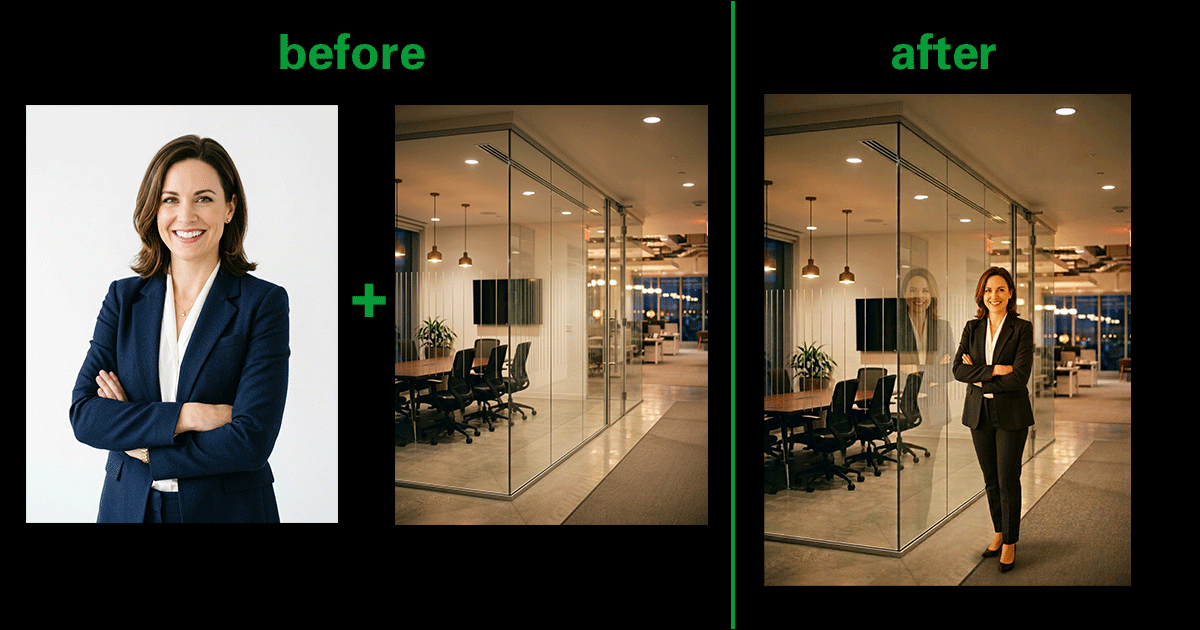
AI Image Combiner
Merge two photos into one with AI
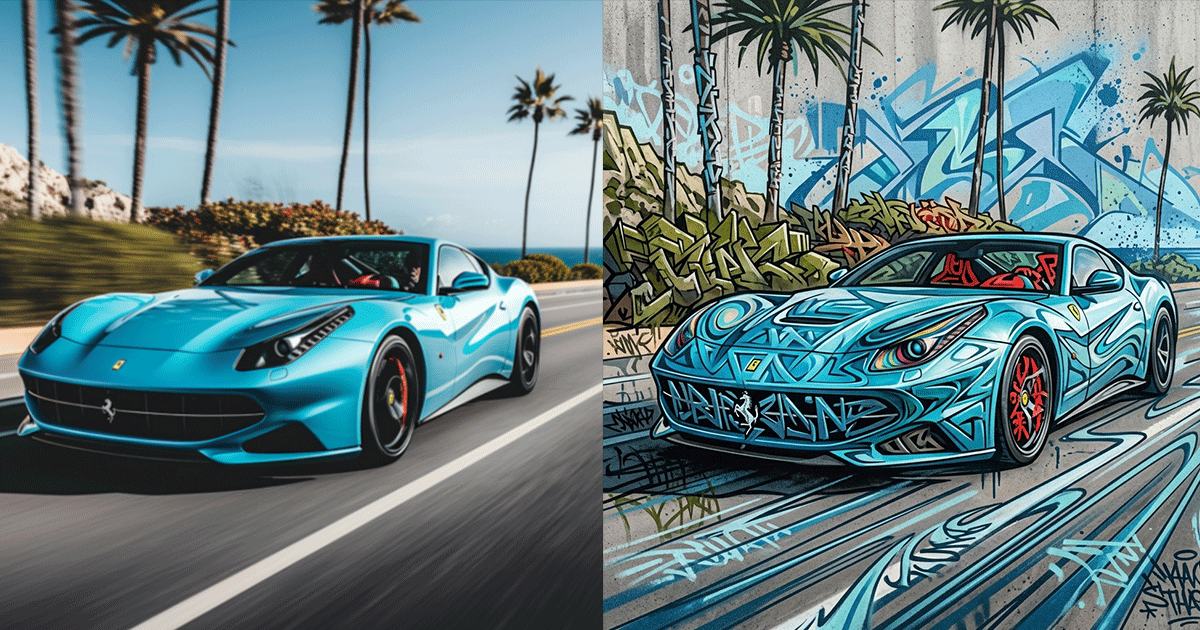
AI Graffiti Generator
Turn photos & text into graffiti street art
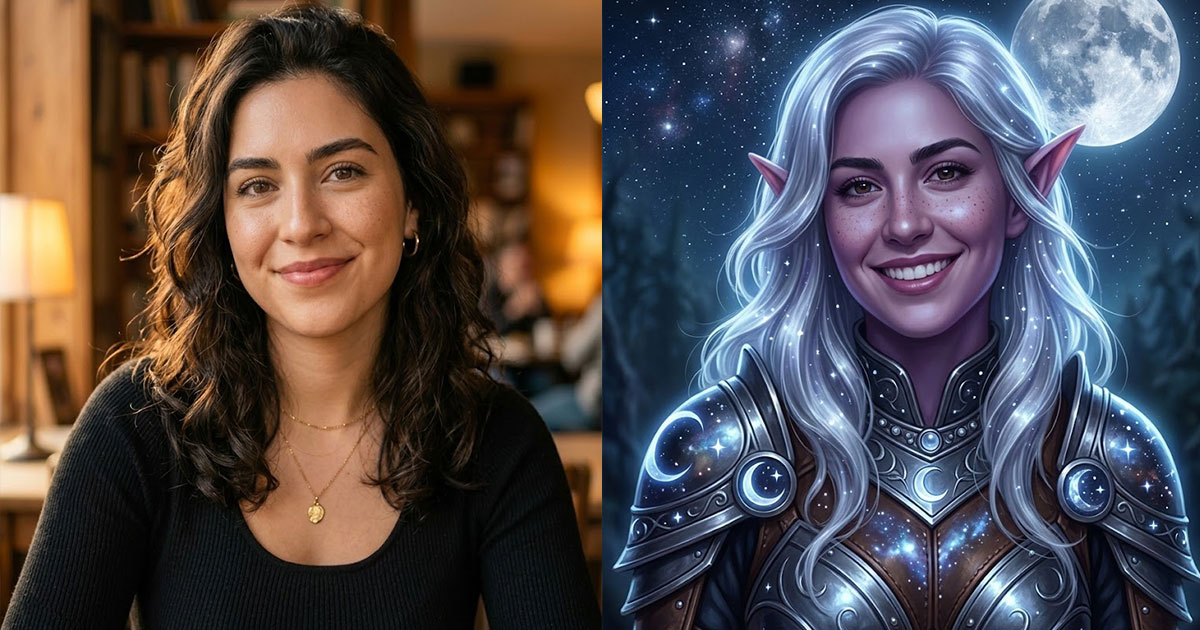
AI Elf Generator
Turn your photo into an elf or generate elf characters
AI Video Generator
Create AI videos from text or images
Square Face Icon Generator
Turn photos into cute square face icons with AI
Brat Generator
Create Charli XCX brat-style text, covers & memes
PS2 Filter
Turn your photo into a PS2 game character
Sora 2 Video Generator
Next-gen AI video by OpenAI