Sonic OC From Photo: How to Turn Selfie Into Sonic OC

TL;DR: Making a Sonic OC from photo is 3 steps in the Sonic OC Maker's Photo Mode: upload your selfie, pick a species (or leave on Random), hit Generate. AI keeps your facial features and personality and renders them as a Sonic universe anthropomorphic character. Picrew can't do this — it's template-based, no photo input. Real Before/After examples below.
You've seen the "What Would I Look Like as a Sonic Character?" filters and wondered if there's a real way to turn your photo into a Sonic OC — not just a face filter overlay, but an actual original character design with your features mapped onto an anthropomorphic Sonic universe animal.
There is. The Sonic OC Maker has a dedicated Photo Mode that takes a selfie and outputs a full Sonic OC in 3 steps. This guide walks the exact UI flow (upload → species → generate), shows 9 real Before/After examples from the tool's gallery, and explains why Picrew can't do this (the most common "Sonic oc from photo Picrew" misconception).
Quick Comparison: Photo Mode vs Text Mode vs Picrew
| Method | What You Provide | Output | Best For |
|---|---|---|---|
| Photo Mode | Selfie / photo | Sonic OC with your features mapped | "What would I look like" / personal avatar |
| Text Mode | Species + style + prompt | OC from scratch | Original character design from imagination |
| Picrew | Dropdown selections only | Layered chest-up portrait | Quick avatar, no photo input possible |
Picrew can't accept a photo upload at all — it's a layered template platform, not an AI generator. Anyone searching "Sonic OC from photo Picrew" lands on tools that don't actually support photos. Photo Mode in an AI Sonic OC Maker is the real solution.
Why You Can't Make a Sonic OC From Photo on Picrew
This is the most common search misconception in the Sonic OC space. Picrew tools are great for drag-and-drop avatar creation — you pick hair, eyes, outfit, accessories from layered art the original artist provided. But the entire Picrew platform is designed around fixed template layers, not AI image-to-image conversion.
So a "Sonic OC from photo Picrew" search will always lead you to either:
- Regular Picrew templates (no upload feature)
- Reddit/Instagram posts where someone manually approximated their look using Picrew dropdowns
If you actually want your face / hair / personality mapped to a Sonic universe character, you need an AI tool that supports image-to-image transformation. The Sonic OC Maker's Photo Mode is exactly this.
Step 1: Upload Your Photo
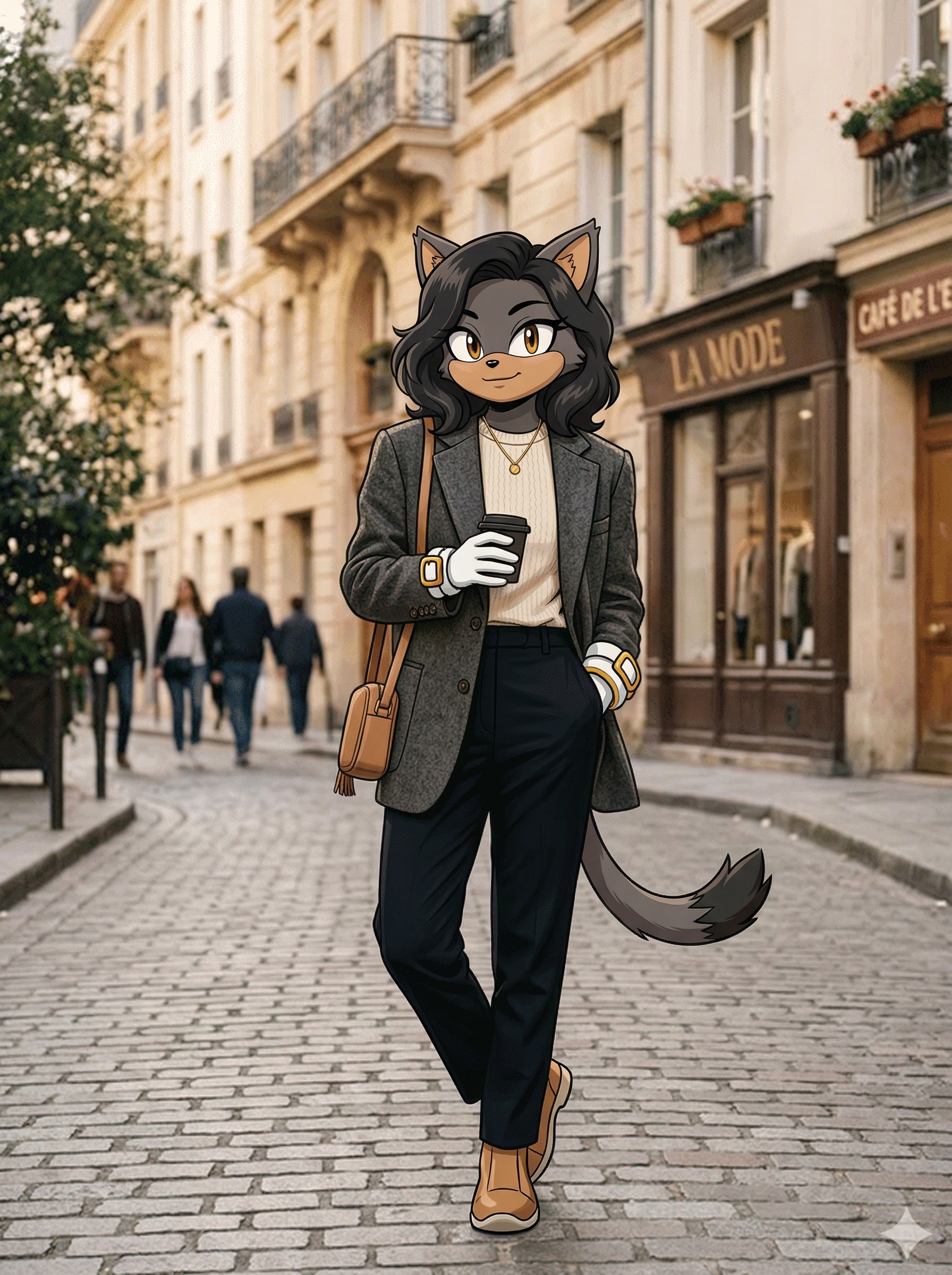
Click the Photo tab in the Sonic OC Maker (default tab is Text — switch to Photo). The upload box accepts any image format (JPG, PNG, WEBP) and auto-compresses to under 1.5MB so you don't have to resize anything yourself.
What works best:
- Clear face, single subject, good lighting
- Front-facing or 3/4 angle photo
- High enough resolution (1024×1024+ ideal,自动 crop 不重要)
What gets rejected:
- Images with copyrighted characters / logos
- Excessive skin exposure
- Multiple unidentifiable subjects in the frame
The tool's compression handles resolution automatically — just drag and drop or click to upload. If you're uploading a pet or cosplay shot, those work too (examples below).
Step 2: Pick Your Photo Species (9 Options)

After upload, pick the Photo Species dropdown. Options:
- Random — let AI pick the species that best matches your photo
- Hedgehog — Sonic / Amy archetype (most iconic)
- Fox — Tails archetype
- Cat — Blaze archetype
- Wolf — original / no canon analog
- Dog — casual / pet OC angle
- Rabbit — Cream archetype
- Echidna — Knuckles archetype
- Bear — large frame / no canon analog
Pro tip: Random is genuinely good if you can't decide — the AI looks at your features (hair color, face shape, expression) and picks a species that visually maps well. Most beginners get a better result on Random than picking manually.
If you want a specific archetype (eg "I want my Sonic OC to feel like Tails"), pick Fox.
Step 3: Generate (4 Credits, ~60 Seconds)
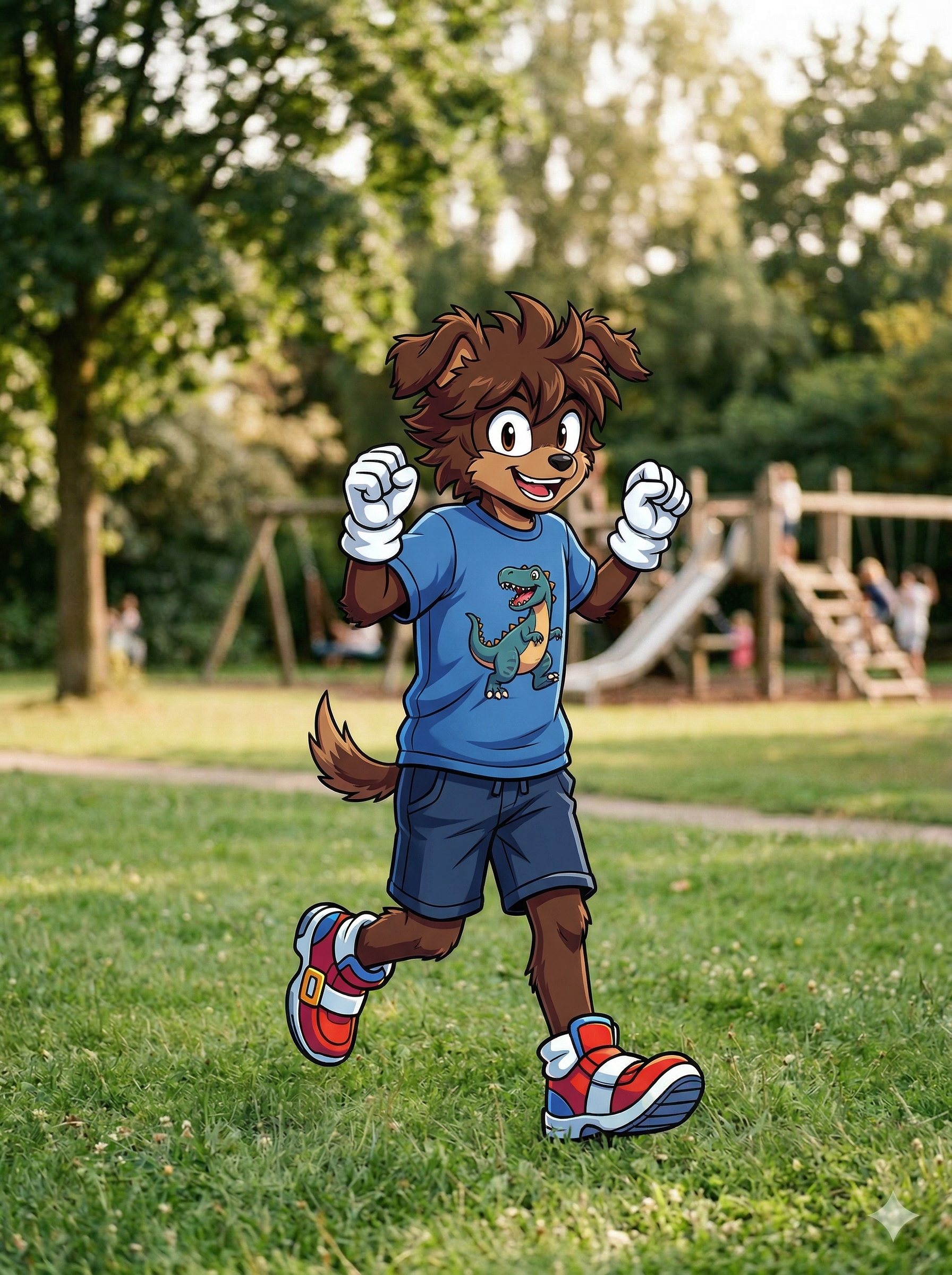
Hit the green Generate button — it shows the cost: "🦔 Generate · 4 credits".
Generation takes 30-90 seconds with auto-polling progress bar. When done, the Result panel shows three buttons:
- Download — Saves your Sonic OC as PNG
- Share — Native share dialog or link copy
- 🎬 Video — Optionally turn your generated OC into a short animated video (separate credit cost)
If you don't love the first result, regenerate (4 more credits). Most users land on a result they like within 2-3 tries. Save winners to My Creations so you don't lose them.
Open the Sonic OC Maker, switch to Photo Mode tab, upload your selfie. 3 steps, 60 seconds. Sign up free with Google to get starter credits.
Free credits on signup · Google login · Photo Mode + Text Mode + 9 species supported
9 Real Photo → Sonic OC Examples
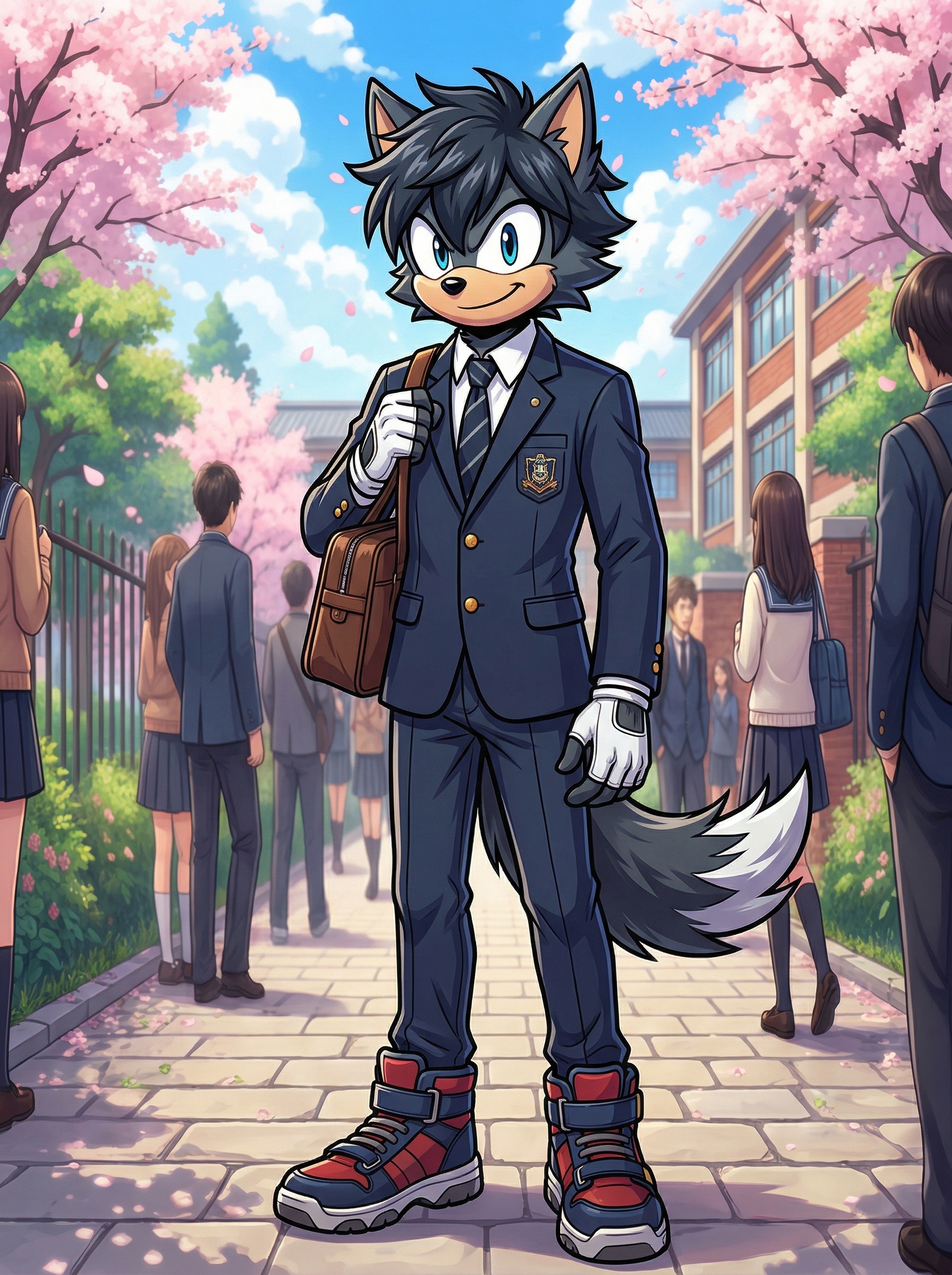
Here are 9 real before/after examples from the Sonic OC Maker gallery — covers the range of selfies, full-body shots, couples, cosplay, and even pets:
- Asian Woman → Cat — pink/red palette, soft cat features, anime style
- White Man → Hedgehog — classic Sonic blue mapped from photo
- Black Woman → Fox — orange fur, smart Tails-style accessories
- Kid (Boy) → Dog — friendly puppy OC, perfect for kids' avatars
- Couple Photo → Hedgehog Pair — works for two faces in one shot
- Cosplay (Anime Style) → Wolf — anime-themed photos translate well
- White Woman → Rabbit — Cream-style soft cute aesthetic
- Asian Man in Suit → Cat — formal photos work, outfit gets adapted
- Pet Dog → Dog OC — yes, you can transform pets too!
Each took one upload + one species pick + 60 seconds. No prompt writing needed — the AI auto-generates the description from the photo features.
Photo Mode vs Text Mode — Which to Use When
You have two paths in the Sonic OC Maker. Pick based on goal:
Choose Photo Mode when:
- You want to know "What would I look like as a Sonic character?"
- You're making a personalized avatar from your selfie / family photo / cosplay shot
- You want your specific features (hair color, face shape) preserved
- You're turning a pet or friend into a Sonic OC
Choose Text Mode when:
- You're designing an OC from imagination (no photo reference)
- You want full control over species + style + gender + pose
- You're following the 5-step prompt design covered in our 3D Sonic OC Guide
- You want to iterate the design through prompt tweaks
Most fans end up using both — Photo Mode to start with their own selfie, Text Mode to iterate variations of the design.
The Bottom Line
Making a Sonic OC from a photo isn't possible on Picrew, but it's 3 clicks on a proper AI Sonic OC Maker: upload → species → generate. The Sonic OC Maker's Photo Mode handles the heavy lifting (feature preservation, species mapping, anime-style rendering) so you don't write any prompt — just supply a clear photo.
When you're ready to make one, the Sonic OC Maker — also commonly searched as a Sonic OC generator — supports both Photo Mode and Text Mode with 9 species, 4 art styles, full-body view, and free starter credits on Google signup. Save your generations in My Creations for later iteration.
For designing from scratch (text-first, no photo), see the Sonic OC Maker 3D Guide covering the Text Mode 5-step flow. To understand what a Sonic OC is in fandom context (Mobian vs Sonic OC), see the Mobian OC Maker Guide.
Making OCs for other fandoms too? The Murder Drones OC Maker and the Anime OC Maker use a similar AI prompt-and-generate workflow — adapt the same logic for each universe.
This is an unofficial fan tool. Sonic the Hedgehog and related characters are trademarks of SEGA. Generated content is for personal, non-commercial use only.