How to Make a Murder Drones OC: 5-Step Guide (No Drawing)
TL;DR: Make a Murder Drones OC in 5 steps — pick a drone type, lock the eye and screen-face display, write a one-line backstory hook, describe outfit and weapon, then generate the art with AI. No drawing skills required. Free Murder Drones character maker linked throughout.
You want to make a Murder Drones OC, but every guide you've seen assumes you can draw. You can't. Good news: you don't need to. The whole process — from concept to finished character art — can be done in 5 steps and under 15 minutes without lifting a pencil. This guide walks you through every step so you can make your own Murder Drones character today, even if you've never made an OC before.
By the end you'll have a fully-formed drone OC: a clear type, eye color, backstory, outfit, weapon, and AI-rendered concept art ready to share on Discord, Tumblr, or use as a fanfic protagonist.
How to Make a Murder Drones OC in 5 Steps (Quick Overview)
| Step | What you decide | Time |
|---|---|---|
| 1. Drone Type | Worker / Disassembly / Solver-touched | 2 min |
| 2. Eyes & Face Display | X-pupil color + screen-face default expression | 1 min |
| 3. Backstory Hook | One sentence about who they were and what they lost | 3 min |
| 4. Outfit & Weapon | Era-appropriate clothes + one signature item + tool | 4 min |
| 5. Generate the Art | Describe to AI or draw the OC | 3 min |
Each step builds on the previous one. Don't skip ahead — choices early in the process shape what's possible later.
Step 1: Pick Your Drone Type
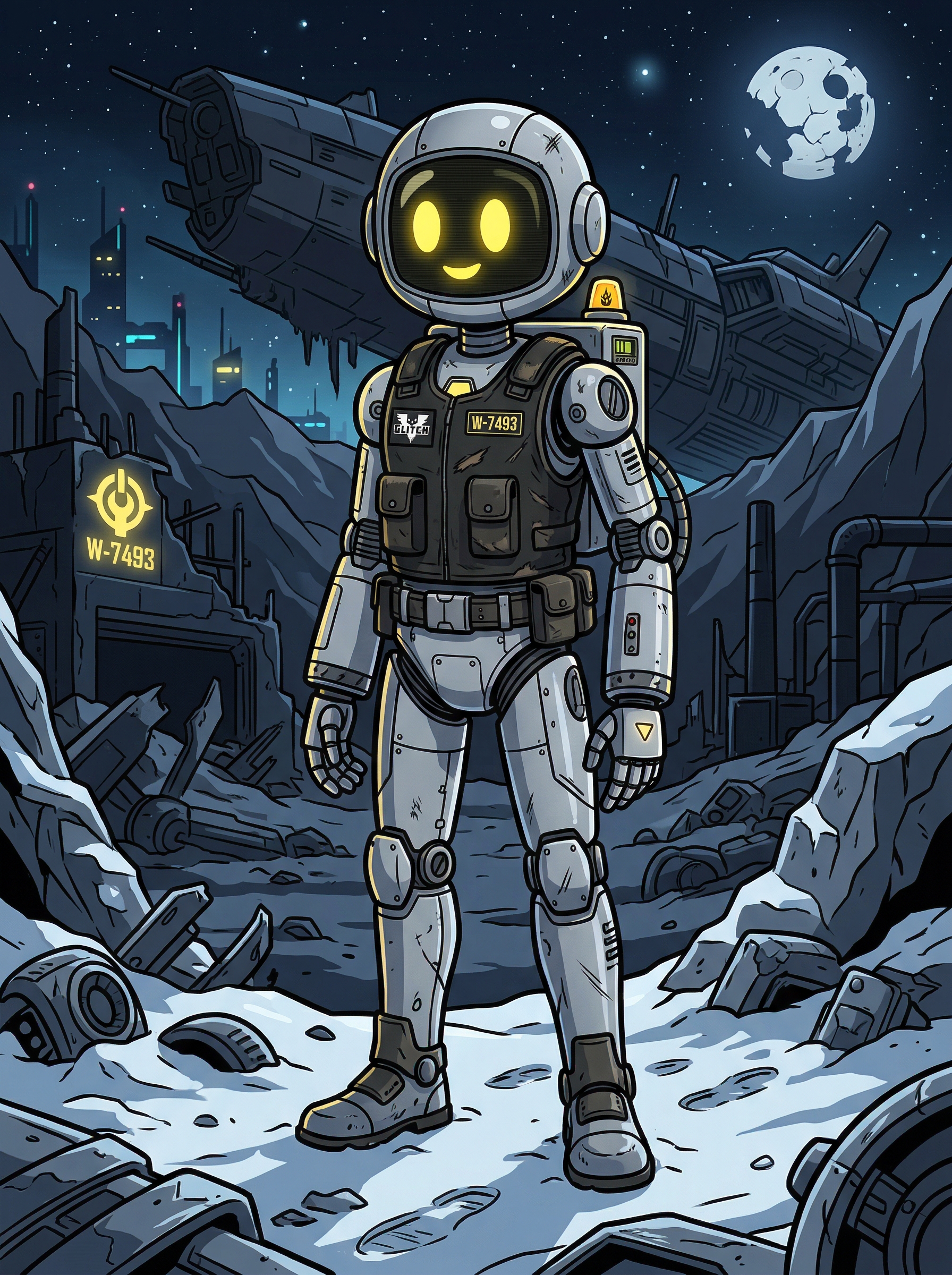
There are three Murder Drones OC types — pick one and the rest of the steps narrow down fast:
- Worker drone — humanoid maintenance robot, sympathetic and grounded, perfect for slice-of-life stories
- Disassembly drone — taller predator class with claws and wings, ideal for combat OCs with "show cast" energy
- Solver-touched hybrid — corrupted by the Absolute Solver, body-horror potential and total creative freedom
If you can't decide, default to worker drone — it's the most beginner-friendly to write and the easiest to render. For a full type comparison and decision tree, see our Worker vs Disassembly vs Solver guide.
Step 2: Lock the Eye & Face Display
Every drone communicates through their screen face. Decide two things and you're done:
X-pupil color and shape
- Workers: yellow X (standard), pink/amber for personality variants
- Disassembly: bright yellow X with sharper predator slits
- Solver-touched: red, glitching, sometimes shifting
Default face expression — what does the screen show when your OC is idle? Closed sleepy eyes (😴)? A static glitch? An emoji that doesn't match their mood? This single detail does more for character voice than three paragraphs of backstory.
Step 3: Write Your One-Line Backstory Hook
Beginners over-write backstories. Don't. One sentence is enough — the hook is the emotional anchor, not the novel. Use one of these four patterns:
- Loss hook: "Lost [person/thing] in [event] and still hasn't accepted it"
- Guilt hook: "Was reassigned right before [the disaster] and now blames themselves"
- Witness hook: "Watched [event] happen and remembers every second"
- Connection hook: "Used to be friends with [a canon character class] before things went wrong"
Examples:
- "Lost her sibling worker in the JCJenson Tower evacuation and refuses to leave the bunker now."
- "Was a disassembly hunter who defected after meeting a worker who reminded her of someone."
- "Came back online after the Solver took her — and isn't sure which parts of her are still real."
That's it. Save the long-form backstory for fanfic. The hook only needs to fit on one line.
Step 4: Describe the Outfit & Weapon
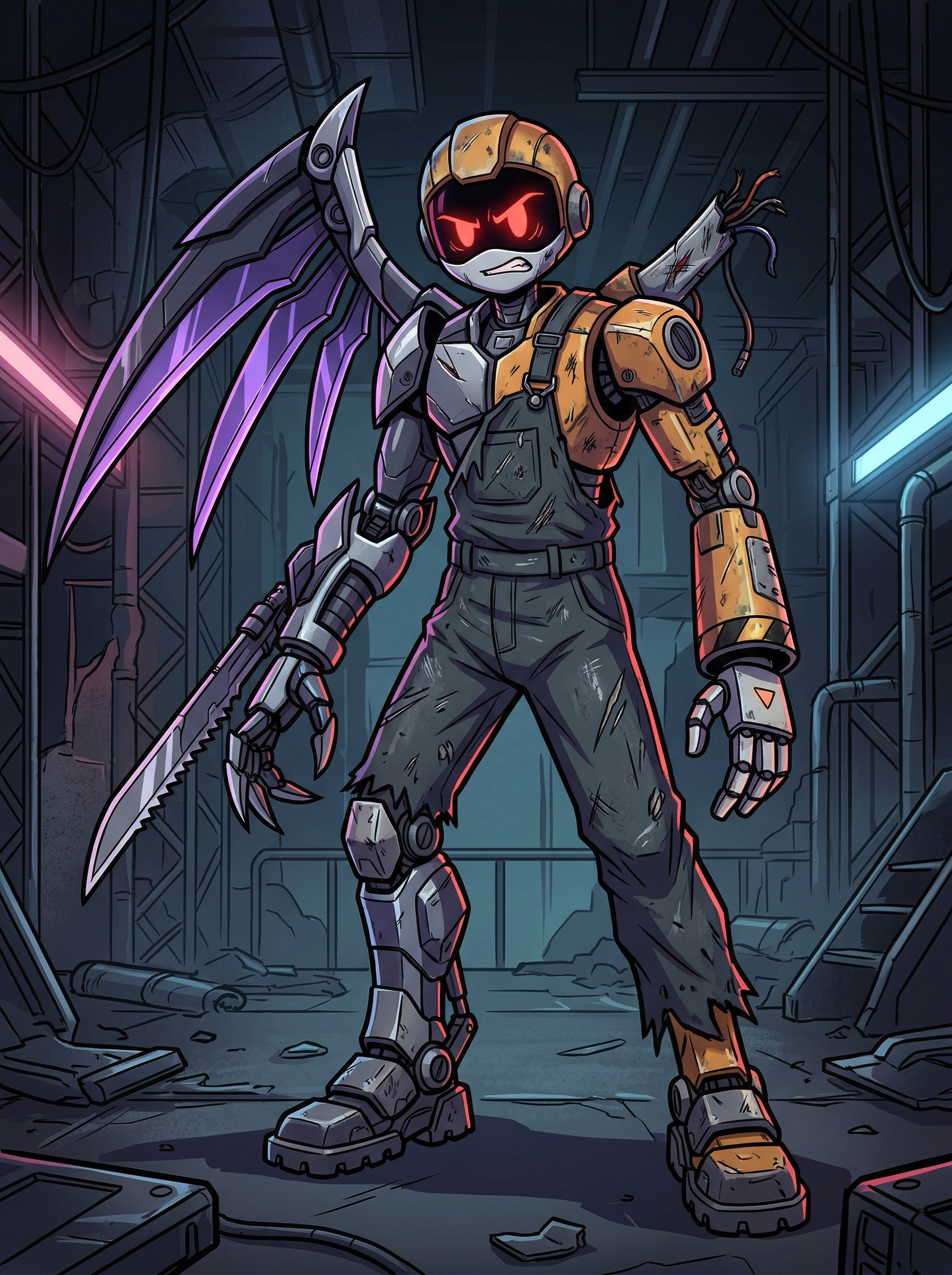
Murder Drones art lives on retro industrial aesthetics. Match your drone type:
- Worker outfit — jumpsuit, hoodie, lab coat, school uniform. Soft palettes — beige, dusty pink, olive, faded denim. Add one signature accessory (scarf, lanyard, toolbelt).
- Disassembly outfit — black-and-yellow uniform, leather-look outerwear, mechanical boots. Optional cape or scarf for drama.
- Solver-touched outfit — the original outfit but damaged — torn, melted, partially regrown with red glitch shards.
For the weapon, pick what your OC reaches for under stress:
- Workers — multi-tool, wrench, signal flare, stolen disassembly claw
- Disassembly — claws (default), rail-spear, modified gauntlets
- Solver-touched — the Solver itself, reality-warping
Now turn it into a copy-paste prompt:
Murder Drones style original character, [drone type] drone,
[eye color] X-pupil eyes, [face quirk],
wearing [outfit], with [signature accessory],
holding [weapon], [setting],
full body, dynamic pose, anime aesthetic, dark cinematic palette.
Fill the brackets with your Step 1-4 choices and you have a working AI prompt.
Step 5: Generate the Art with AI
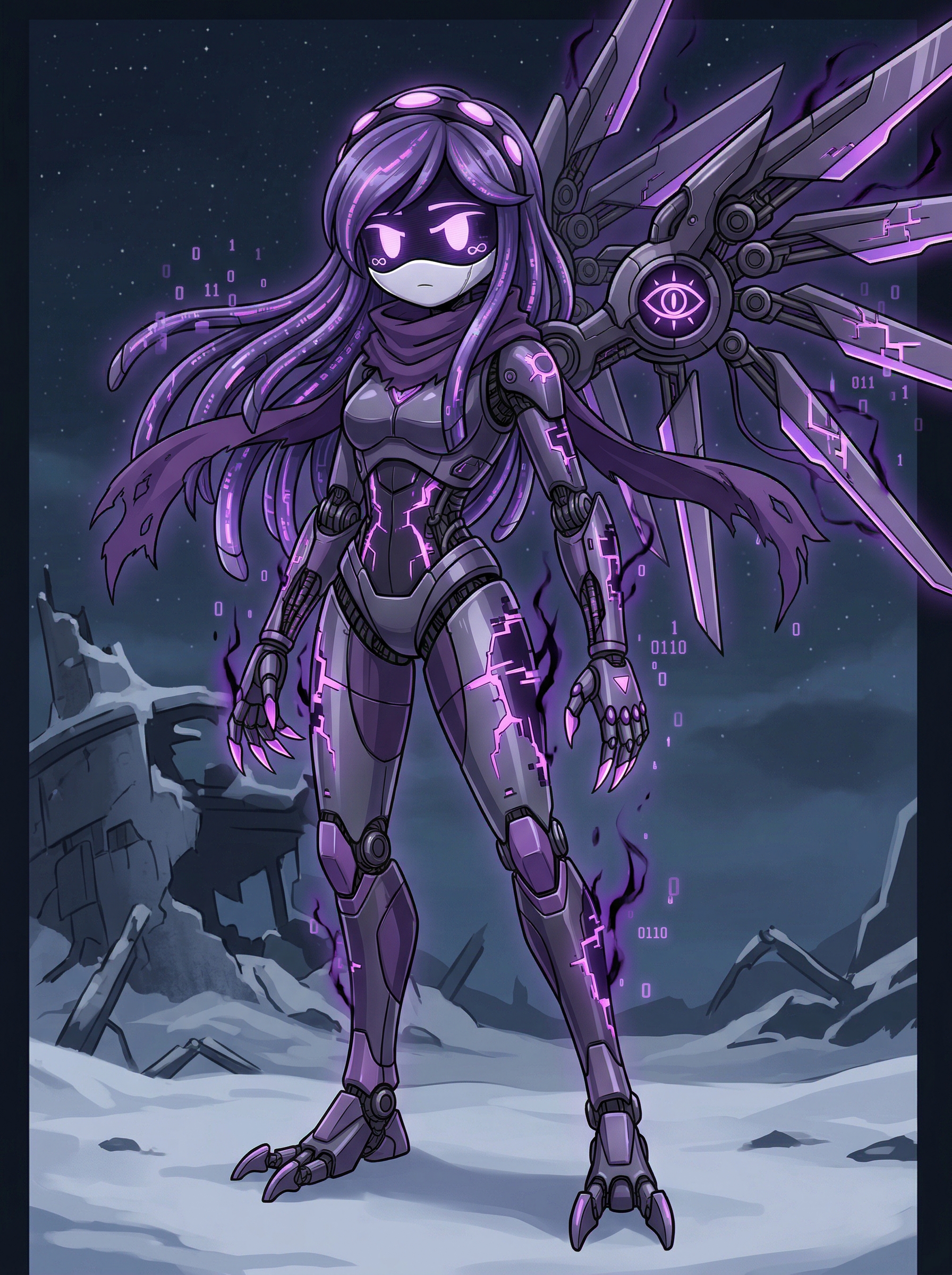
This is the step that turns your filled template into actual art. You have three options:
- Use an AI Murder Drones character maker — fastest, free first generations, no drawing skills needed. Paste the prompt from Step 4 into a make a Murder Drones OC maker tool, pick a style (full body, chibi, 3D), and you have art in under a minute.
- Use Picrew — Picrew has a handful of fan-made Murder Drones generators. Limited customization, fixed art style, but instant.
- Draw it yourself — total control, takes hours or days. Only worth it if you're already comfortable drawing.
For most people, the AI route wins on time and quality. The Murder Drones character maker on aividmaker supports four output styles (anime, chibi, 3D, show-accurate), accepts full-body prompts out of the box, and remembers your OCs in your dashboard. It's the same tool used by the murder drone character maker community for quick concept iteration. If you want a leaner option, the murder drone OC creator on the same site lets you generate without filling out a long prompt — just describe in one line.
Generate 3-5 variations, pick the best one, save it. That's your OC, ready to share.
Got your drone type, eyes, hook, and outfit ready? Paste the prompt and let AI do the rest. Sign up free with Google for starter credits.
Free credits on signup · Google login · Full-body, chibi, and 3D styles supported
3 Common Mistakes That Kill Murder Drones OCs
You can follow the 5 steps perfectly and still end up with a flat OC. Watch out for these:
- Mixing too many fandoms in one OC. Murder Drones aesthetics are tight. Adding Sonic accessories, anime sword styles, or Hazbin Hotel color palettes makes your OC look like it doesn't belong. Stay in the Murder Drones visual language and the OC reads as canon-adjacent.
- Five-paragraph backstory. Beginners write essays. The fandom rewards one-liners. Your backstory hook is a teaser, not the whole story — save the long version for fanfic where it matters.
- Skipping the silhouette test. Before you finalize, look at your OC's silhouette only (no colors, no detail). Can you still tell it's a worker? Disassembly? Solver-touched? If not, the visual class read isn't strong enough. Tweak posture or accessories until it works.
The Bottom Line
Making a Murder Drones OC isn't about being a great artist — it's about making five clear decisions and feeding them to AI. Type, eyes, hook, outfit/weapon, generation. That's the entire process. If you got here from a blank page and now have an OC, you did it right.
Once you've made your first one, the second is faster. Most fans end up with 3-5 OCs in a shared universe — workers and disassembly drones interacting, a solver-touched friend lurking in the background. Whether your goal is to make a Murder Drones character for fanfic, RP, or just to share on Discord, the make your own Murder Drones character workflow scales naturally.
If you want more structure for your next OC, see the Murder Drones OC template guide for a 6-field reference, or the type comparison guide to lock the class before you start.
Building OCs for other fandoms? The Sonic OC Maker and Anime OC Maker use the same 5-step workflow. Save your favorites in My Creations to reuse them later.
This is an unofficial fan tool. Murder Drones is a trademark of Glitch Productions. Generated content is for personal, non-commercial use only.