Best AI Fat Filter Tools in 2026 — I Tested Them So You Don't Have To

The "fat filter" trend has been around since the early TikTok days, but it has quietly turned into one of the most-searched AI photo effects in 2026. Some people use it for laughs, some for body-positivity content, some to imagine what they would look like 30 pounds heavier before actually committing to it.
Whatever the reason, the older Snapchat-style fat filters — the ones that just stretched your cheeks like a cartoon — are starting to feel embarrassing next to what AI can do now. So I spent a weekend testing every "make me fat" AI tool I could find, and the gap between the best and worst ones is bigger than I expected.
How AI Fat Filters Actually Work
Old filters (the TikTok and Snapchat kind) work by warping the pixels around your face — they push your cheeks outward, round your jawline, and call it a day. The result is funny but obviously fake. The eyes are still in the same place, the lighting doesn't match, and your neck looks weirdly thin compared to your face.
Modern AI fat filters do something completely different. They use generative models (the same family as Stable Diffusion and Flux) to redraw the photo as if you actually weighed more. That means the AI generates new chin shadows, new neck volume, slightly softer cheekbones, and even adjusts the way clothing falls on your body. It is not a warp — it is a reimagination.
The downside: it takes a few seconds longer than a traditional filter, and it costs more to run because each photo runs through a real AI model.
Why People Use It
Before we get into the tools, here's what I found people actually use these filters for, based on a quick scan of r/photoshopbattles and TikTok comments:
- Pure entertainment — the most common use case, just sending a chubby version of yourself to your group chat
- Weight-loss motivation — seeing a "future you" if you stop going to the gym
- Acting and casting reference — actors generating reference images for body-double scenes
- Body-positivity content — creators making the point that bigger bodies are still beautiful
- "What if" curiosity — same reason people use age filters or gender swap filters
Knowing your use case matters because some tools handle realism better, while others lean toward the cartoony TikTok look.
The Best AI Fat Filter Tools in 2026
1. TikTok's Built-in "Chubby" Filter
The TikTok filter is still the most accessible because it's free and inside an app you probably already have. It runs in real time on your phone, which is impressive technically.
Pros:
- Real-time, works in video
- Free, no account hoops
- Huge meme template library
Cons:
- Pure pixel warp, looks fake on closer inspection
- No control over how much weight the filter adds
- Can't save without the TikTok watermark and account login
2. FaceApp Body Editor
FaceApp added a body editor a while back that includes a "weight gain" slider. It's more sophisticated than TikTok's filter, but it's still a slider-based warp rather than true AI redraw.
Pros:
- Slider control over intensity
- Solid face-detection that handles angles well
Cons:
- Requires a paid subscription for the full feature
- The "more weight" end of the slider often distorts the background
- Privacy concerns have followed FaceApp for years
3. AIVidMaker AI Fat Filter

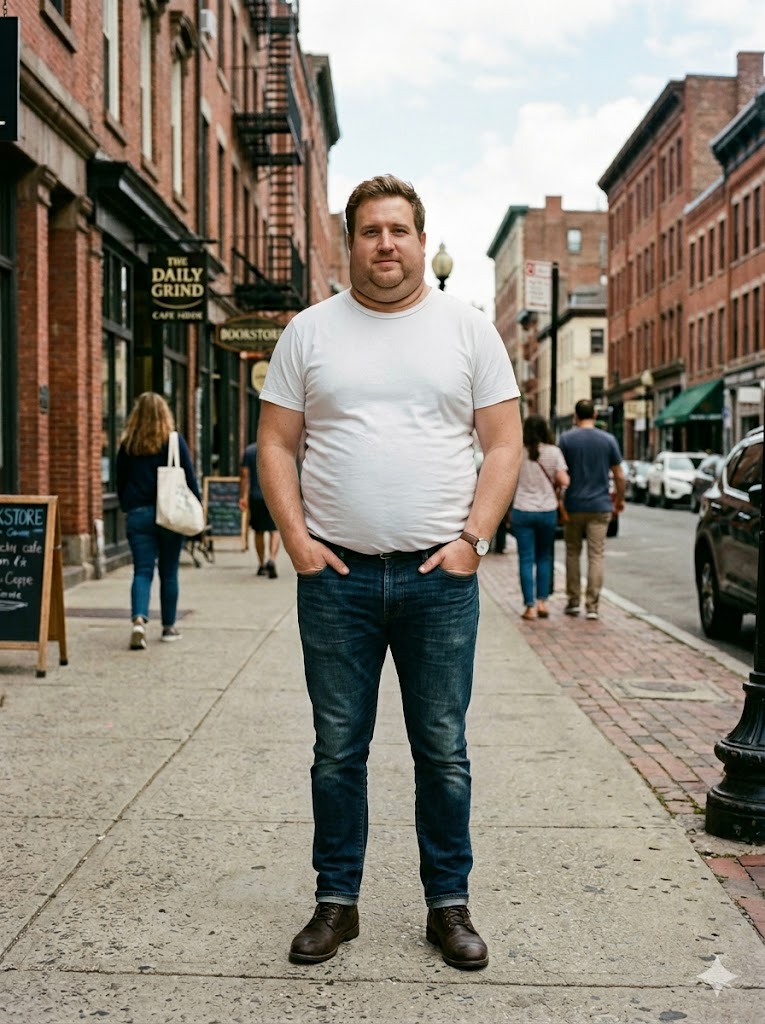
AIVidMaker's AI fat filter takes the generative-AI approach. Instead of warping pixels, it regenerates the photo with realistic weight gain — softer jawline, fuller cheeks, double-chin shadows, and natural-looking skin texture.
Pros:
- True AI generation, not a warp filter
- Works on any face, any angle
- Free to try, runs in your browser
- No watermark on the output
Cons:
- Takes 10-20 seconds per generation (it's not real-time)
- Photo-only, not yet available for video
- Uses credits for repeated generations
What stood out to me was how the AI handled the clothing. Most fat filters break down the moment you wear a fitted shirt because the warp doesn't know how fabric drapes on a heavier body. AIVidMaker's version actually adjusts the clothing fit, which is the small detail that makes the result believable.

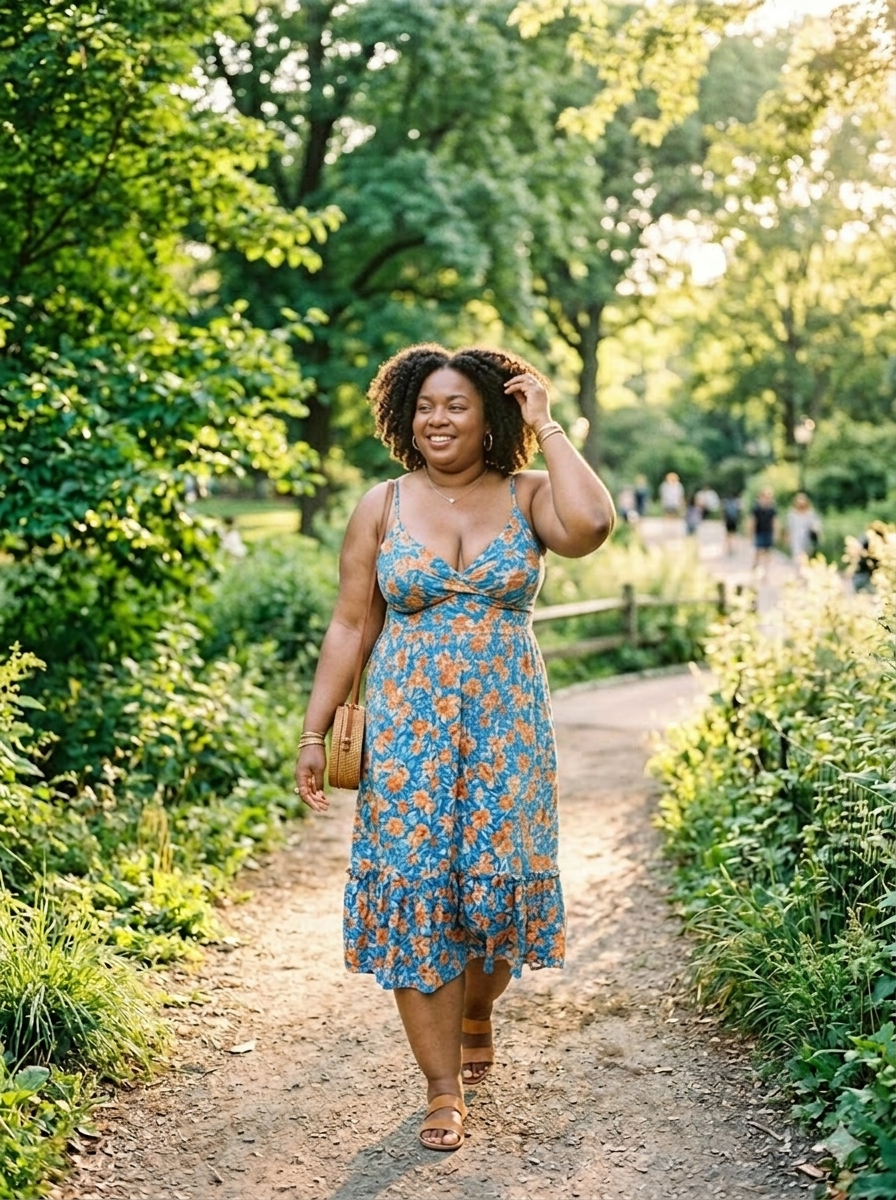
I also tested it on a couple photo, which is the harder case because the AI has to handle two faces in one frame:
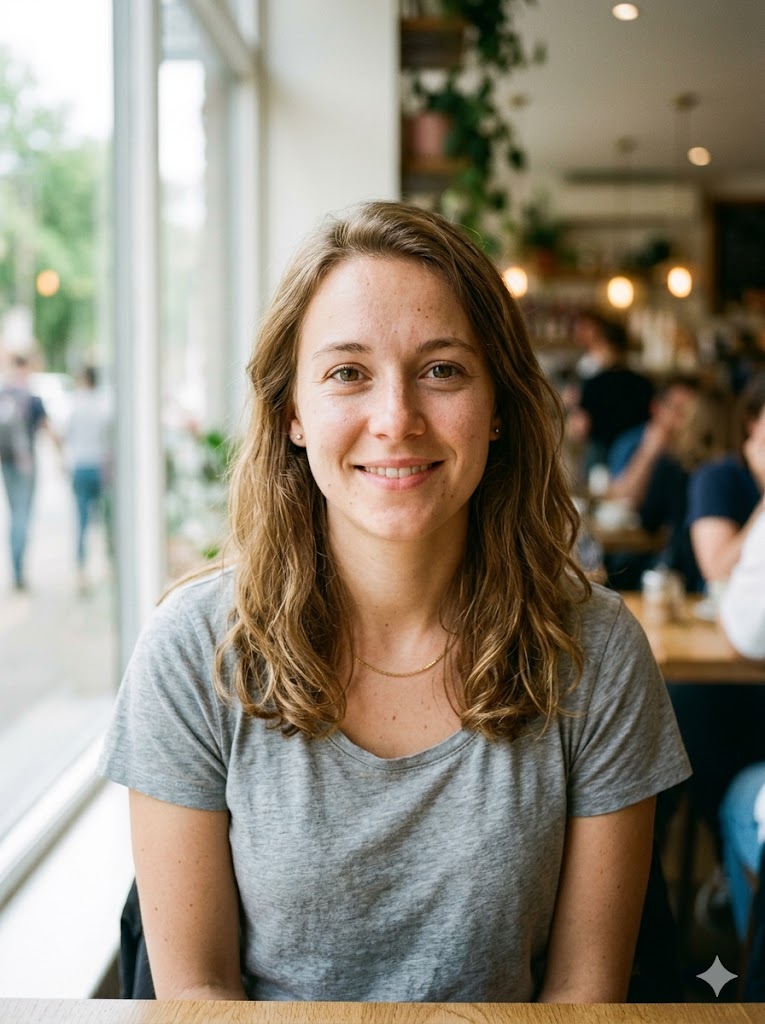
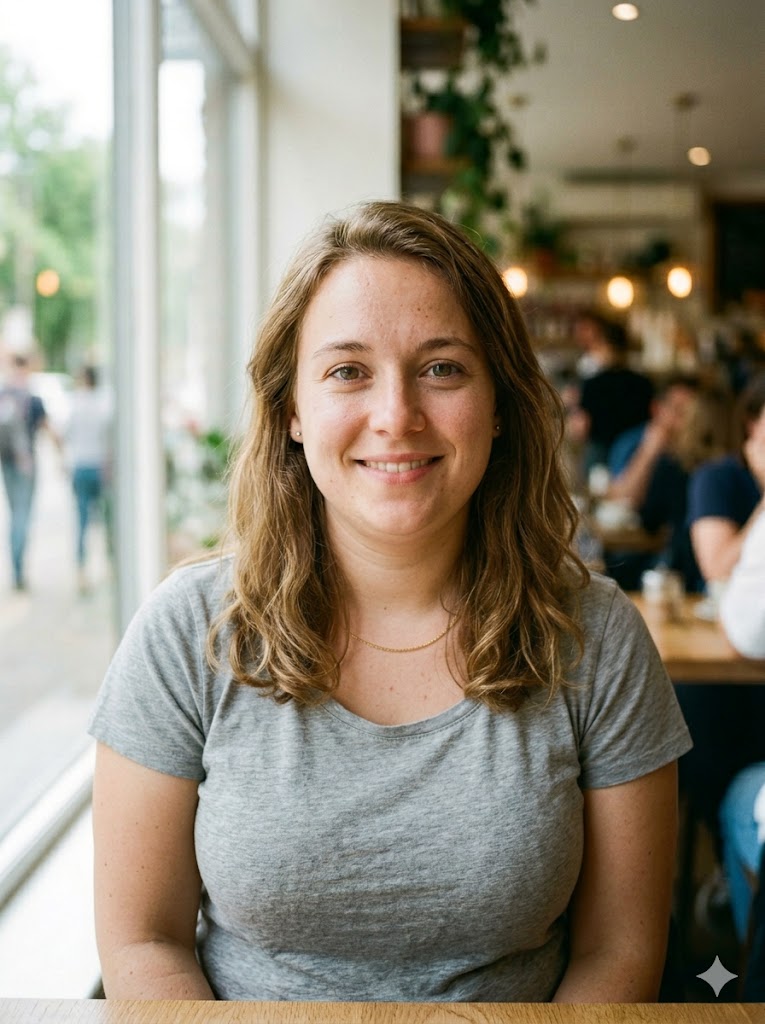
Both faces got consistent treatment — same lighting, same proportional weight gain — which a lot of cheaper tools fail at.
4. Generic "Make Me Fat" Web Apps
There are dozens of small AI sites that all promise the same thing — "upload a photo, see yourself fat." Most of them are wrappers around the same open-source model, which means the quality is similar across all of them. The deciding factor is usually pricing and how aggressive their email-collection wall is.
Pros:
- Lots of options, easy to find one
- Many offer at least one free generation
Cons:
- Quality varies wildly even within the same site
- Many lock results behind a paywall after the first attempt
- Some keep your uploaded photos for "training data"
Tips for Realistic Results
Whichever tool you pick, these are the things I noticed make the biggest difference:
- Use a clear, front-facing photo. Side angles confuse the AI and produce skewed results.
- Good lighting beats high resolution. A 1080p photo with even lighting will outperform a 4K photo with hard shadows.
- Avoid heavy filters or makeup. The AI is trying to read your actual face structure — anything that hides it makes the prediction worse.
- Try different intensity levels. A "slightly heavier" version often looks more realistic than the maximum-weight version, which can tip into uncanny territory.
- Test multiple photos. Different photos of the same person can produce surprisingly different results depending on lighting and angle.
Is It Safe?
This is the question everyone asks second (right after "is it free"), and it's a fair one.
The two real privacy concerns with any AI photo tool are:
- Where does my photo go? — Read the privacy policy. Reputable tools delete uploads within 24 hours; sketchier ones keep them for "model training."
- Could someone else see my result? — Most tools generate private results, but free tools that show a public gallery are the obvious exception.
Both of those concerns are about the platform, not the technology itself. If you stick with named tools that have a clear privacy policy, you're fine. The technology behind it is the same as generative AI used in any modern photo app.
The Bottom Line
If you want a quick laugh and don't mind the cartoony look, TikTok's built-in filter is fine and free. If you want something that actually looks like a photograph of a heavier you, the AI-generation tools are in a different league entirely.
Among the ones I tested, AIVidMaker's AI fat filter produced the most realistic results, especially on hard cases like couple photos and full-body shots. FaceApp was a close second if you already pay for it. The generic "make me fat" sites are mostly fine for one-off use but inconsistent.
If you're curious about the AI approach, you can try it for free here: AI Fat Filter — see yourself heavier in seconds.
For more free AI photo tools, check out this complete AI tools directory.