AI Skin Color Changer — Free Online
Change skin tone, whiten or tan your photo online free. No watermark. 9 preset skin tones from porcelain to ebony.
Upload a portrait
Choose Skin Tone
Result
Your result will appear here
Upload a photo and pick a skin tone
Skin Tone Examples — Click to Recreate
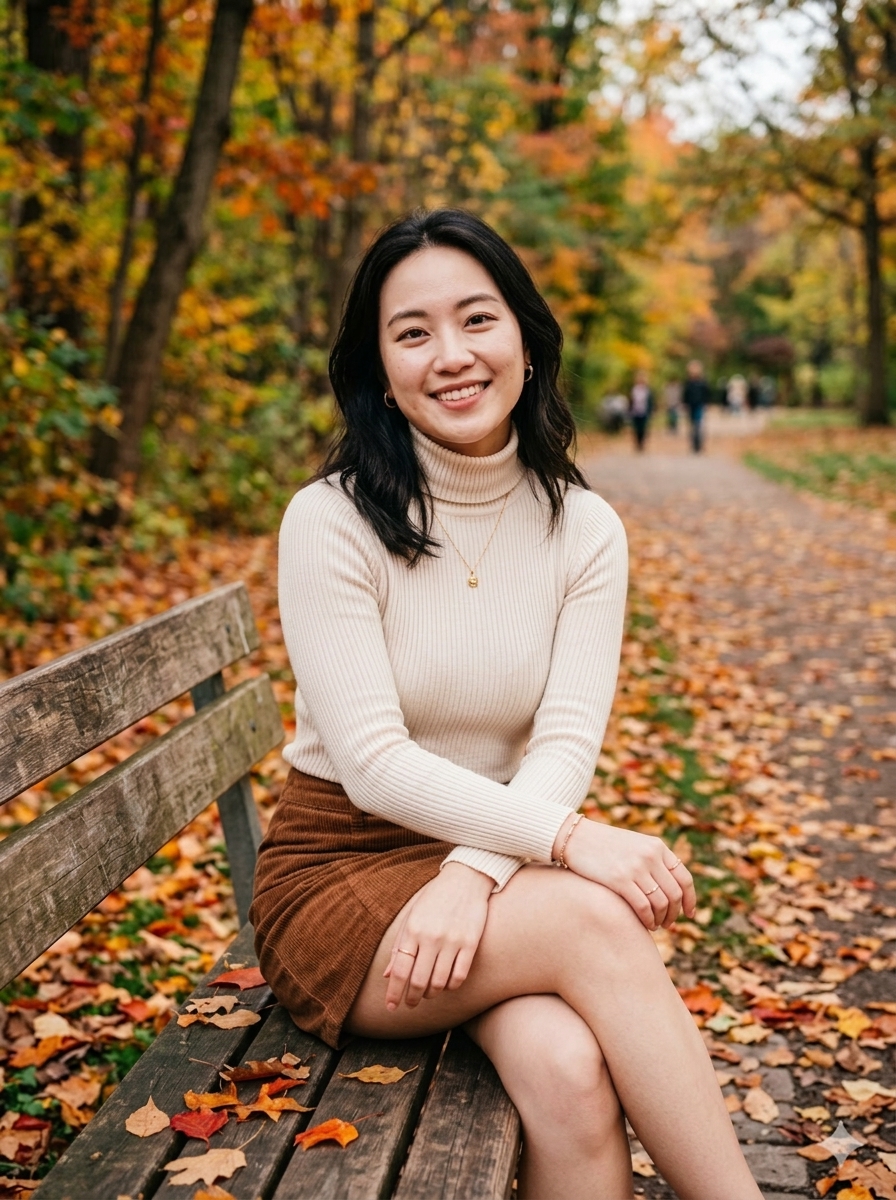
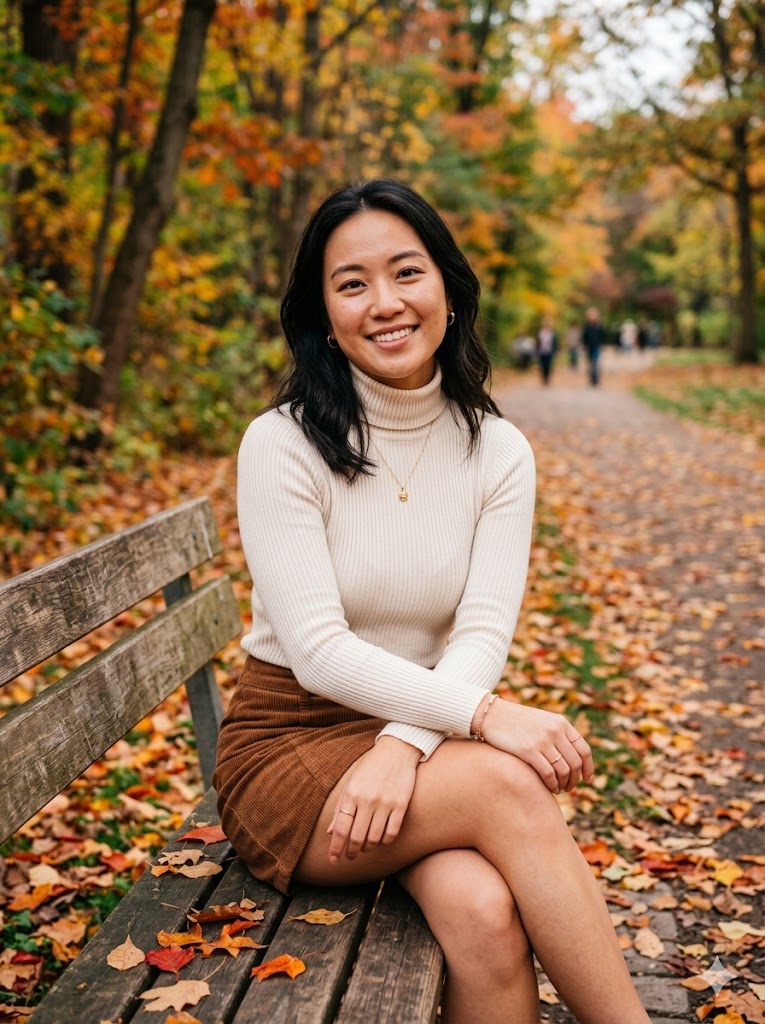
Porcelain
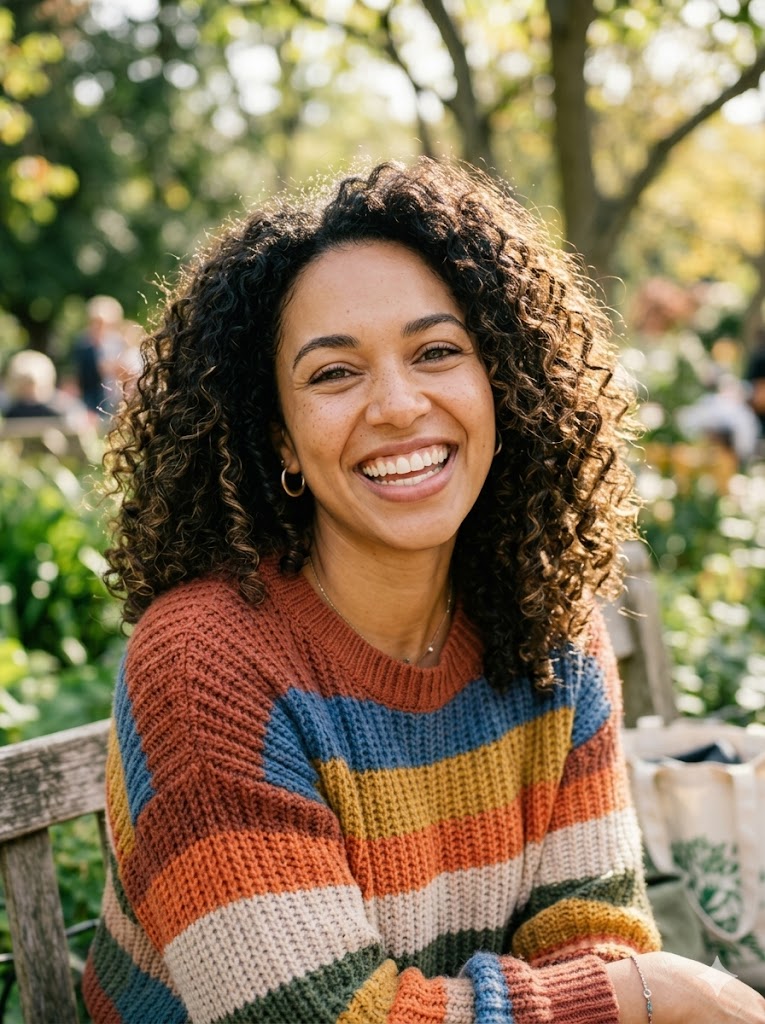
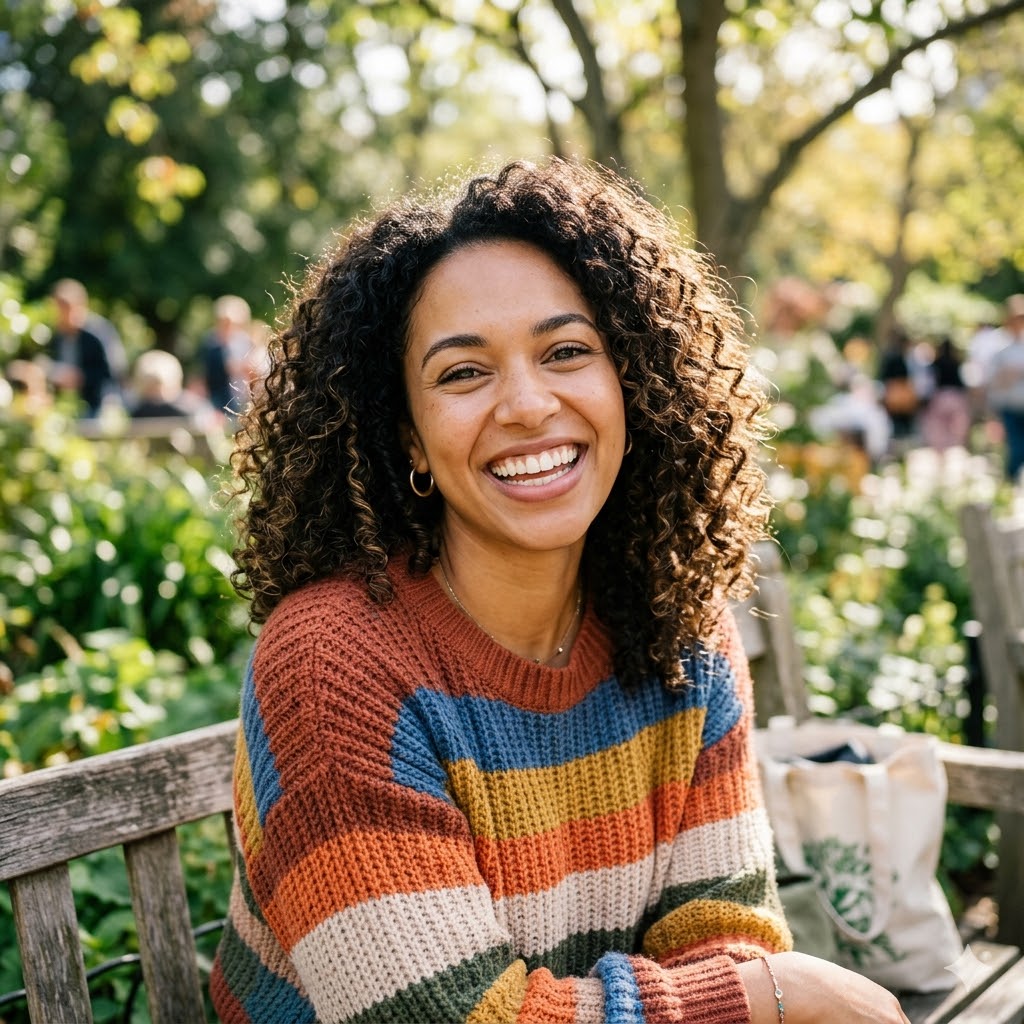
Ivory
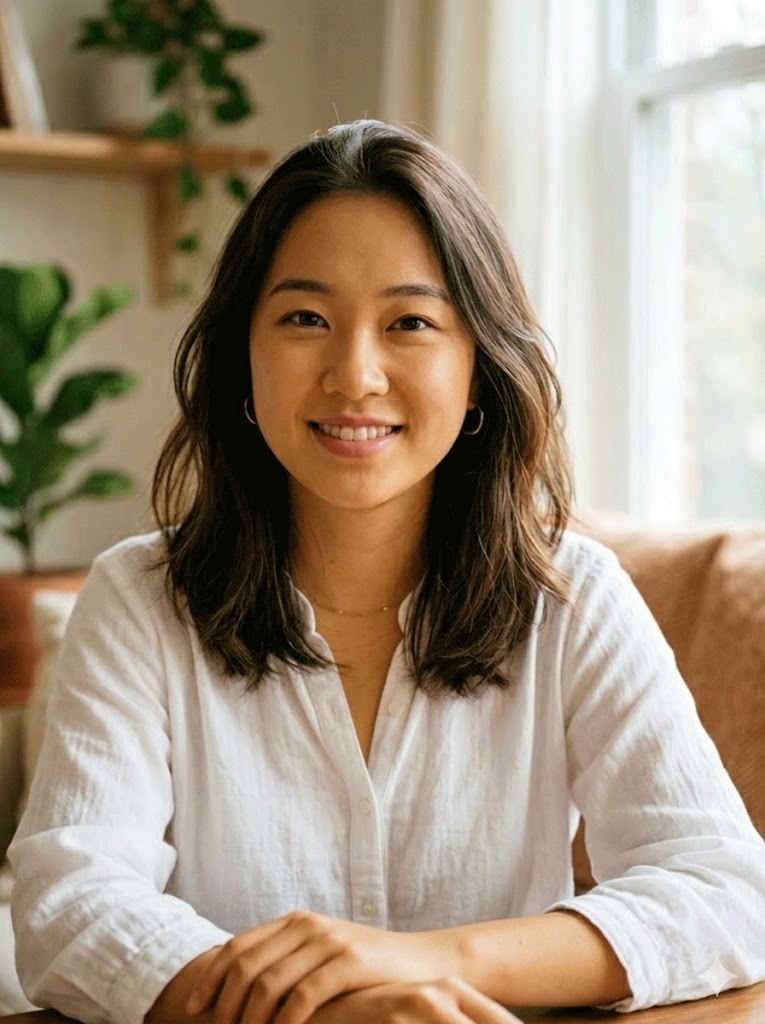
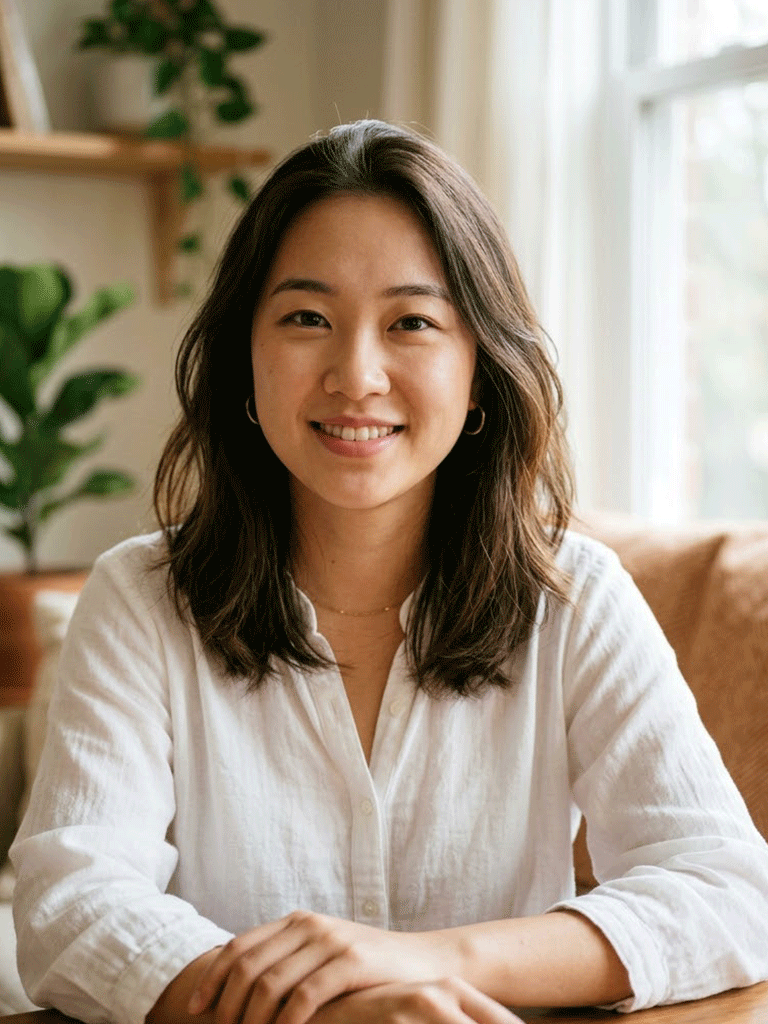
Wheat
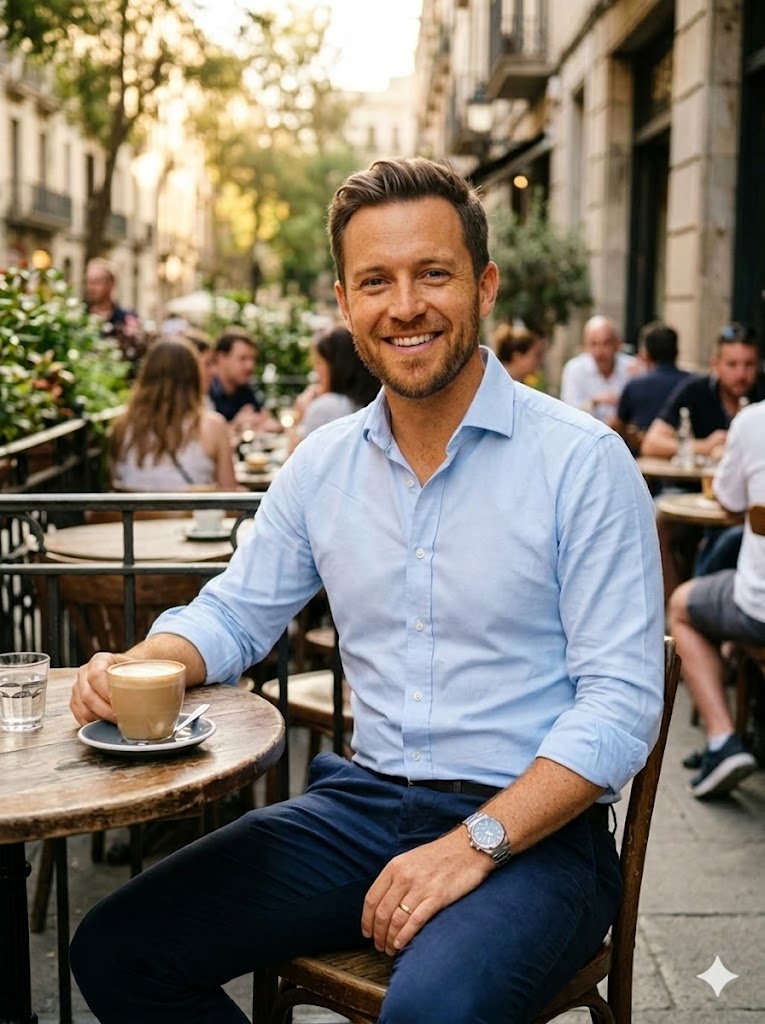
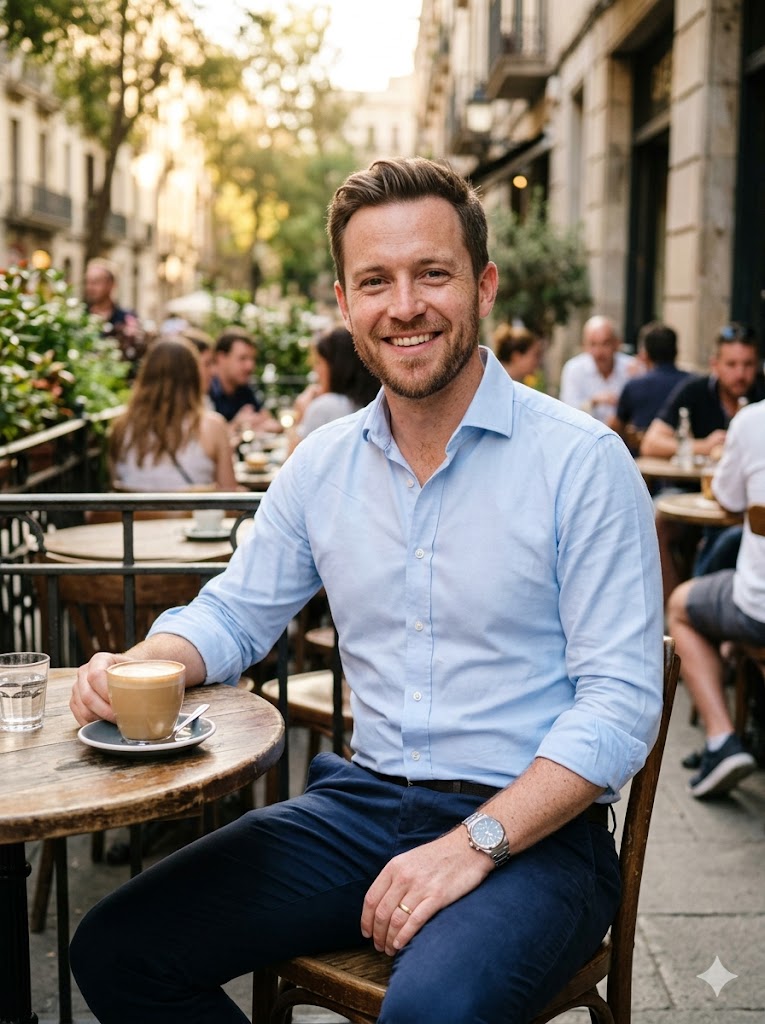
Honey
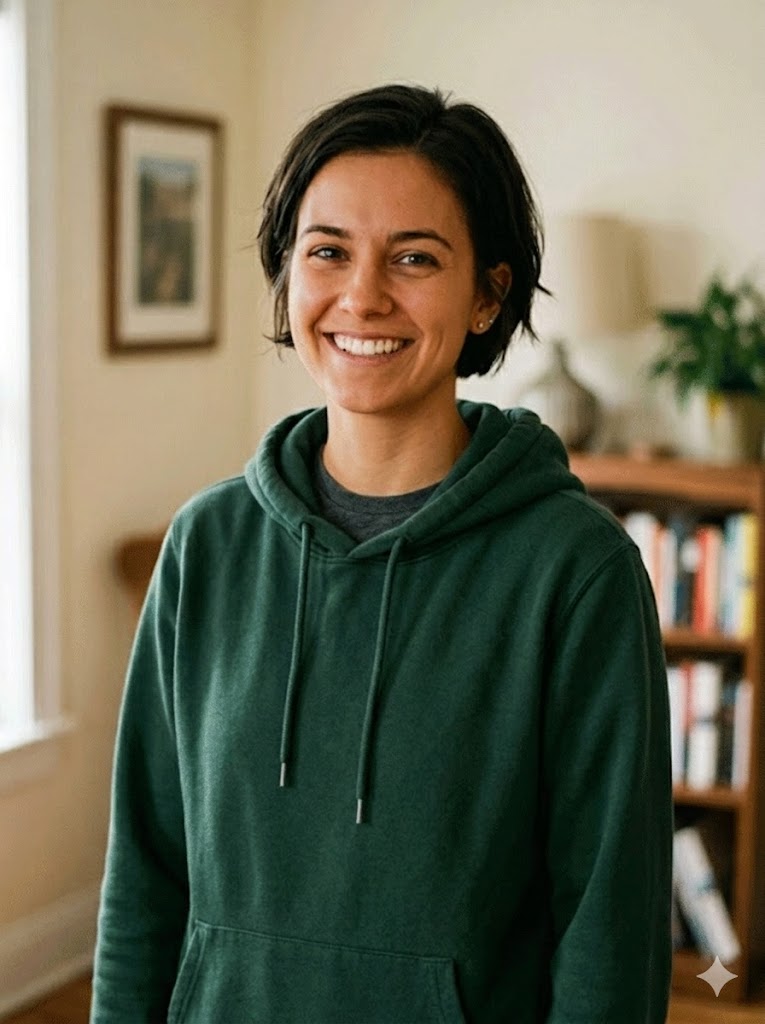
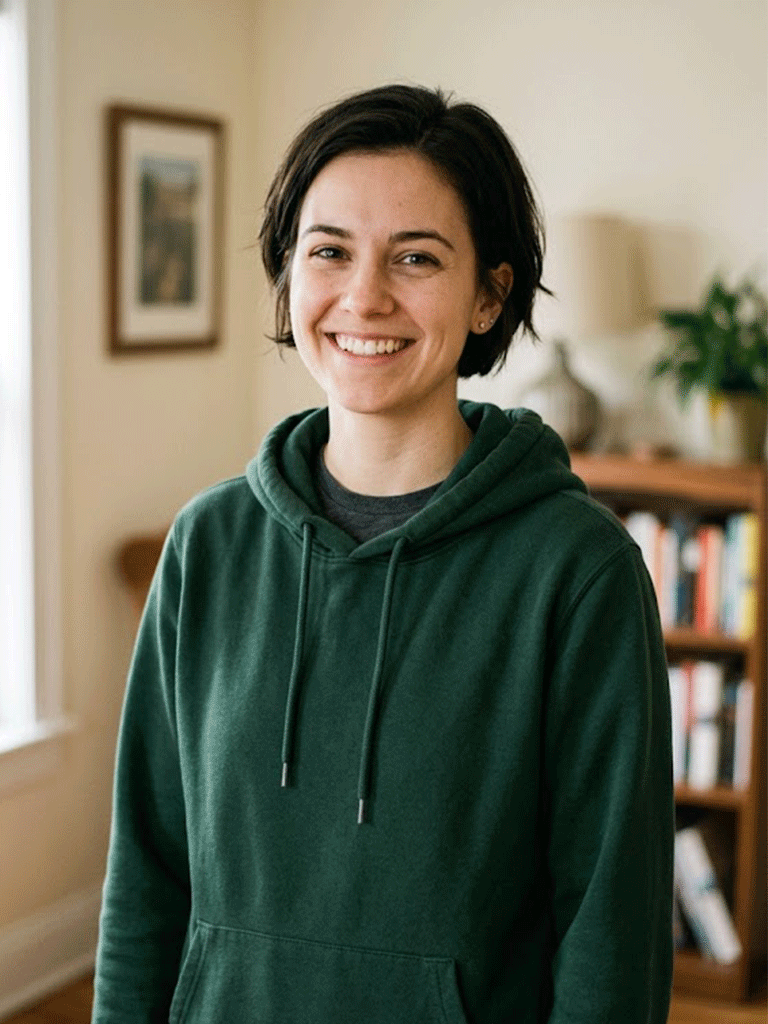
Tan


Caramel
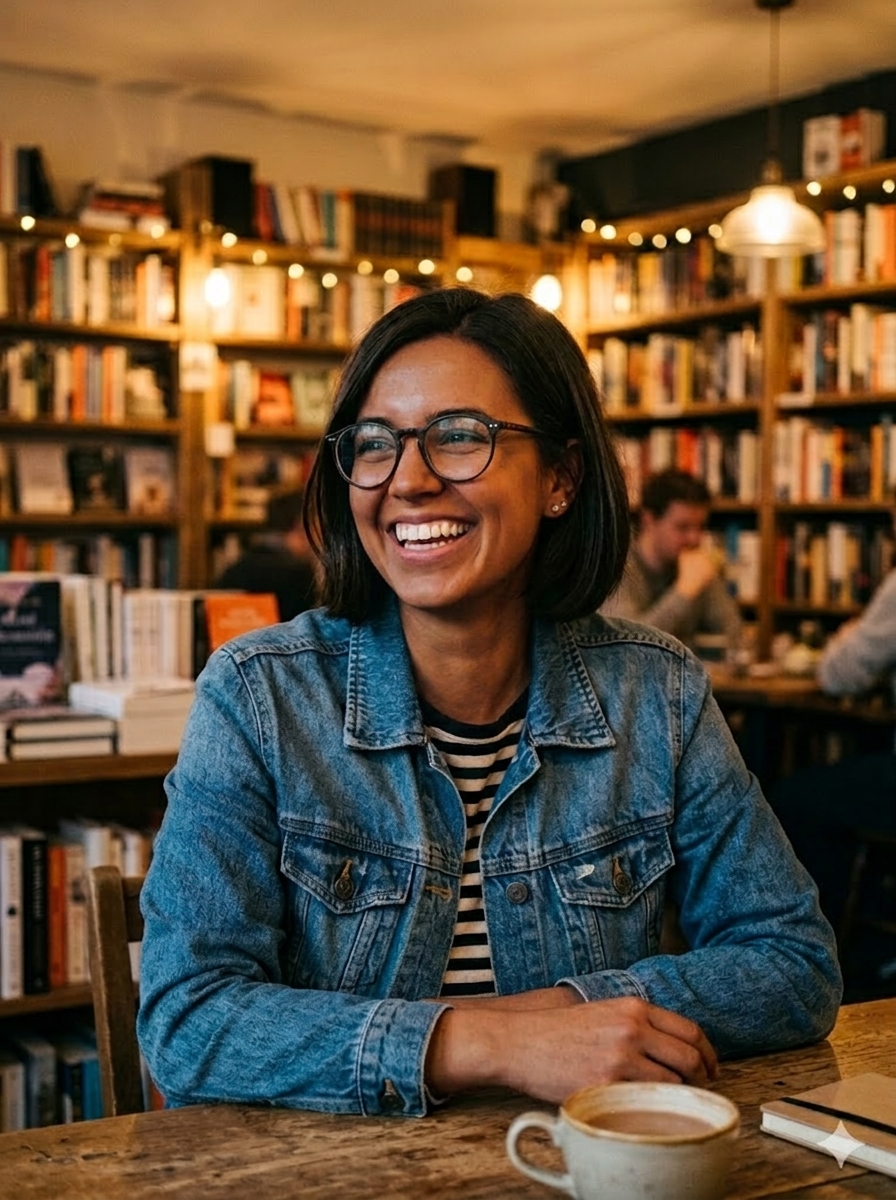
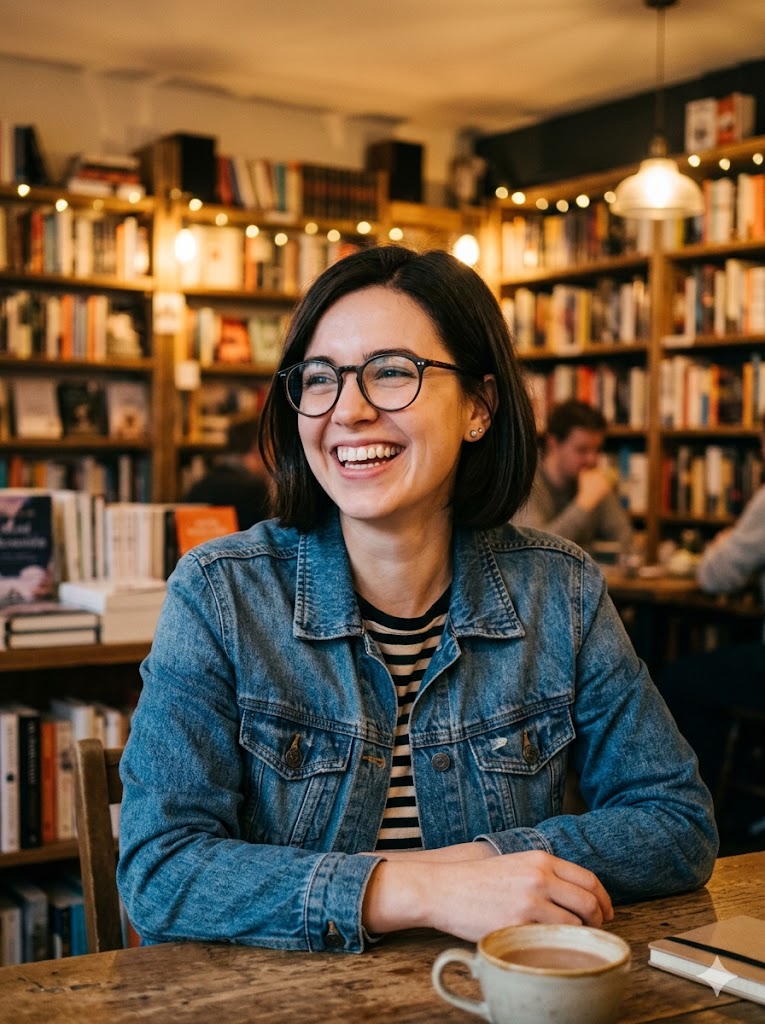
Brown


Ebony
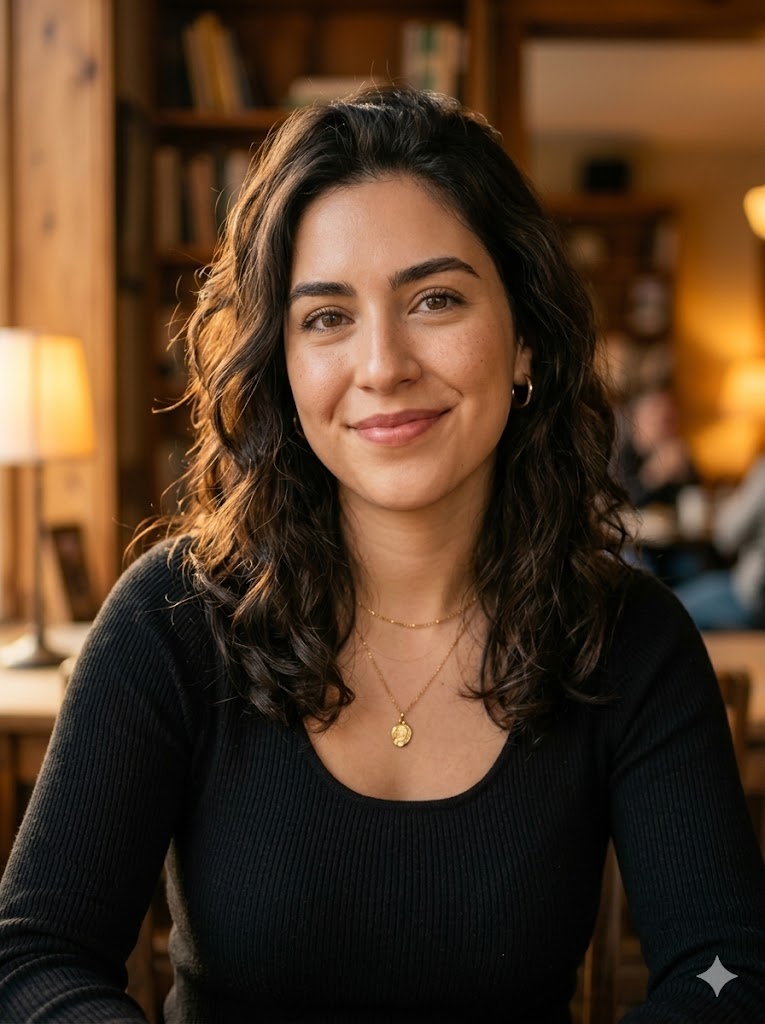
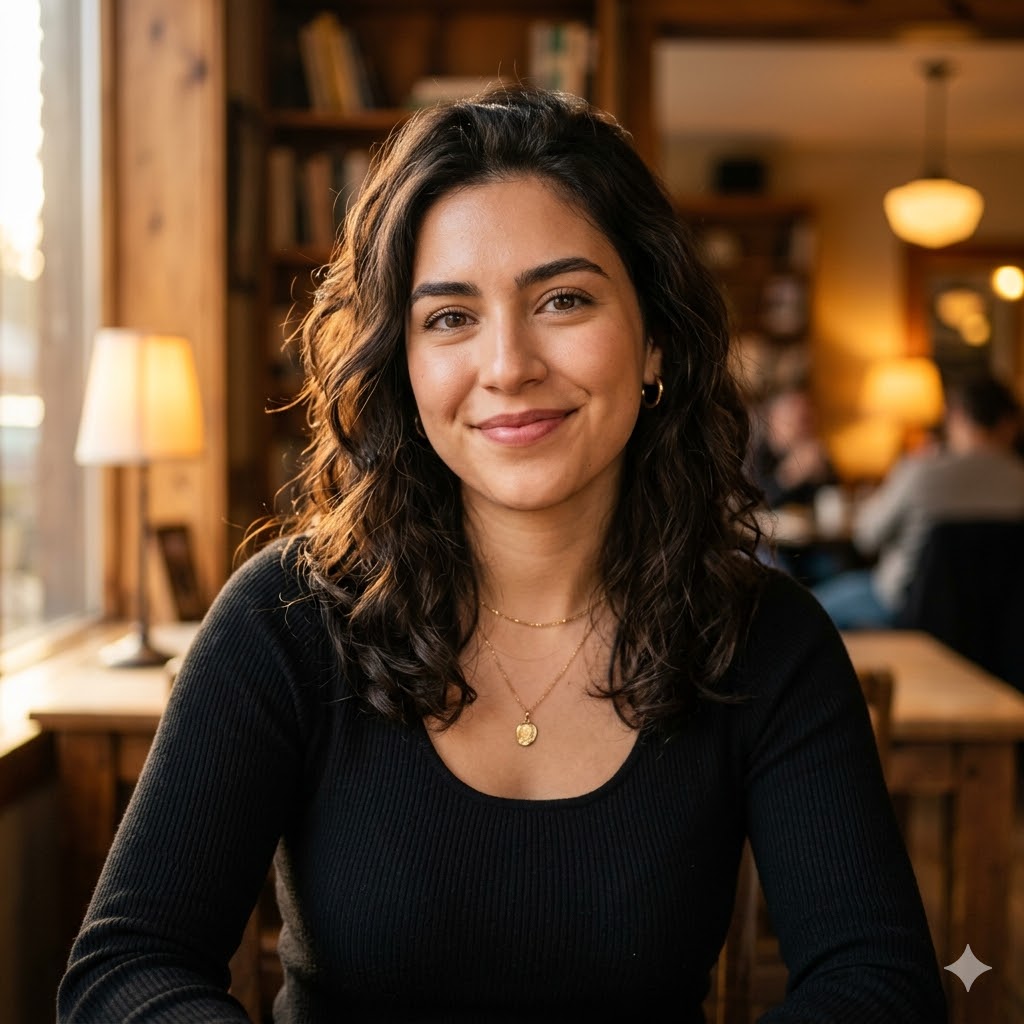
Even Tone
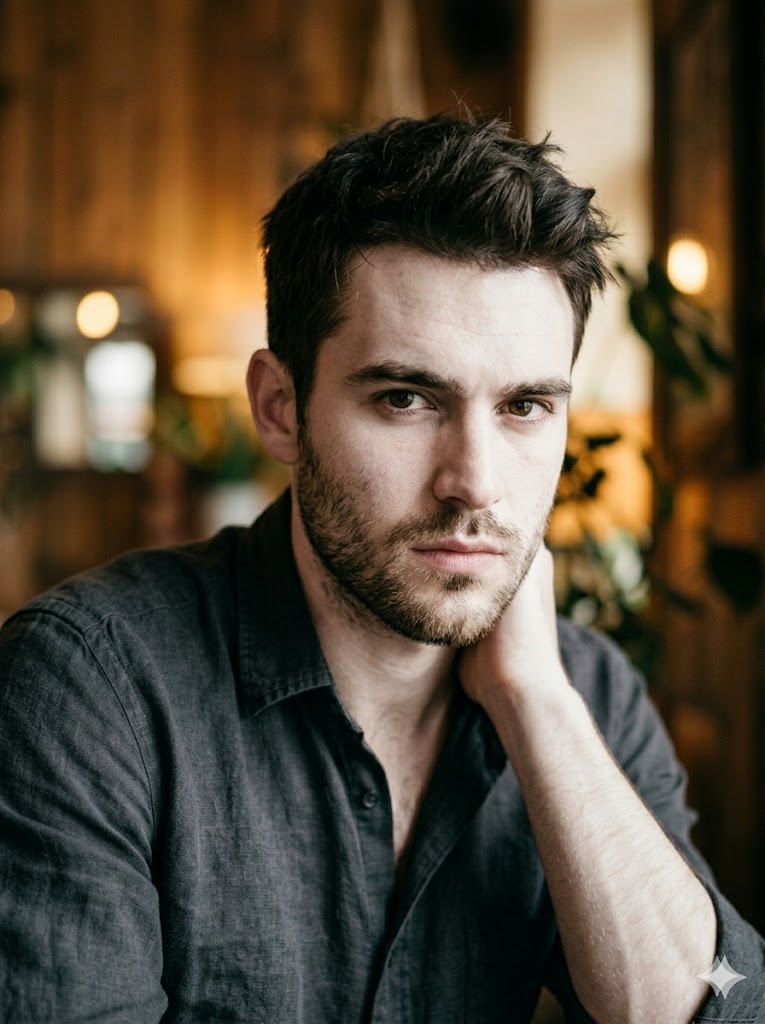
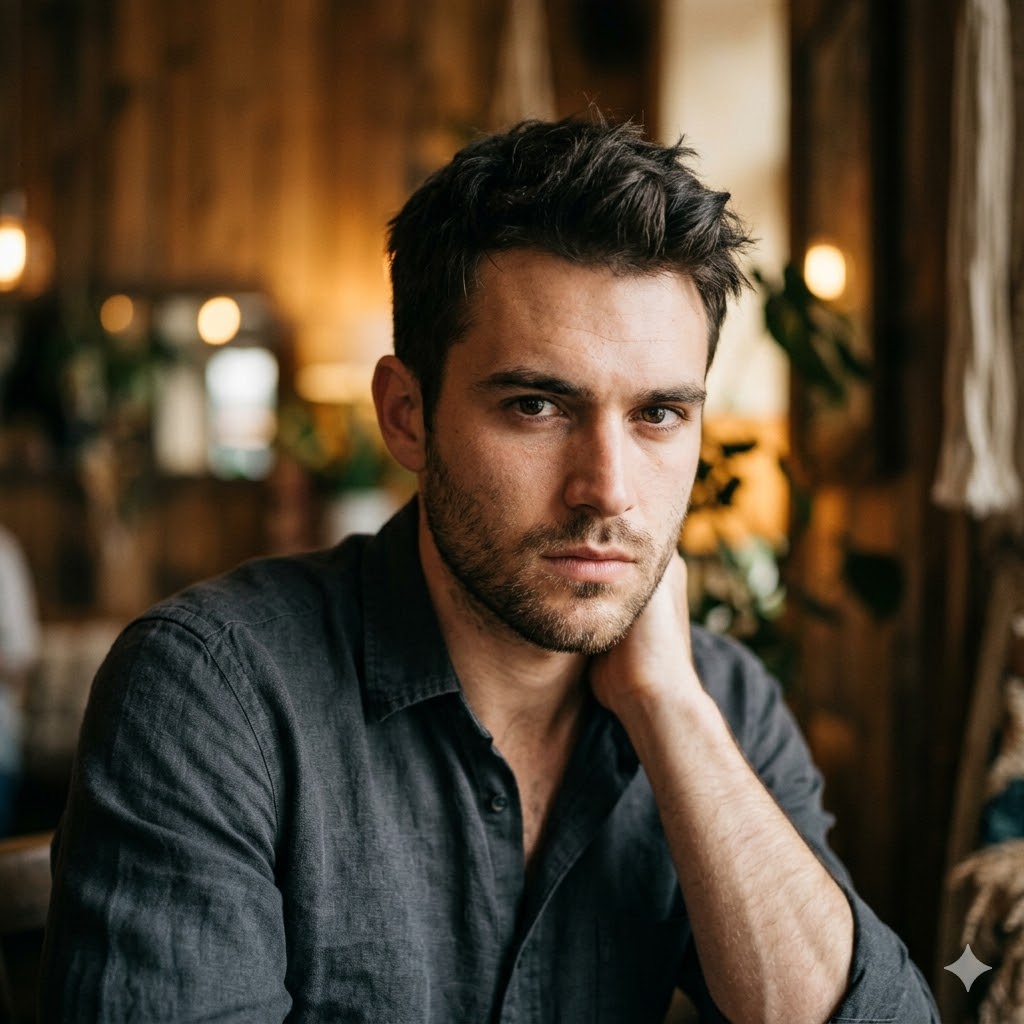
Porcelain
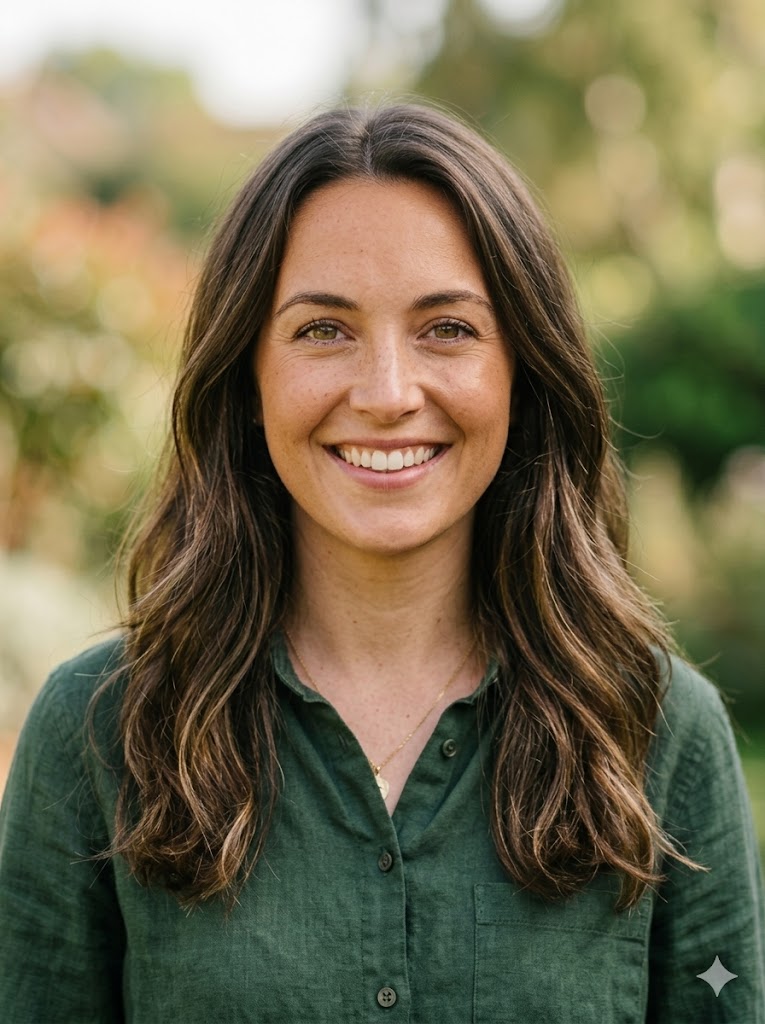
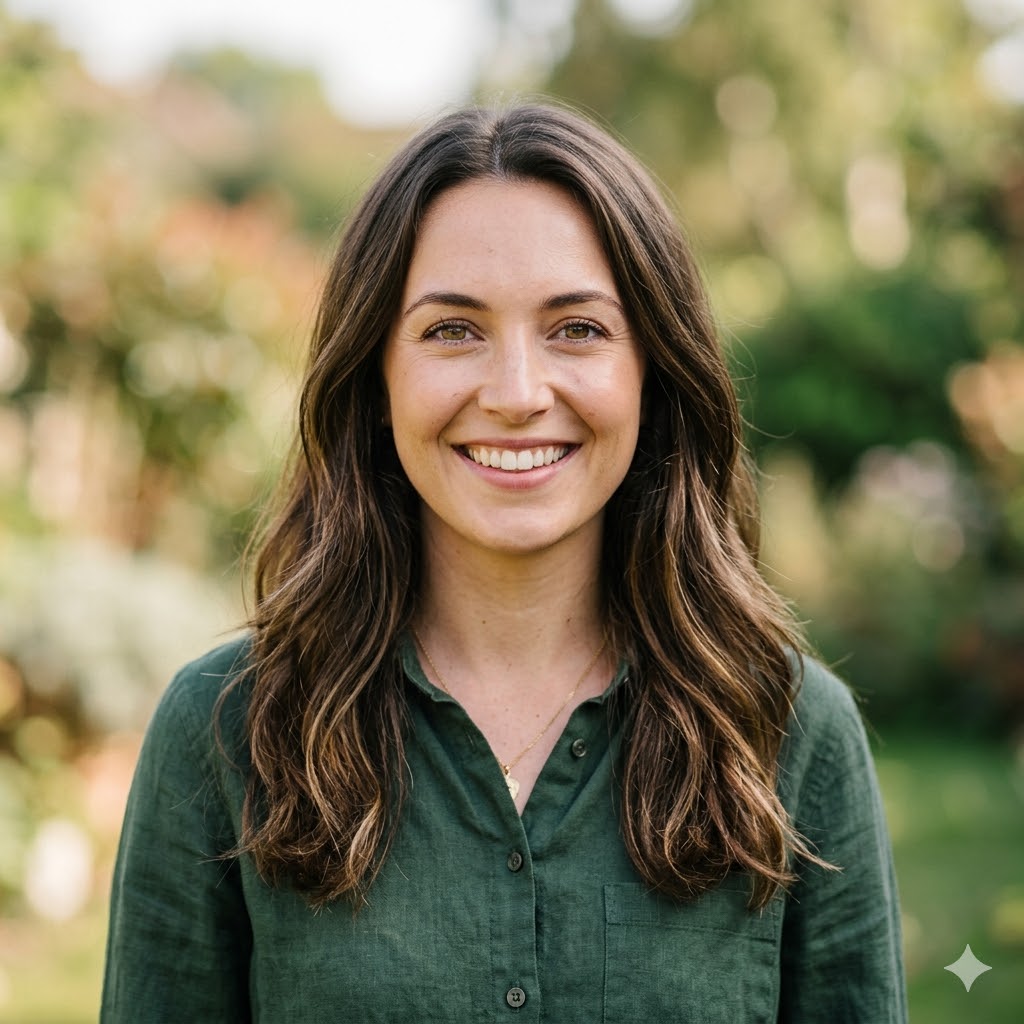
Tan
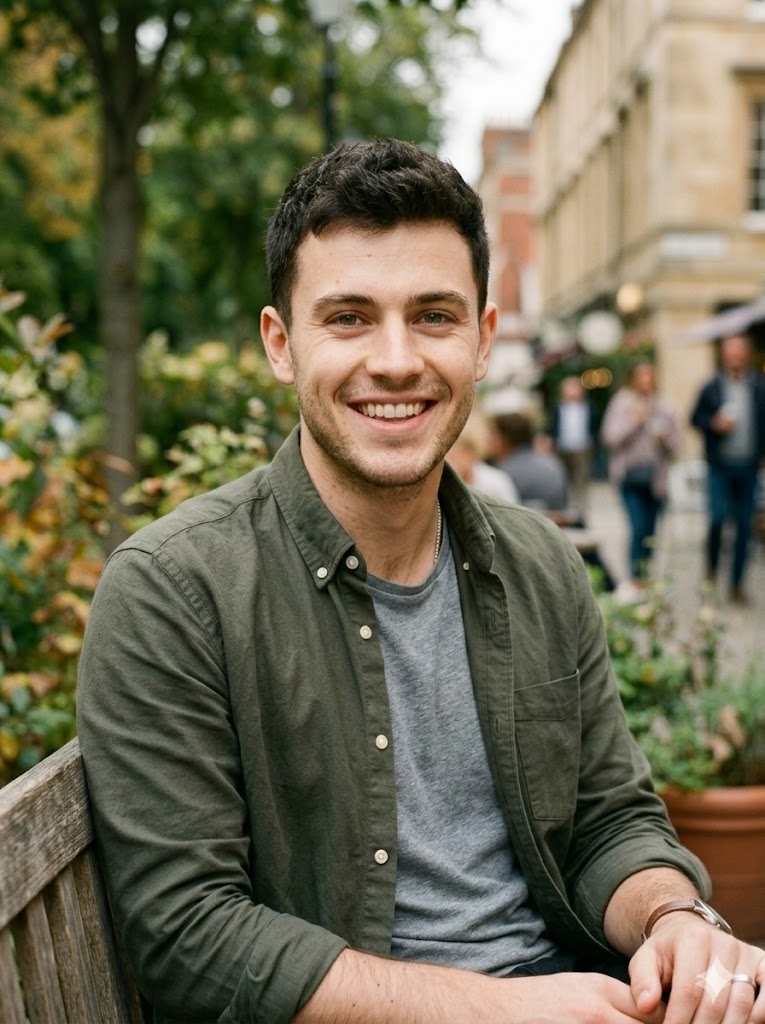
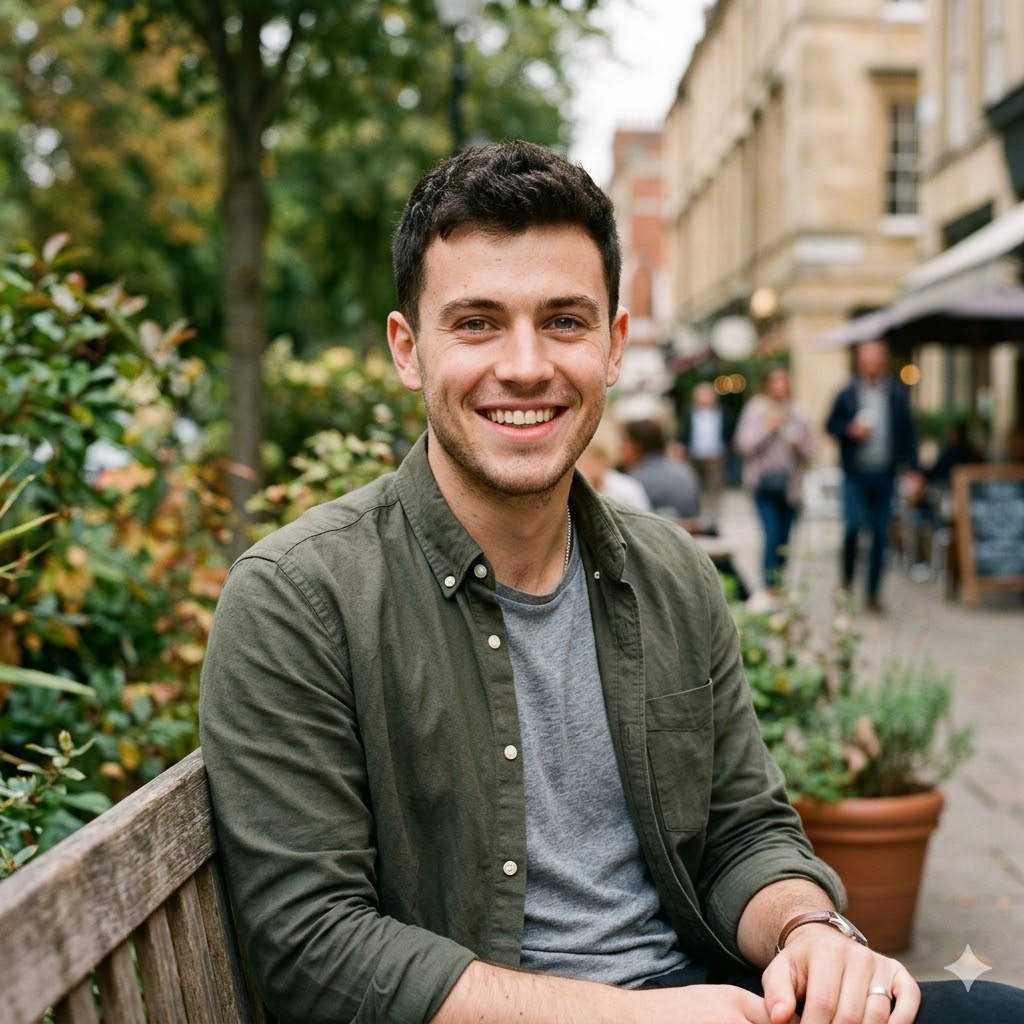
Ivory
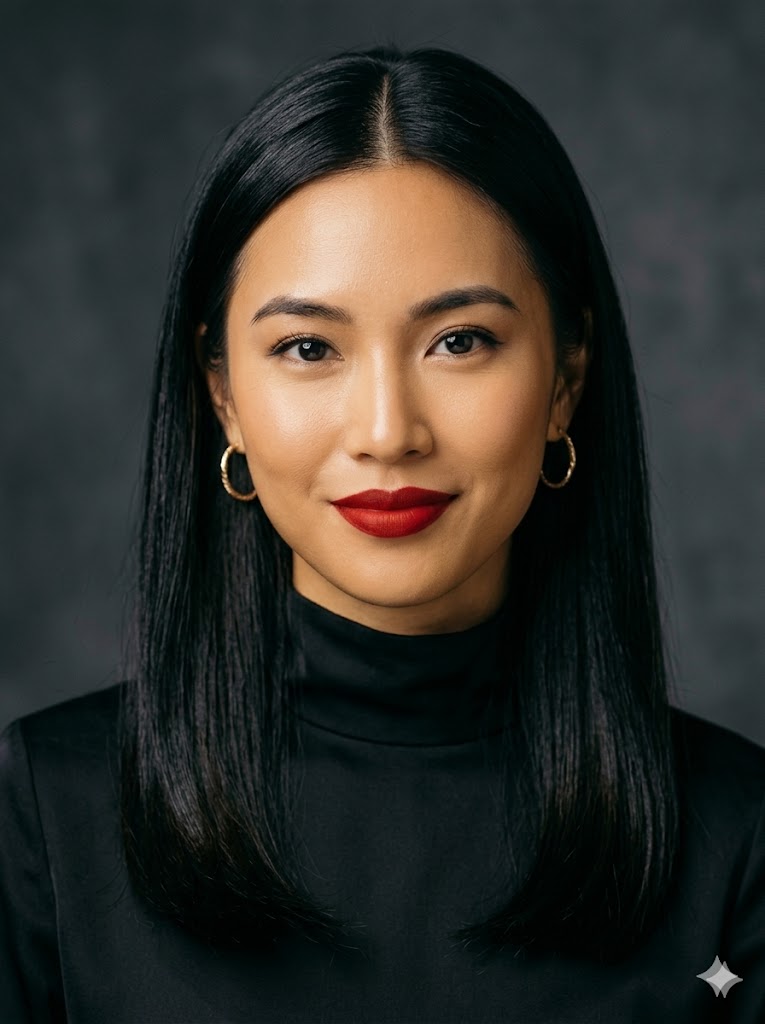
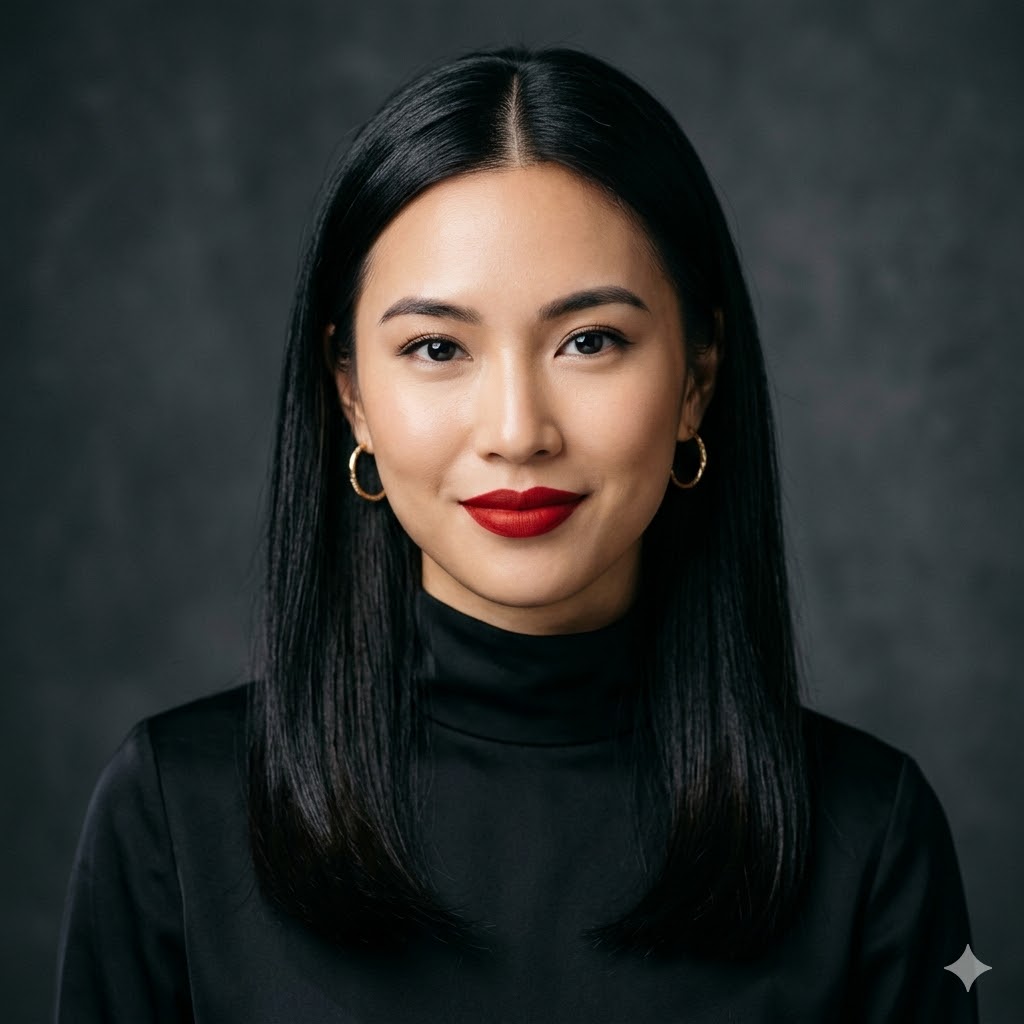
Wheat
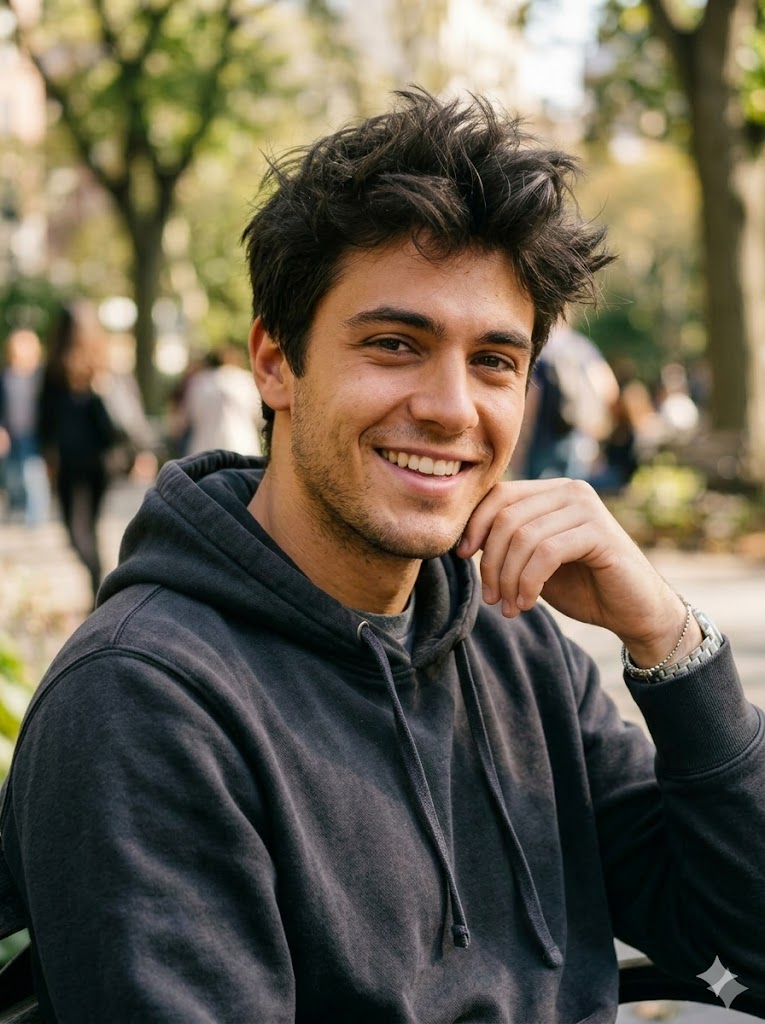
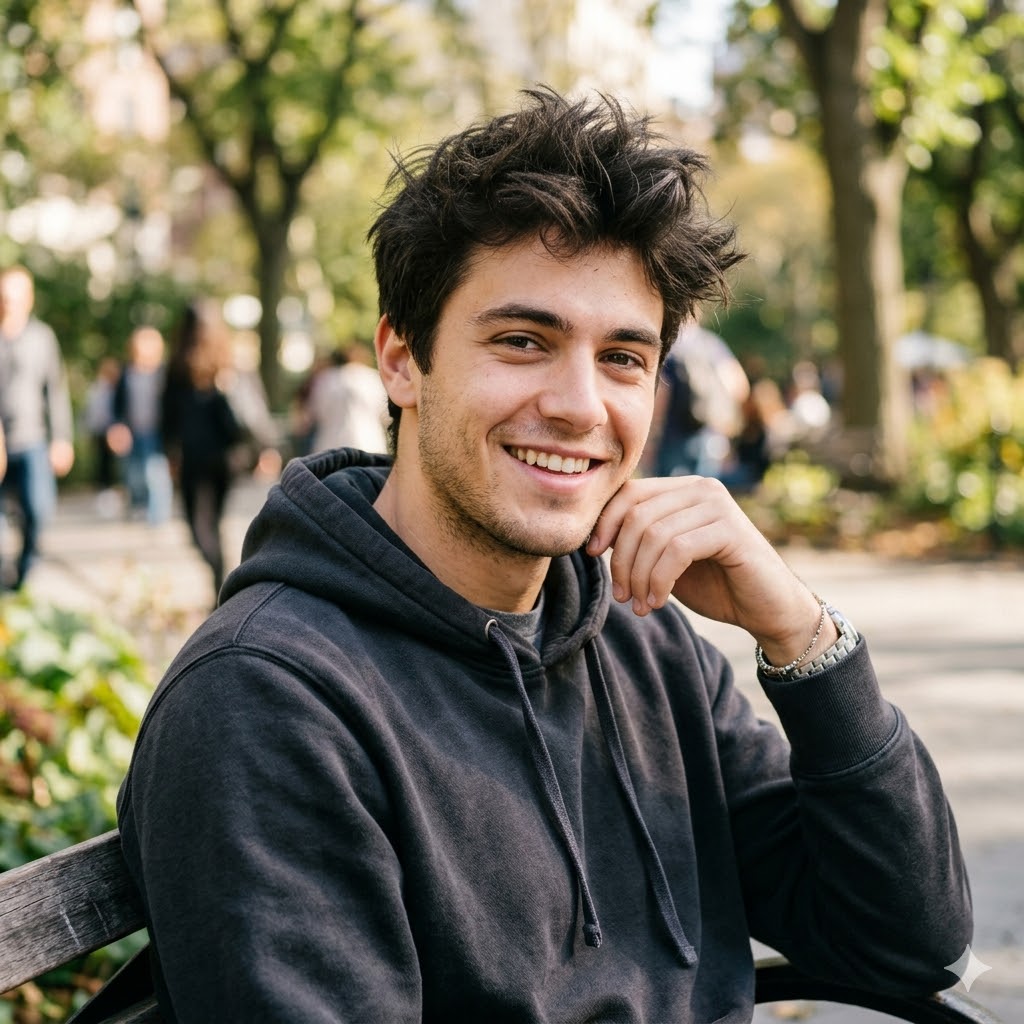
Caramel
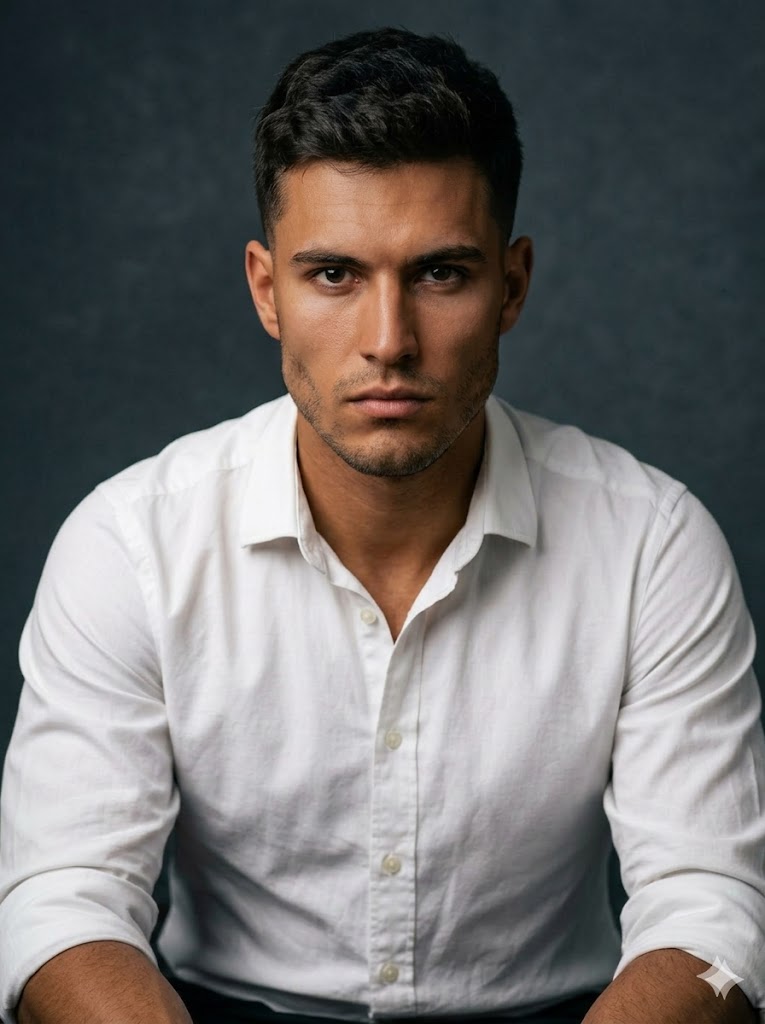
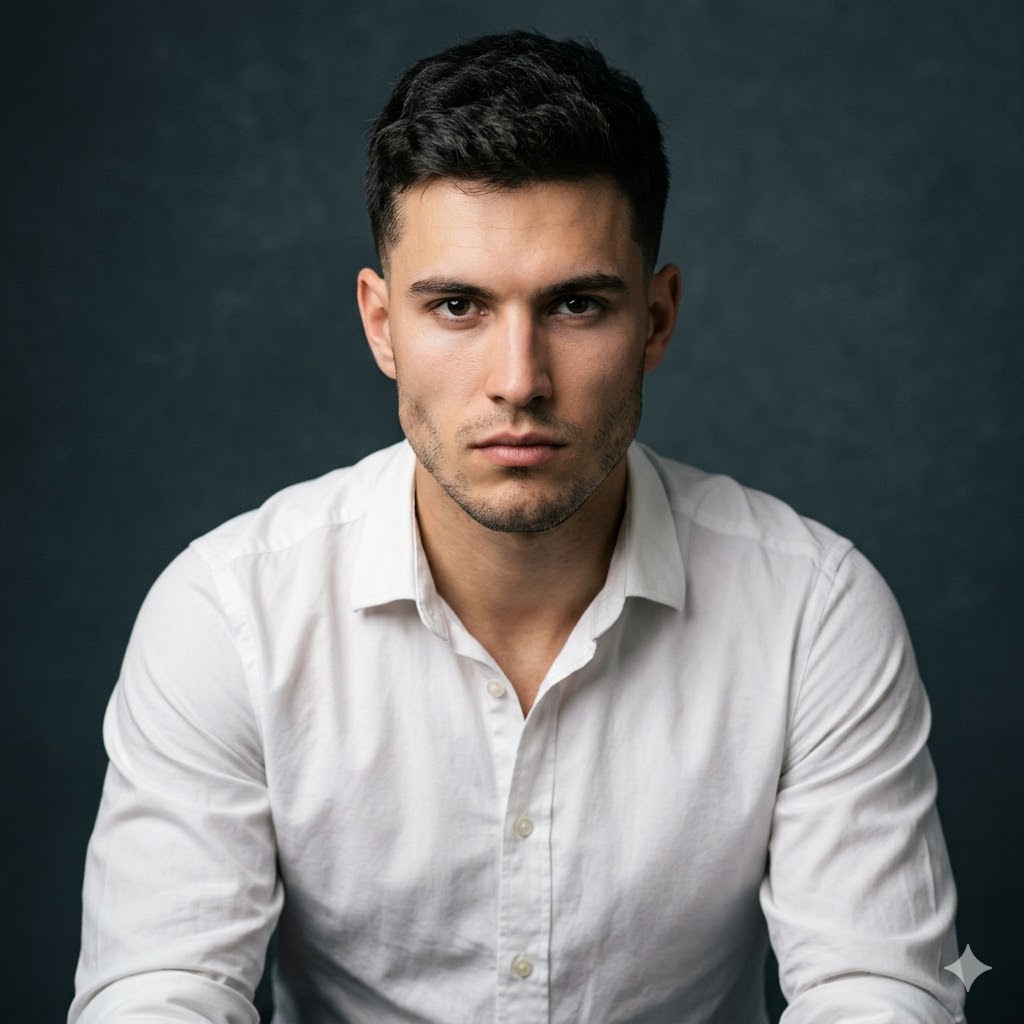
Brown
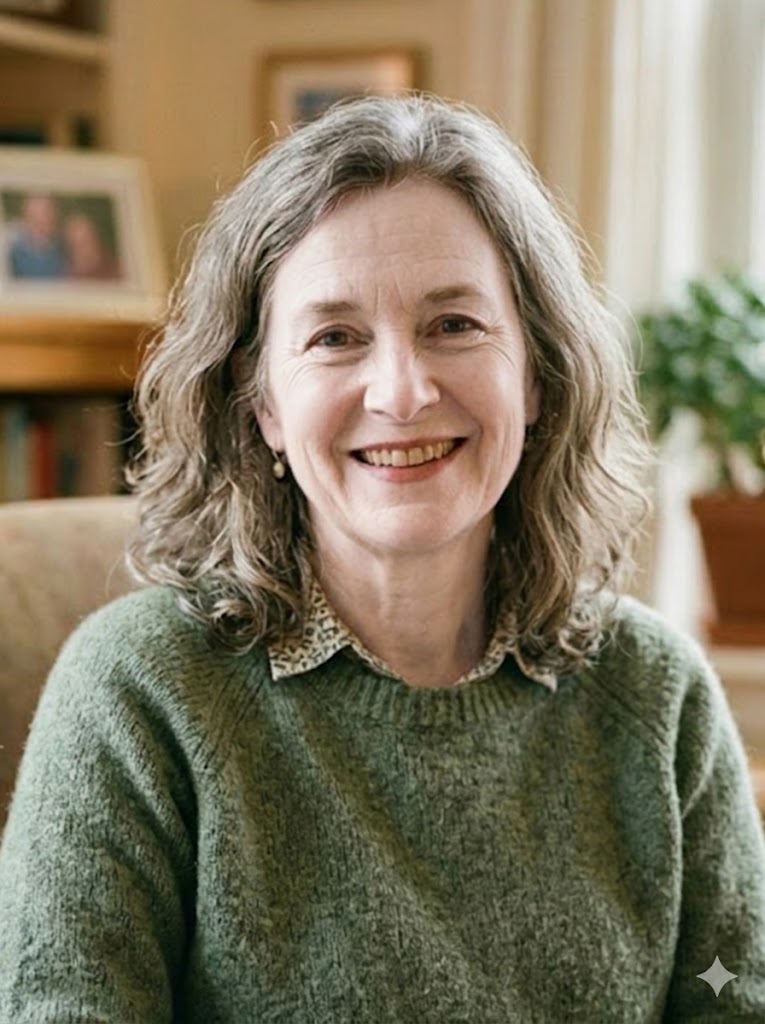
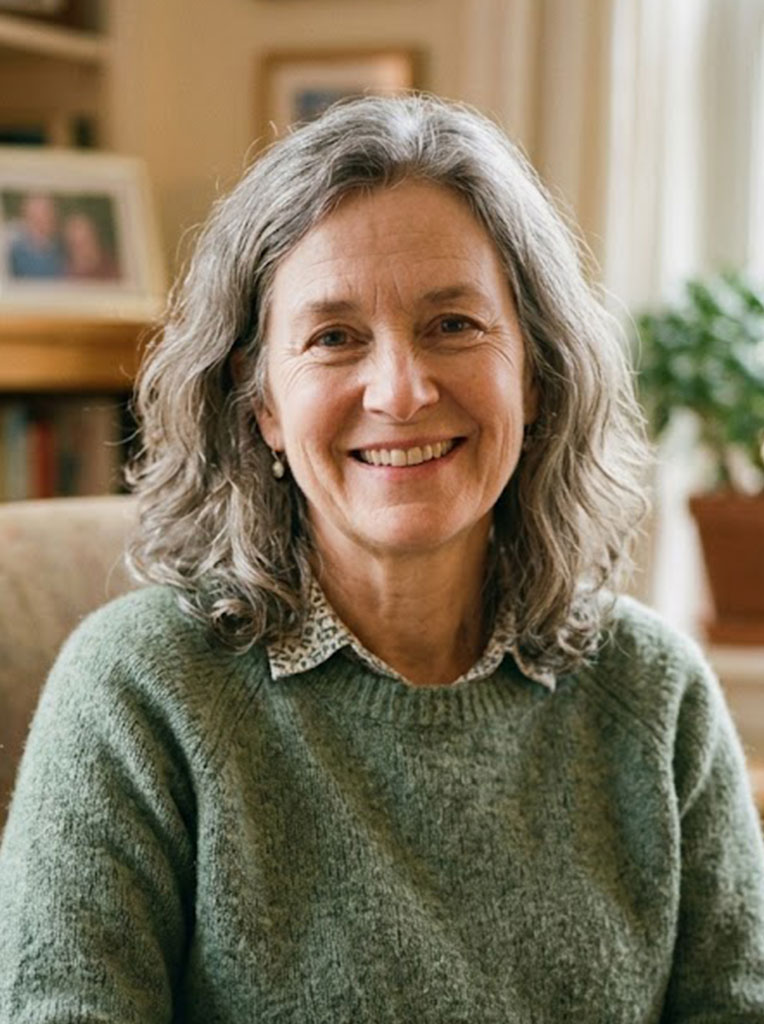
Porcelain
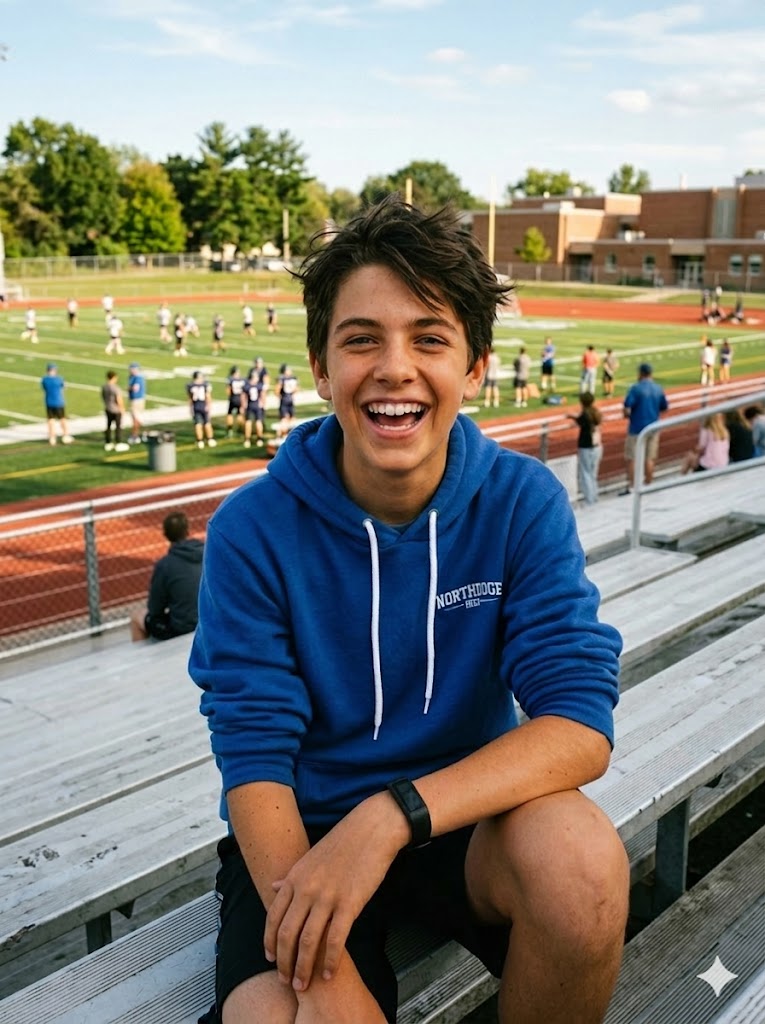
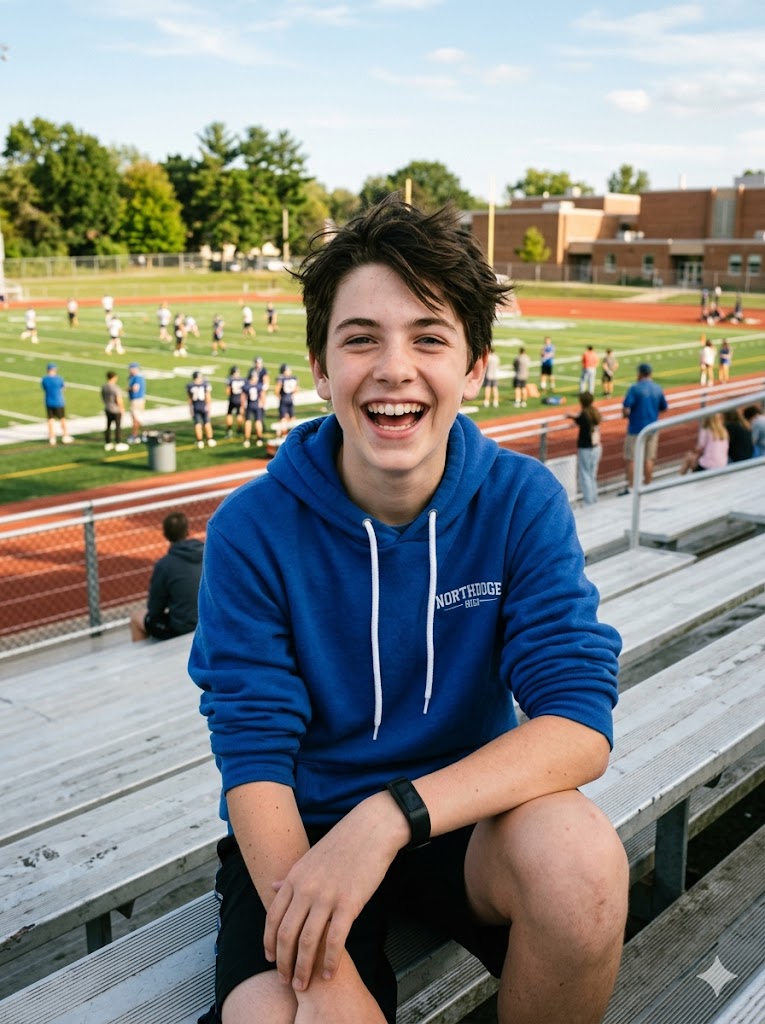
Tan
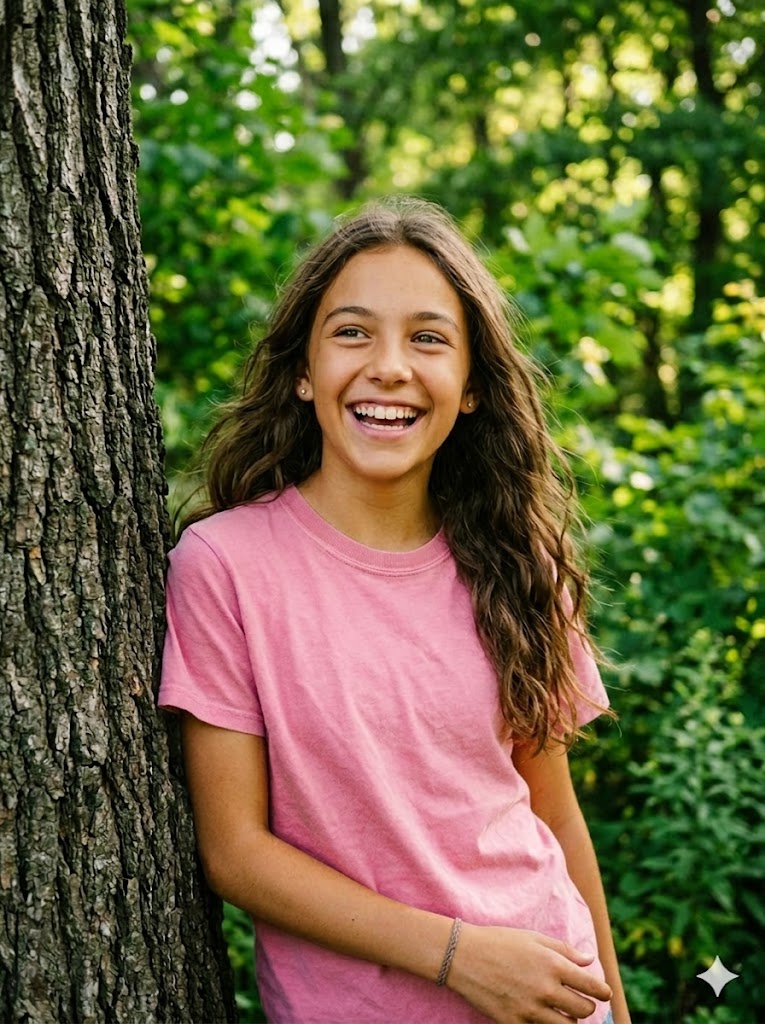
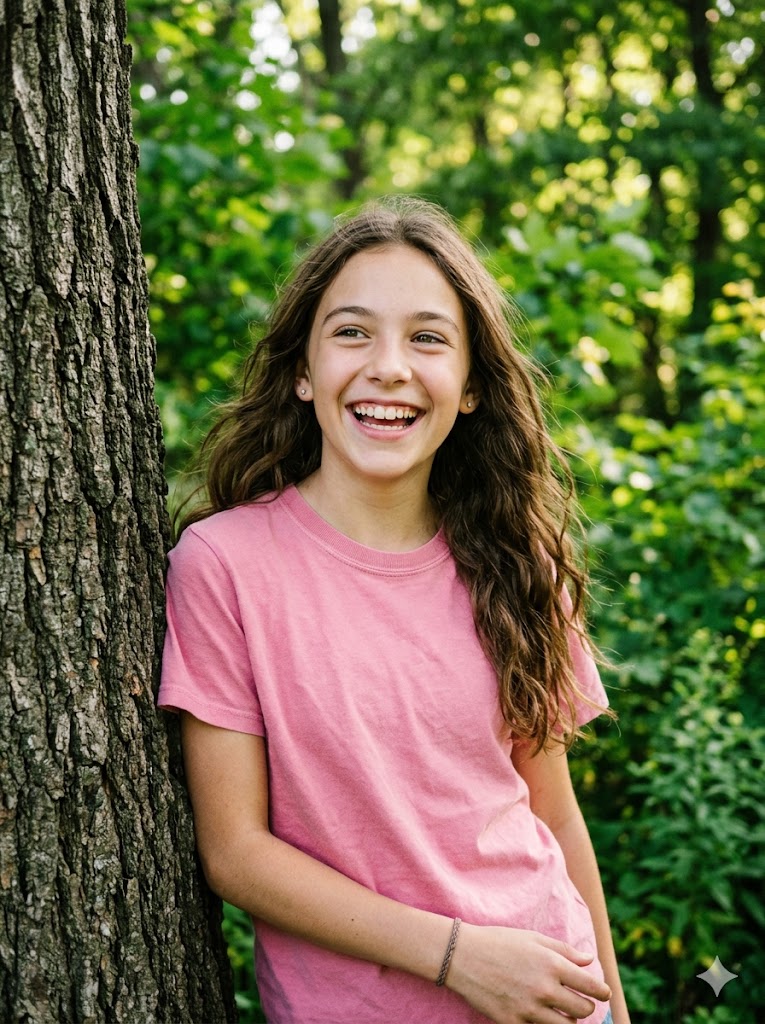
Honey
See the AI Skin Color Changer in Action
Drag the slider to compare before and after
Skin Whitening — Porcelain
Drag the slider to compare
Sun-Kissed Tan
Drag the slider to compare
AI Skin Tone Editor — Change Skin Color Online Free
Upload any portrait photo and our AI will instantly change the skin tone while preserving every facial detail — freckles, moles, pores, and natural texture. Choose from 9 preset skin tones or describe your own.
Whether you want to preview a fairer look, simulate a sun-kissed tan, or fix uneven skin tone across your face and neck — our AI delivers photorealistic results in seconds.
- ✓ Free credits on sign up — no credit card
- ✓ 9 preset skin tones + custom input
- ✓ No watermark on results
- ✓ Preserves skin texture and facial details
- ✓ Download in high quality or create a video
Skin Darkening — Brown
BeforeAfterHow It Works — AI Skin Color Changer
1. Upload a Photo
Upload a clear portrait with your face and neck visible. Sign up in seconds to get free credits.
2. Pick a Skin Tone
Choose from 9 preset tones — porcelain, ivory, wheat, honey, tan, caramel, brown, ebony, or even tone.
3. Download & Share
Get your skin-tone-changed photo without watermark. Download or create a video from it.
Popular Uses for AI Skin Color Changer
Discover how people use our skin tone editor
Whiten & Brighten Your Skin Tone
Want to see how you'd look with fairer skin? Our AI skin whitening tool changes your skin tone to porcelain or ivory while keeping your facial features completely natural. No harsh bleaching — just a healthy, bright complexion.
Perfect for previewing lighter skin tones before choosing foundation shades, or simply satisfying your curiosity about a different look. The AI preserves all your unique details — freckles, moles, and natural texture.
AI Tan Simulator — Get a Sun-Kissed Look
Preview your summer look without the UV damage. Our AI tan simulator adds a natural, sun-kissed glow to your photos. Choose the Tan preset for a warm bronze finish or Wheat for a subtle golden touch.
Great for planning beach photo shoots, previewing spray-tan results, or creating warm-toned social media content. The AI adjusts highlights and shadows to match the new skin tone realistically.
Darken Skin Color Naturally
Change skin color to brown or ebony with a single click. Our AI darkens the skin tone naturally, maintaining realistic shadows, highlights, and skin texture throughout the face and neck.
Used by character designers for exploring diverse character concepts, by fashion brands for inclusive marketing materials, and by anyone curious about how they'd look with a deeper skin tone.
Fix Uneven Skin Tone in Photos
Uneven skin tone from bad lighting? Face and neck look different colors? Our AI skin tone editor evens out the color across all visible skin areas, creating a smooth, uniform complexion.
A must-have for photographers doing post-processing, influencers fixing selfie lighting issues, and anyone who wants their photos to look naturally balanced.
Change Skin Color Free Without Watermark
Unlike other tools that slap a watermark on your results or charge for downloads, AiVidMaker gives you clean, watermark-free results. Sign up for free credits and start changing skin tones immediately.
No app download needed — works directly in your browser on any device. High-quality 3:4 portrait output ready for social media, printing, or further editing.
Turn Your Edited Photo Into a Video
Take your skin-tone-changed photo to the next level — click the Video button after generating to animate your result with our AI video generator. Create a stunning transformation video.
Perfect for TikTok transformation reels, YouTube shorts, and social media content that drives engagement and shares.
Tips for the Best Skin Color Change Results
Use High-Quality Photos
Clear, well-lit portraits produce the best results. Higher resolution means more skin detail for the AI to preserve.
Show Face & Neck Clearly
Make sure both face and neck are visible. This helps the AI apply the skin tone change uniformly across all exposed skin.
Natural Lighting Works Best
Even, natural lighting helps the AI accurately detect skin boundaries and apply the new tone with realistic shadows.
Be Specific with Custom Prompts
When using custom descriptions, be specific — e.g. 'warm olive with golden undertones' gets better results than just 'darker'.
Privacy & Ethical Use
Your uploaded photos are processed securely and used only for generating your skin-tone-changed image. We do not store, share, or use your photos for any other purpose. All images are automatically deleted from our servers after processing.
Please use this tool responsibly. Only upload photos of yourself or people who have given you permission. Do not use skin-color-changed images to deceive, harass, or misrepresent others. This tool is intended for creative, educational, and personal exploration purposes.
Frequently Asked Questions
Can AI change your skin tone?▾
Yes. Our AI skin color changer analyzes your photo and changes the skin tone while preserving facial details, texture, and lighting. Choose from 9 preset tones or describe your desired color.
How to change skin color for free?▾
Sign up for free credits — no credit card required. Each skin color change costs 5 credits. You can purchase more credits or subscribe for unlimited access.
How would I look if I was fair?▾
Upload your photo and select the Porcelain or Ivory preset. The AI will change your skin tone to a fair, light complexion while keeping your facial features and photo composition intact.
What apps can make me tan?▾
AiVidMaker's AI Skin Color Changer offers a Tan preset that gives you a realistic sun-kissed look. No app download needed — it works directly in your browser.
Is there an AI that can change skin color?▾
Yes. AiVidMaker uses advanced AI to change skin color in photos. It auto-detects skin areas and applies the new tone while preserving freckles, pores, and natural texture.
How to make skin darker on a photo?▾
Upload your photo and choose the Brown or Ebony preset. The AI darkens the skin tone naturally while maintaining realistic shadows, highlights, and skin texture.
Is my photo safe?▾
Your uploaded photos are processed securely and deleted after generation. We never store, share, or use your photos for any other purpose.
Explore More AI Tools
AI Kiss Video Generator
Create romantic kissing videos from photos
AI Hug Video Generator
Create emotional hug videos from photos
AI Pet Portrait Generator
Transform pet photos into art
Sonic OC Maker
Create Sonic the Hedgehog OC characters with AI
Murder Drones OC Maker
Create Murder Drones OC characters with AI
Anime OC Maker
Design original anime characters with AI in 8 styles
AI Outfit Generator
Try on any outfit virtually with AI
Kolors Virtual Try On
AI clothes try-on free online
AI Image Combiner
Merge two photos into one with AI
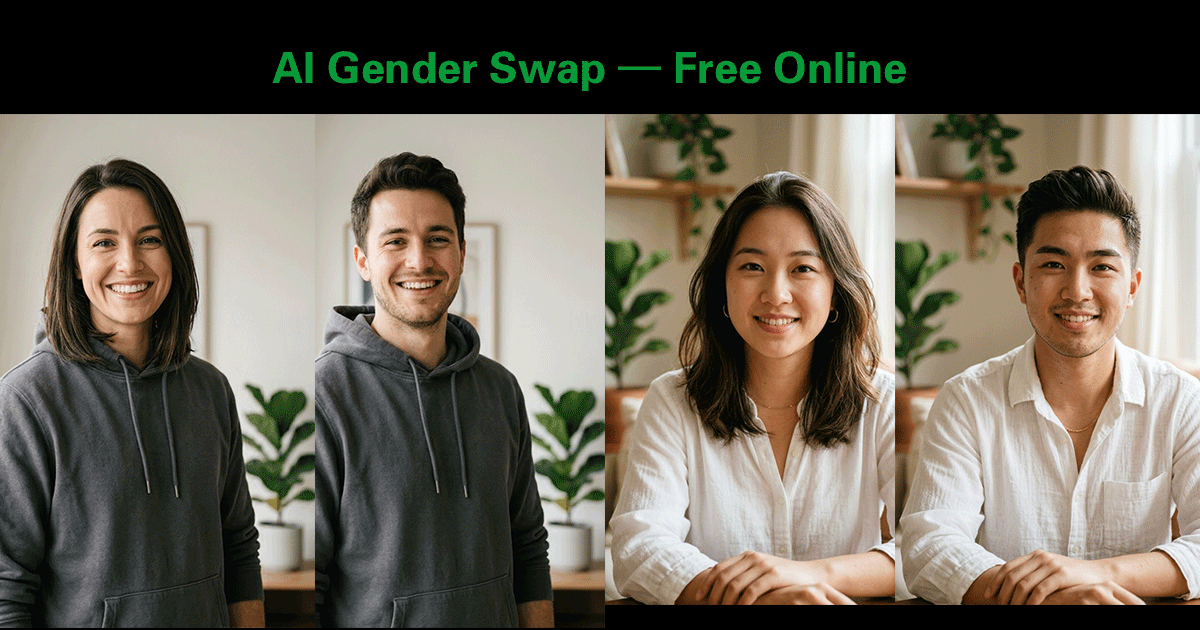
AI Gender Swap
See yourself as the opposite gender with AI
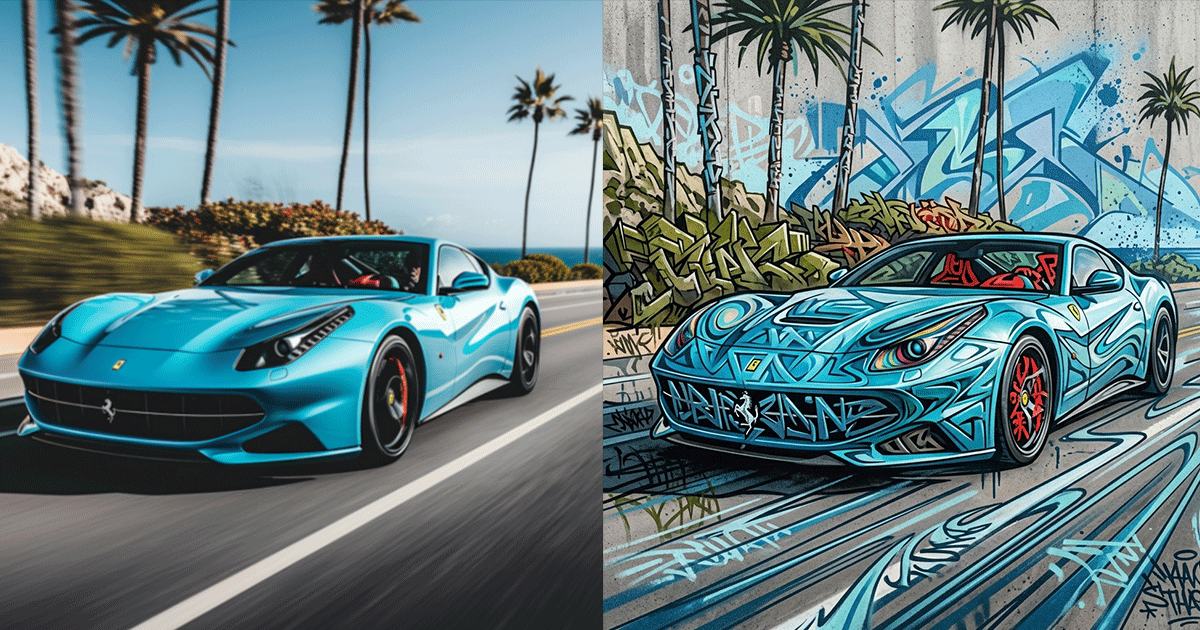
AI Graffiti Generator
Turn photos & text into graffiti street art
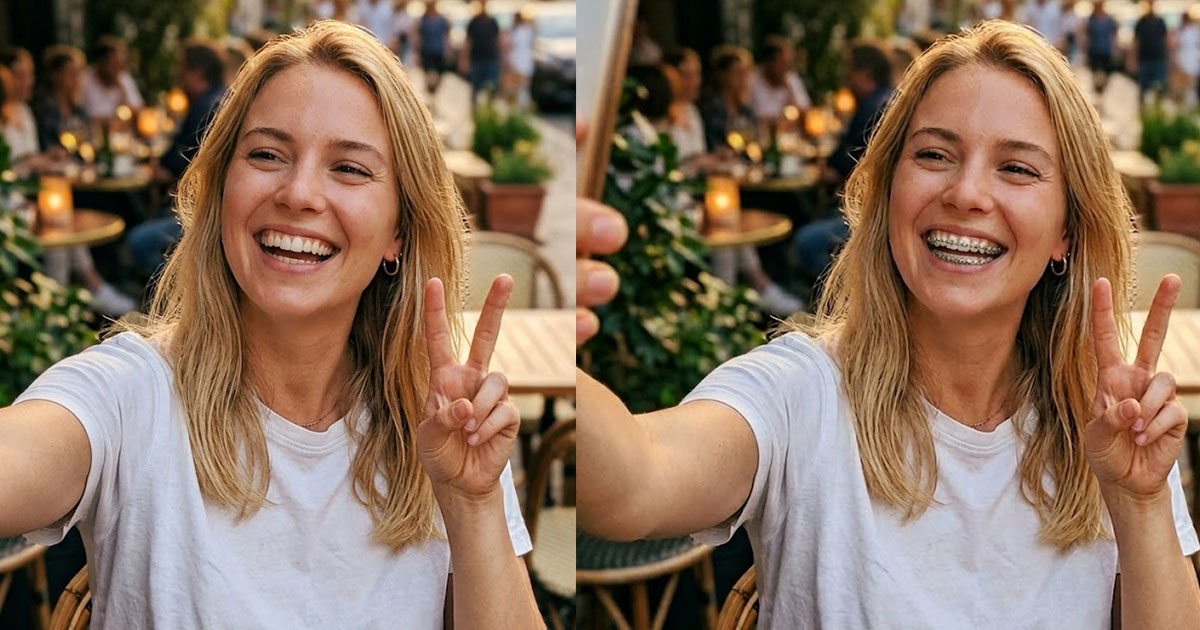
AI Braces Filter
See what you look like with braces using AI
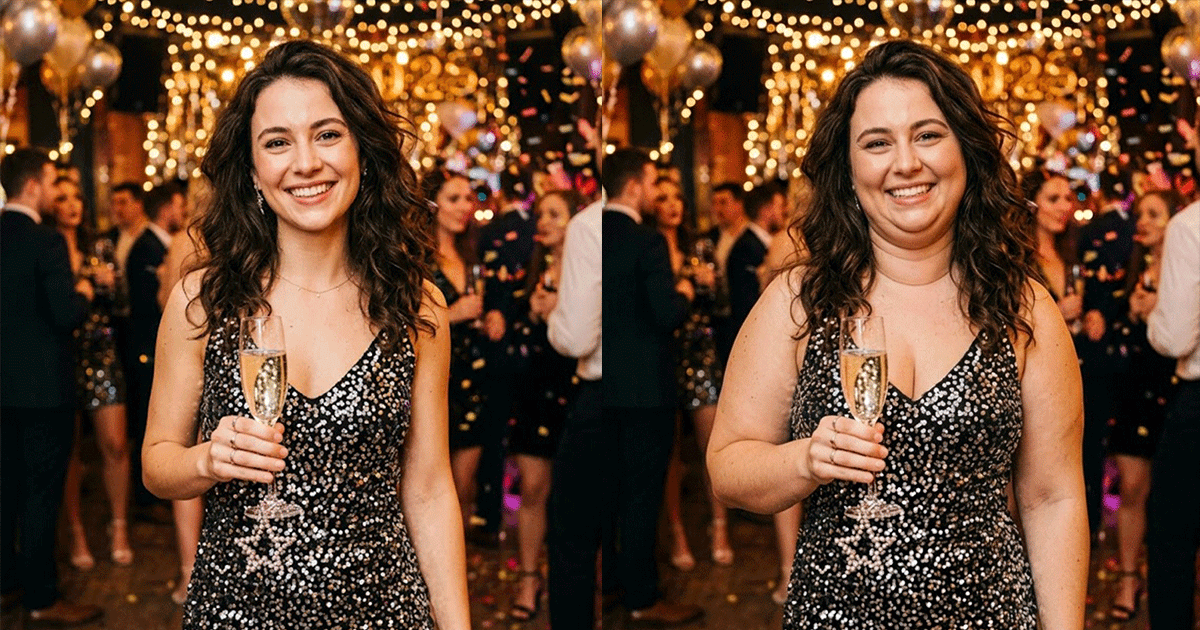
AI Fat Filter
Fatify your photos with realistic AI transformation
AI Buzz Cut Filter
See what you'd look like with a buzz cut
AI Feet Generator
Create realistic feet images with AI
AI Elf Generator
Turn your photo into an elf or generate elf characters
AI Video Generator
Create AI videos from text or images
AI Baby Generator
Predict what your baby will look like with AI
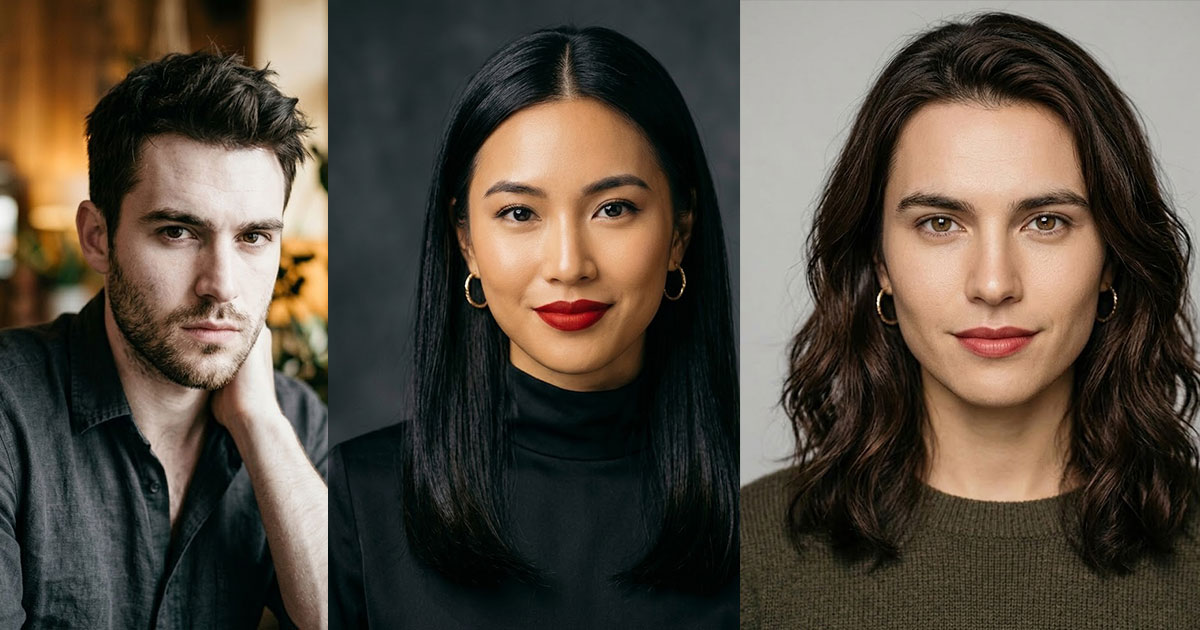
AI Face Merge
Merge two faces into one with AI
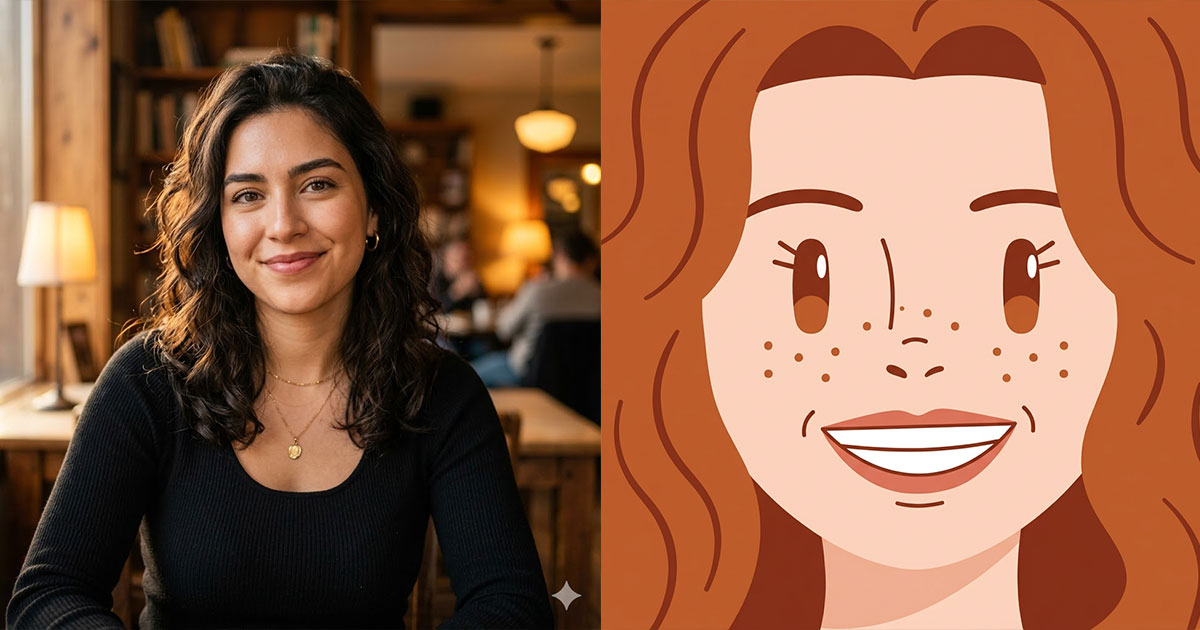
Square Face Icon Generator
Turn photos into cute square face icons with AI
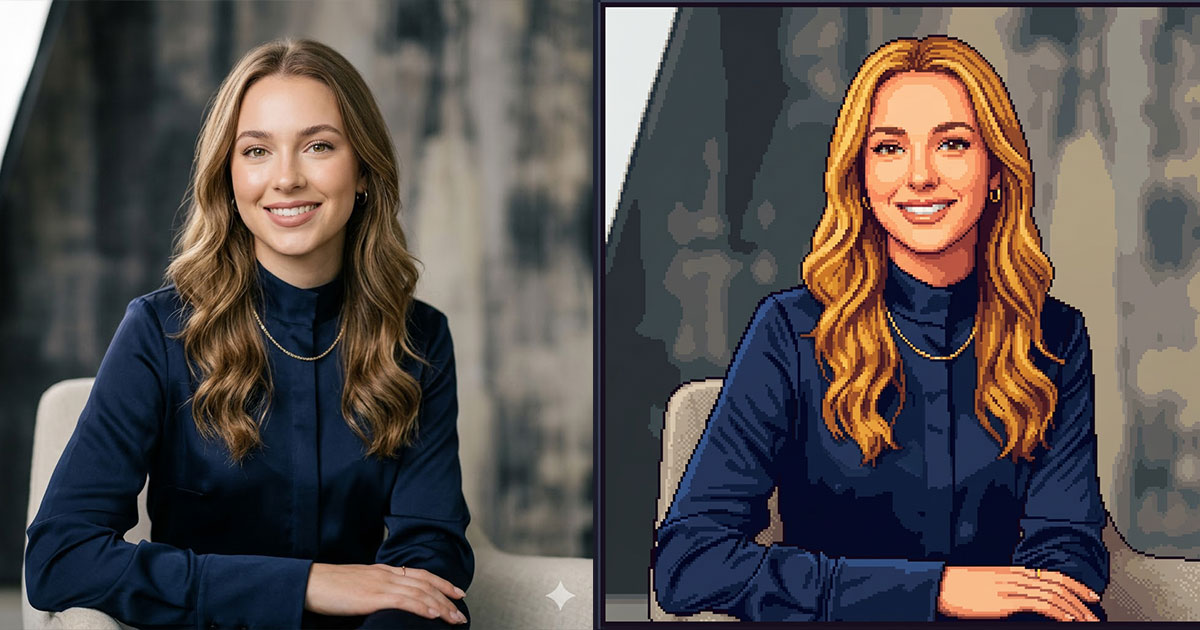
Stardew Valley Portrait Maker
Turn photos into Stardew Valley pixel art portraits
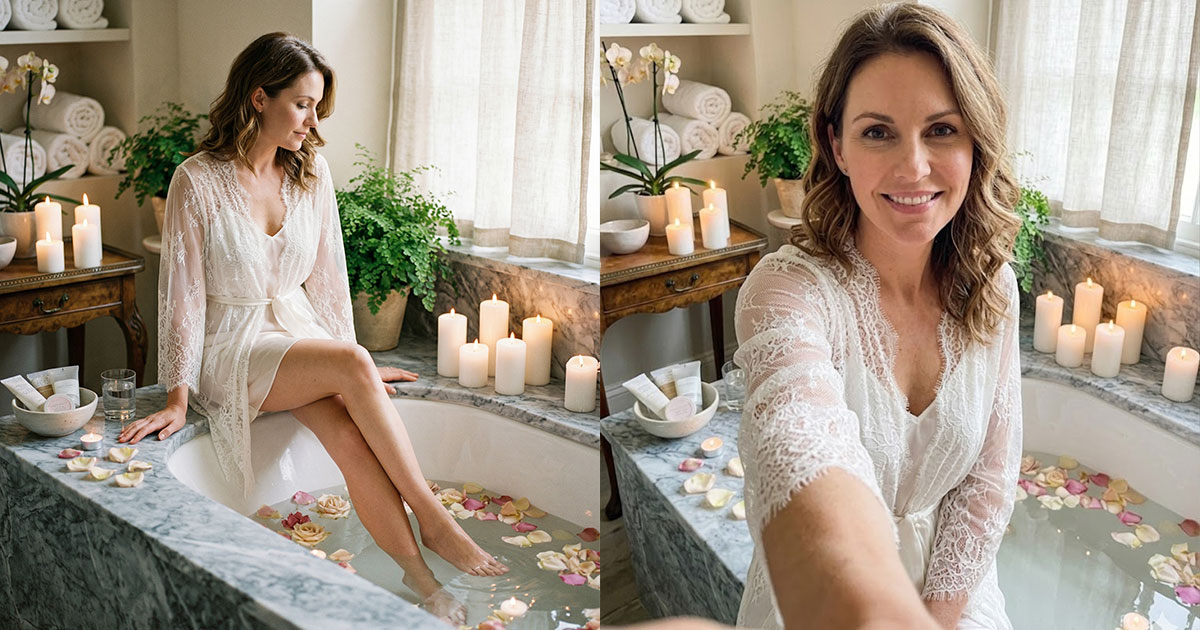
AI Selfie Generator
Turn any photo into a natural iPhone-style selfie
Bangs Filter
Try on bangs virtually with AI before cutting
AI Clothes Changer
Change clothes in any photo with AI

Brat Generator
Create Charli XCX brat-style text, covers & memes
PS2 Filter
Turn your photo into a PS2 game character
Sora 2 Video Generator
Next-gen AI video by OpenAI

Celebrity Look Alike Finder
Find which celebrity you look like with AI