Braces Filter — Free Online
Upload a smiling photo and see what you'd look like with braces — metal, ceramic, or colorful bands
Upload a Smiling Photo
Braces Type
Result
Your braces look will appear here
Upload a photo and click Add Braces
Braces Filter Examples
Click any example to try it yourself — metal, ceramic, and colorful braces


Smile — Metal


Male — Metal


Colorful Bands


Ceramic Clear


White Female — Metal


Latina — Metal


Teen Boy — Colorful
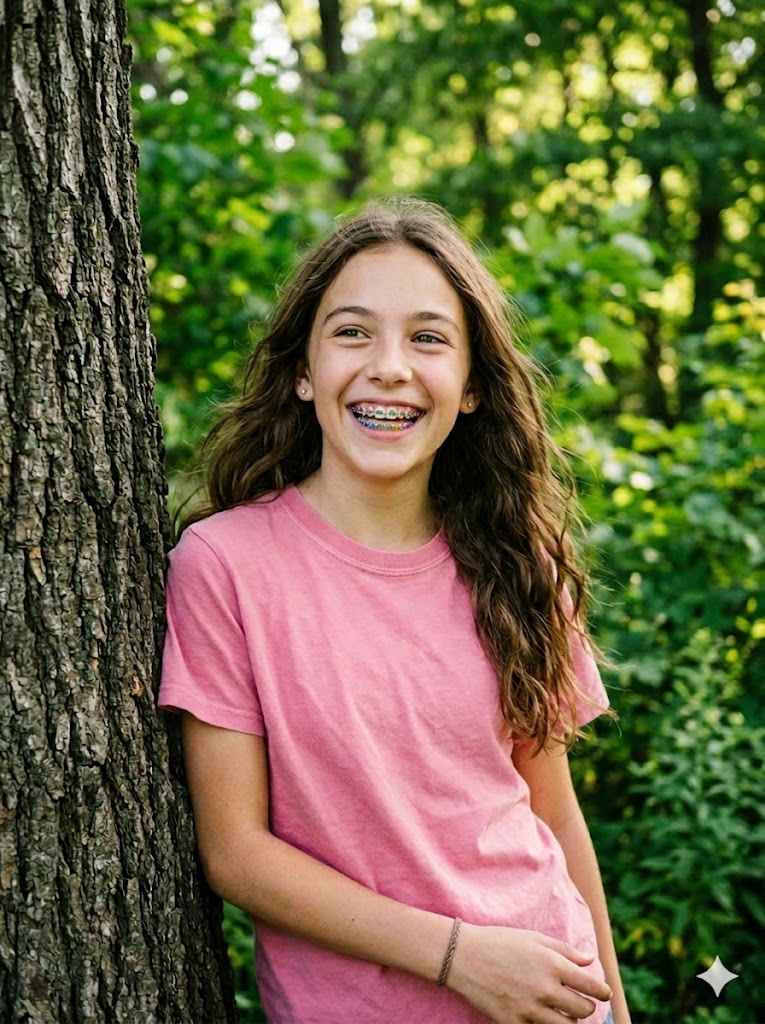
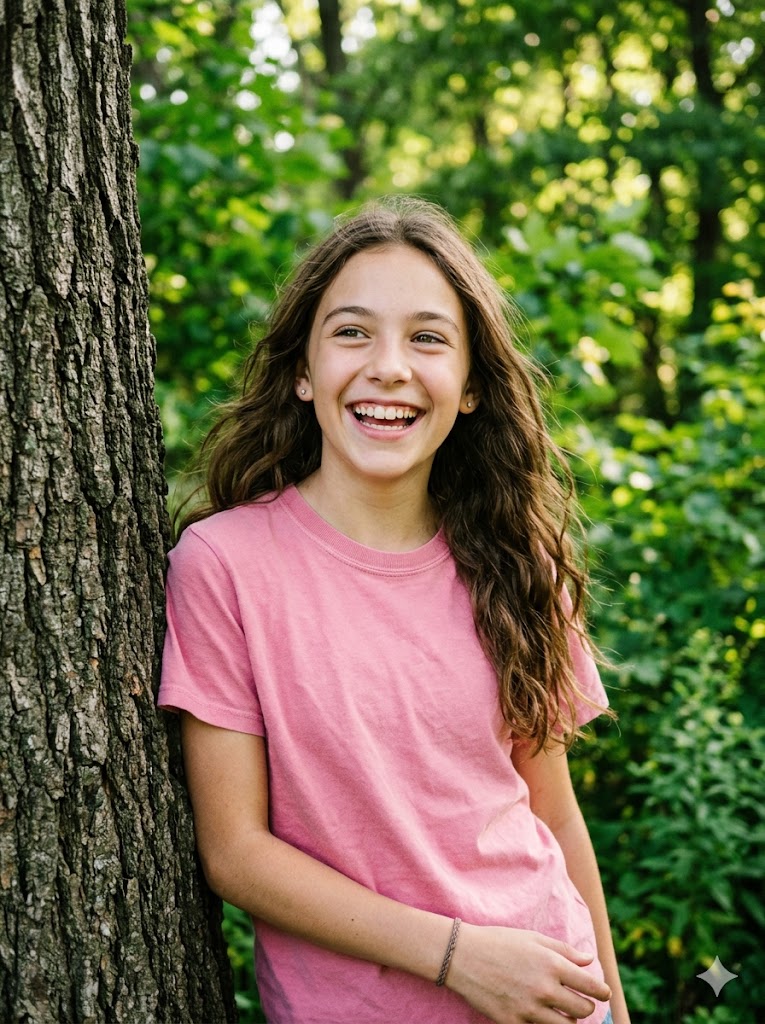
Teen Girl — Pink


Couple — Metal


Suit — Ceramic


Side Smile — Metal


Kid — Colorful


Selfie — Metal


Fitness — Metal


Friends — Colorful


Glasses — Ceramic


Grandpa — Metal


Bride — Ceramic
See the AI Braces Filter in Action
Drag the slider to compare before and after
Metal Braces
Drag the slider to compare
Ceramic Braces
Drag the slider to compare
What Is a Braces Filter?
A braces filter is an AI-powered tool that adds realistic-looking braces to your teeth in any photo. Simply upload a smiling selfie, choose your braces type, and see an instant preview of how you'd look with orthodontic braces.
Our AI braces simulator uses facial recognition to accurately map your teeth and overlay natural-looking brackets and wires. Whether you're curious about braces, considering orthodontic treatment, or just want to have fun — get your answer in seconds.
- ✓3 braces types: Metal, Ceramic, Colorful Bands
- ✓Realistic AI-powered results in seconds
- ✓Free online — no app download needed
- ✓Works with any smiling photo
- ✓Download, share, or animate your result
How to Use the Braces Filter Online
1. Upload a Smiling Photo
Upload a clear photo where your teeth are visible. Front-facing selfies with good lighting produce the most realistic results.
2. Choose Braces Type
Select Metal (silver), Ceramic (clear/transparent), or Colorful Bands (rainbow rubber bands). Click Add Braces to generate.
3. Download & Share
Download your braces look in high quality, share it on social media, or click Make Video to animate your new smile.
Popular Uses for the Braces Filter
Discover creative ways people use our AI braces simulator
See What You Look Like with Braces
The most common use — simply upload your selfie and satisfy your curiosity. See how metal braces would look on your smile before making any real decisions.
Our AI preserves your natural photo quality while adding realistic brackets and wires that blend naturally with your teeth.
BeforeAfterTry Different Braces Colors
Can't decide between silver metal, clear ceramic, or fun colorful bands? Try all three on the same photo and compare which style suits you best.
The colorful bands option is especially popular with teens who want to express their personality through their braces colors.
BeforeAfterBraces Filter for TikTok & Instagram
Join the viral #BracesFilter trend on TikTok. Create before-and-after content that drives engagement, or surprise your followers with a braces transformation.
Download your braces photo in high quality, perfect for Stories, Reels, and TikTok posts that get likes and shares.
BeforeAfterOrthodontic Treatment Preview
Considering getting braces? Use our realistic braces simulator to visualize the outcome before booking a consultation with your orthodontist.
Try metal vs. ceramic braces to decide which type fits your lifestyle. Feel more confident walking into your appointment.
BeforeAfterBraces Try-On for Teens & Kids
Teens and kids can see what they'll look like with braces before their orthodontic appointment. It helps reduce anxiety and builds excitement about their new smile.
Parents can also use it to show their children what braces look like in a fun, pressure-free way.
BeforeAfterFun with Friends & Couples
Upload photos of your friends, partner, or family members and see everyone with braces. A hilarious group activity that creates shareable moments.
Try different braces colors for each person and create a group collage to share in your group chat.
BeforeAfterAnimate Your Braces Look
After generating your braces photo, click Make Video to animate your new smile with AI. Create a short clip of yourself smiling with braces.
Perfect for TikTok transformation videos and Instagram Reels that go viral.
BeforeAfterTips for the Best Braces Filter Results
Show Your Teeth
A clear, open smile with visible teeth produces the most realistic braces effect. Closed-mouth photos won't work well.
Good Lighting Helps
Natural daylight or even indoor lighting helps the AI accurately detect your teeth and add braces that match the photo's lighting.
Front-Facing Works Best
Straight-on selfies give the best results. Extreme side angles may reduce accuracy of the braces placement.
Use High-Quality Photos
Clear, non-blurry photos produce dramatically more realistic results. Higher resolution means better detail on the brackets and wires.
Privacy & Ethical Use
Your uploaded photos are processed securely and used only for generating your braces preview. We do not store, share, or use your photos for any other purpose.
Please use this tool responsibly. Only upload photos of yourself or people who have given you permission.
Frequently Asked Questions
What is a braces filter?▾
A braces filter is an AI tool that adds realistic-looking braces to your teeth in a photo. Upload a smiling selfie and see what you'd look like with metal, ceramic, or colorful braces in seconds.
Is this braces filter free?▾
Yes, you can start for free with 5 credits on sign up. Each generation costs 3 credits. You can purchase more credits for unlimited use. No downloads required.
What types of braces can I try?▾
Three types: Metal (silver brackets and wire), Ceramic (clear/transparent brackets), and Colorful Bands (rainbow rubber bands on metal brackets).
How realistic is the braces filter?▾
Our AI uses advanced facial recognition to accurately map your teeth and add braces that look natural. The result preserves your original photo quality and lighting.
Can I use this for orthodontic preview?▾
Yes! Many users use our braces filter to visualize how they'd look with braces before consulting an orthodontist. It helps build confidence in the decision.
Does it work on any photo?▾
It works best on clear, well-lit photos where teeth are visible. Front-facing smiling photos produce the most realistic results.
Explore More AI Tools
AI Kiss Video Generator
Create romantic kissing videos from photos
AI Hug Video Generator
Create emotional hug videos from photos

AI Pet Portrait Generator
Transform pet photos into art
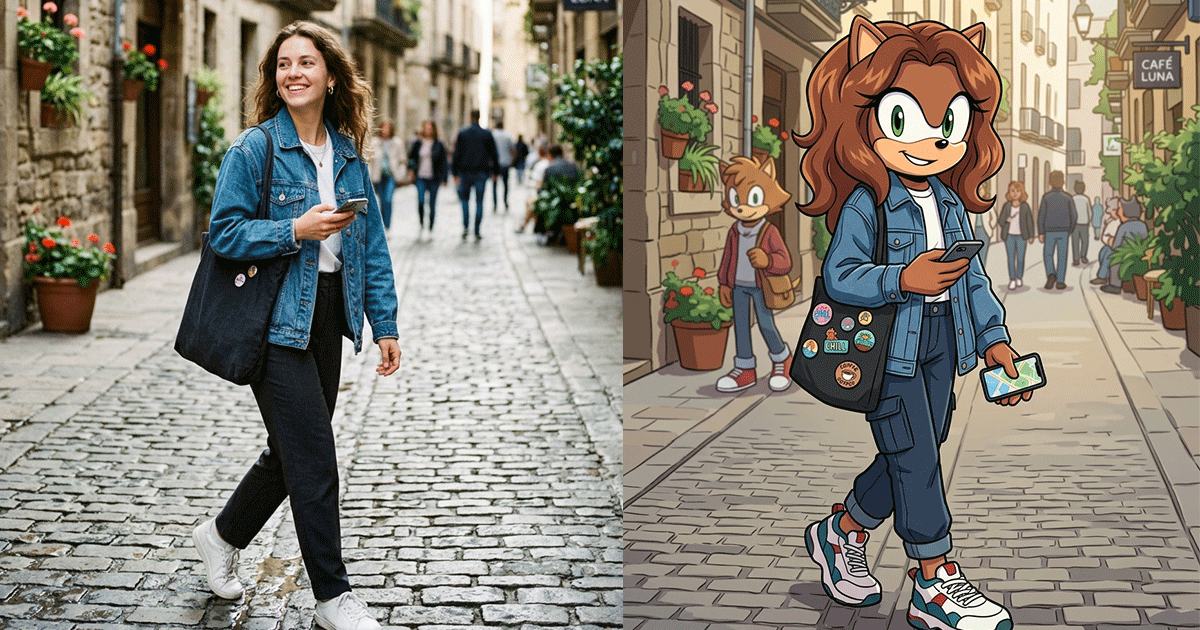
Sonic OC Maker
Create Sonic the Hedgehog OC characters with AI
Murder Drones OC Maker
Create Murder Drones OC characters with AI
Anime OC Maker
Design original anime characters with AI in 8 styles
AI Outfit Generator
Try on any outfit virtually with AI
Kolors Virtual Try On
AI clothes try-on free online
AI Image Combiner
Merge two photos into one with AI
AI Gender Swap
See yourself as the opposite gender with AI
AI Graffiti Generator
Turn photos & text into graffiti street art

AI Fat Filter
Fatify your photos with realistic AI transformation
AI Buzz Cut Filter
See what you'd look like with a buzz cut

AI Feet Generator
Create realistic feet images with AI

AI Skin Color Changer
Change skin tone online free — whiten, tan, or darken
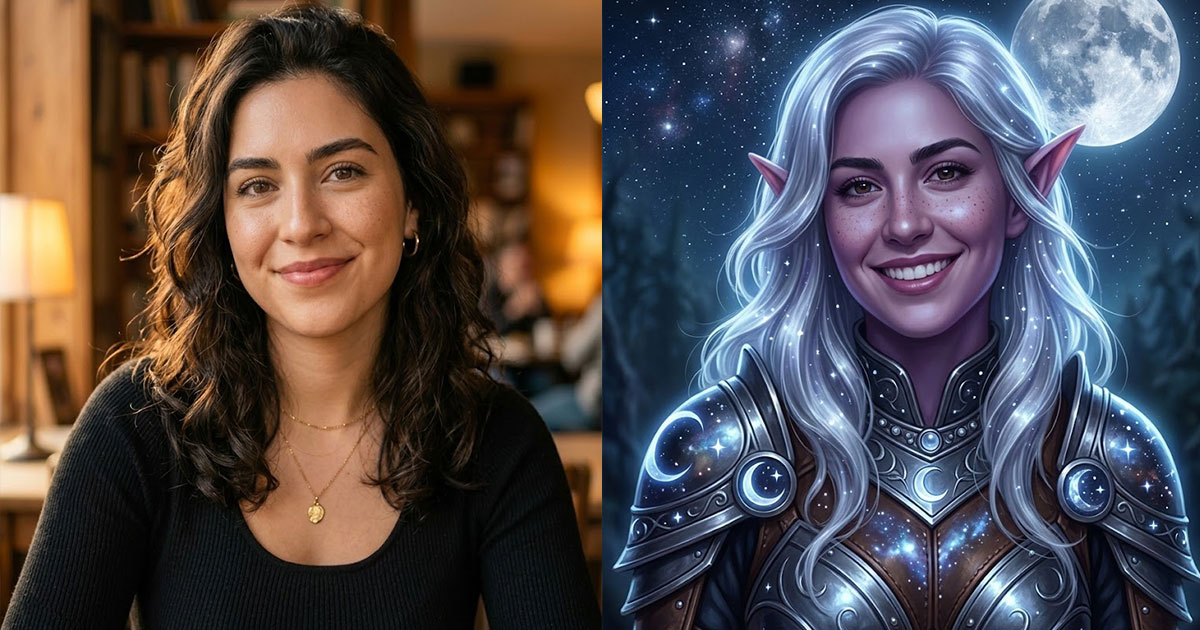
AI Elf Generator
Turn your photo into an elf or generate elf characters
AI Video Generator
Create AI videos from text or images
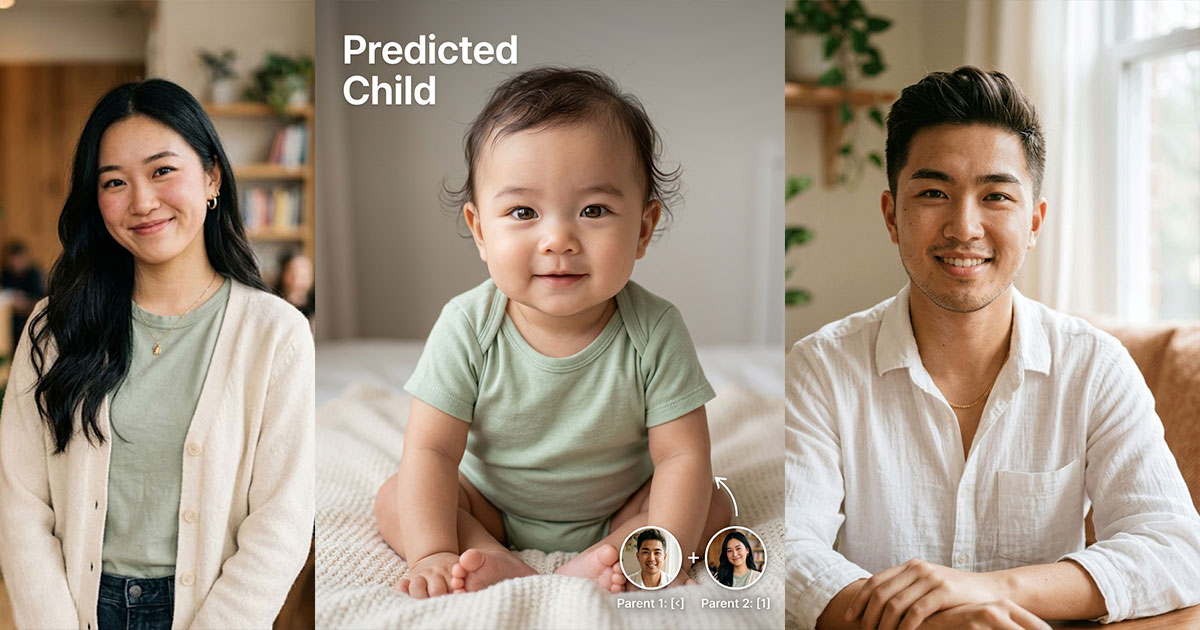
AI Baby Generator
Predict what your baby will look like with AI

AI Face Merge
Merge two faces into one with AI
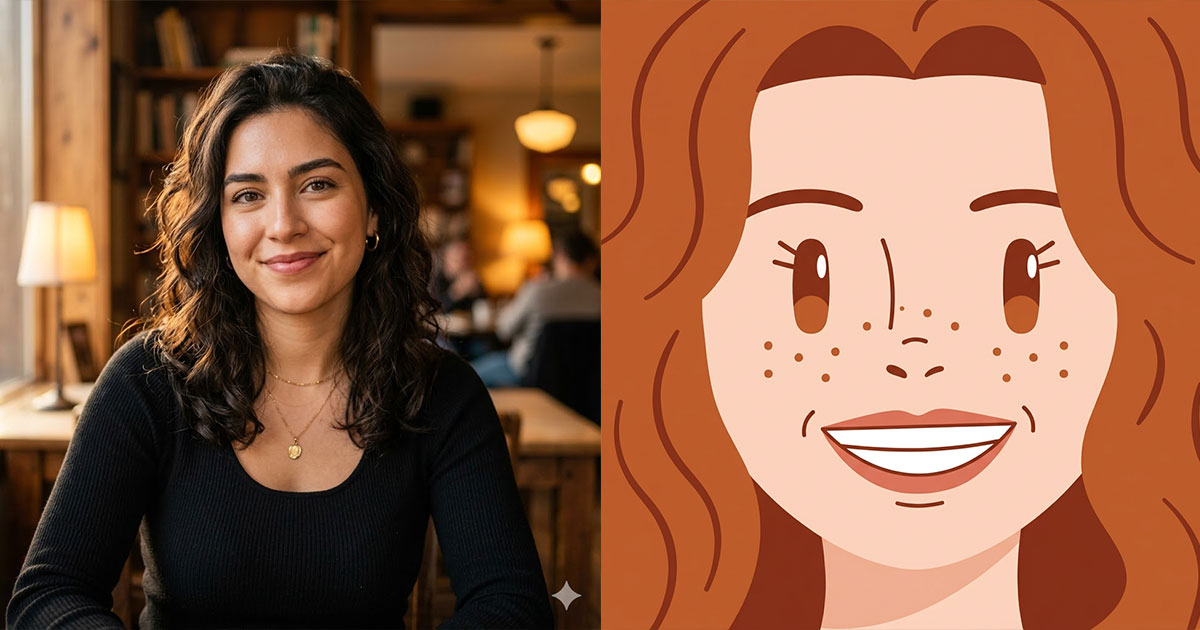
Square Face Icon Generator
Turn photos into cute square face icons with AI
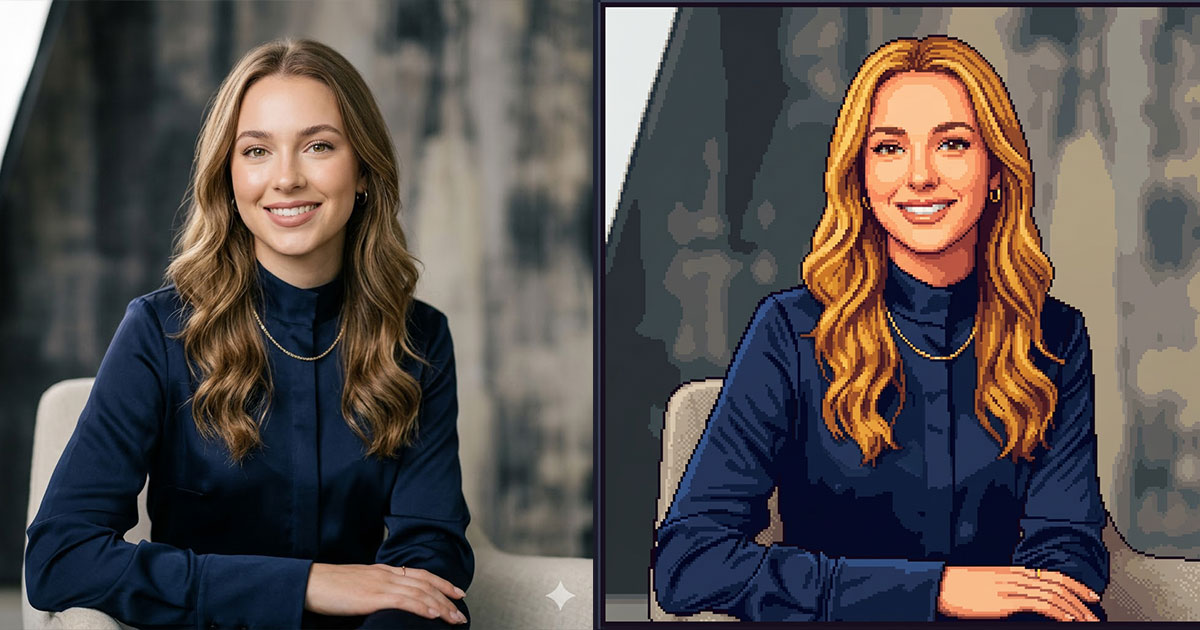
Stardew Valley Portrait Maker
Turn photos into Stardew Valley pixel art portraits
AI Selfie Generator
Turn any photo into a natural iPhone-style selfie
Bangs Filter
Try on bangs virtually with AI before cutting
AI Clothes Changer
Change clothes in any photo with AI
Brat Generator
Create Charli XCX brat-style text, covers & memes
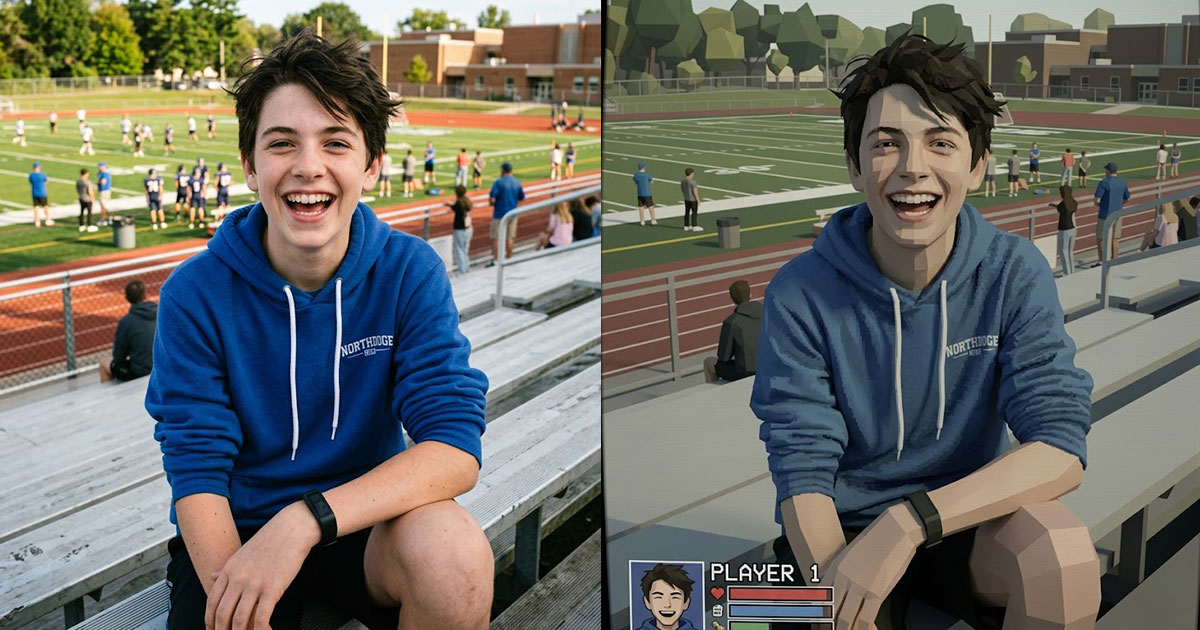
PS2 Filter
Turn your photo into a PS2 game character
Sora 2 Video Generator
Next-gen AI video by OpenAI

Celebrity Look Alike Finder
Find which celebrity you look like with AI